Author:Military Drone Manufacturer TIME:2026-11-07
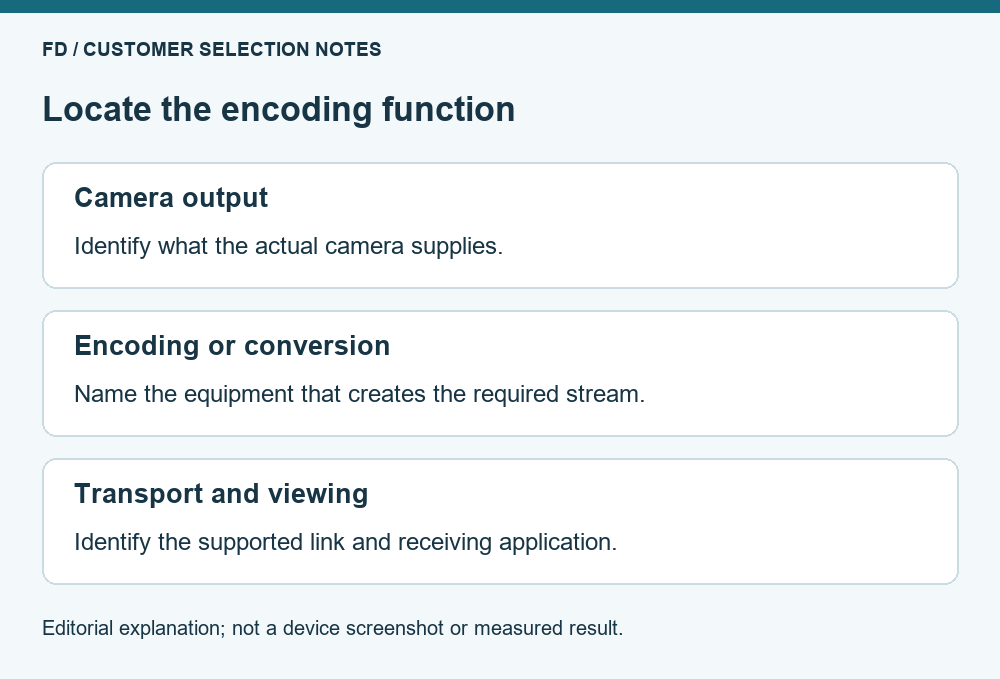
Choose a DF-T836 arrangement around the signal your camera actually supplies. A camera that produces a supported compressed network stream presents a different integration task from a camera that only supplies a display signal or an unencoded sensor output. The product reference identifies DF-T836 as a UAV video-transmission module with wireless and optical-fiber options; it does not establish a universal camera input or guarantee that a separate encoder is unnecessary. Before adding components, identify where compression happens, what leaves the camera and what the intended viewer accepts. That simple boundary can prevent buying an encoder twice or omitting one that the complete system needs.
An image sensor, an encoded video stream and a display output are not interchangeable descriptions. A camera product may include its own processing and network output. Another assembly may require a separate device to compress video for transport. A buyer should ask what the selected camera supplies at its documented interface, rather than use the word digital as if it describes one universal connection.
For an IP camera, request the actual stream information: the supported codec, resolution, frame rate and transport expected by the receiving application. A network connector by itself is not the answer. The camera might also use a separate control connection, and access to its picture does not prove access to every camera setting. Keep the image path clear before discussing optional remote adjustments.
For a camera described through another output type, identify the matching input on the proposed encoder or transmission package. Do not buy a passive plug adapter on the assumption that a matching shape converts video. The supplier should explain which device changes the signal or encodes it, and which device simply carries data that already exists.
| Job in the proposed system | Question to answer | What the answer prevents |
|---|---|---|
| Capture | Which camera creates the required picture? | Choosing a transport module as though it were a camera |
| Compression | Where is the stream encoded, if encoding is needed? | A missing encoder or unnecessary repeated compression |
| Transport | What supported signal does the selected link carry? | Assuming every input is accepted because the system is digital |
| Display | Which receiver or application turns that signal into a useful picture? | Receiving data without a suitable viewing endpoint |
Some products combine several of these jobs. The table does not require four separate purchased boxes. Its purpose is to locate the functions in the offered equipment. DF-T836's product-family description alone is not enough to fill every row for every camera, so the proposed combination needs model-specific connection information.
An itemized system drawing can be very short: name the camera output, the device that produces the compressed stream, the selected DF-T836 arrangement and the actual viewing endpoint. Ask the supplier to put the relevant format beside each transition. This is more useful than an attractive illustration connected by unlabeled arrows.
If the camera already supplies a compressed stream that the selected transport and viewer explicitly support, another encoding stage may be unnecessary. That conclusion must come from the offered combination, not from a general rule that IP equipment always works together. It is a question to resolve with the supplier before adding a converter to the purchase list.
Repeated compression can also complicate a comparison. A final picture may reflect the camera's initial encoding and another device's later processing. If the buyer needs detailed original recordings for inspection, identify whether those files are saved at the camera or are created from a received stream. An extra component should serve a stated need rather than be included merely because another system used one.
This does not establish that DF-T836 passes through any particular codec or accepts every network camera. Its current public reference leaves the delivered interface and format support to configuration-specific documentation. Ask the supplier to show the camera and viewer working through the proposed package, with the additional encoder absent when the claim is that none is required.
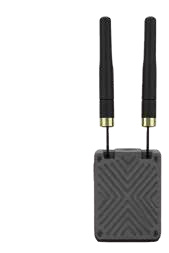
Suppose the existing camera provides a display-oriented output, while the proposed link package requires a network stream. A separate conversion or encoding function may be part of the solution. The buyer then needs to identify that function's supported input and output, rather than assume the transmission module provides it internally. The same reasoning applies if a receiver presents a signal that the intended monitor cannot accept directly.
The useful comparison includes the complete path. One offer might include the conversion device and its associated power and mounting items; another might describe only the transport module. Their prices cannot be compared accurately until the missing function is visible. A higher total can be reasonable if it supplies a necessary supported part, while an unnecessary converter can make a package more expensive without improving the required result.
Avoid assigning a connector or electrical rating from a neighboring product's photograph. DF-T836 and DF-T838 have different stated roles, and the presence of a ground receiver in the range does not establish the input of every airborne arrangement. The supplier's offered revision and connection document should settle those details before installation decisions are made.
The final application is part of the selection. QGroundControl's current video-settings documentation distinguishes stream sources such as RTSP and several UDP video types. Those categories illustrate why an available network connection is not the same as a correctly selected video source. They do not certify DF-T836 compatibility with QGroundControl or any particular camera.
Ask what the intended viewer receives, using the terminology of its documented video source. If a proposal says only IP video, request the actual supported stream description. If a vendor demonstration uses a different application from the one the customer plans to use, that difference matters. A picture in one application does not establish support in another application with different codecs or build options.
Keep the practical task modest: the intended application must display the required camera view from the offered arrangement. A buyer does not need to prescribe an undocumented configuration command or guess a network address to define that result. The equipment supplier and integration owner can provide the supported setup method once the correct components have been selected.
In the first example, an inspection team already owns a camera with a documented compressed network stream. Their requirement is a supported live preview at a named viewing application. The purchase discussion should establish whether the selected DF-T836 combination carries that stream in a supported way. Adding another encoder is justified only if the offered integration actually needs it.
In the second example, the team's camera provides a different output that the proposed transport arrangement does not accept directly. Their offer therefore needs a defined conversion function as well as the transmission package. The conversion device's own documentation establishes the formats it can accept and produce. The total equipment list must include its required accessories rather than hide them in an assumption about a complete link.
These examples are architectural purchase questions, not wiring instructions or claims about tested DF-T836 combinations. They do not establish range, delay, video quality or electrical limits. Their value is that both buyers can ask for the missing information in the same clear form: what comes out of this device, and what exactly accepts it next?
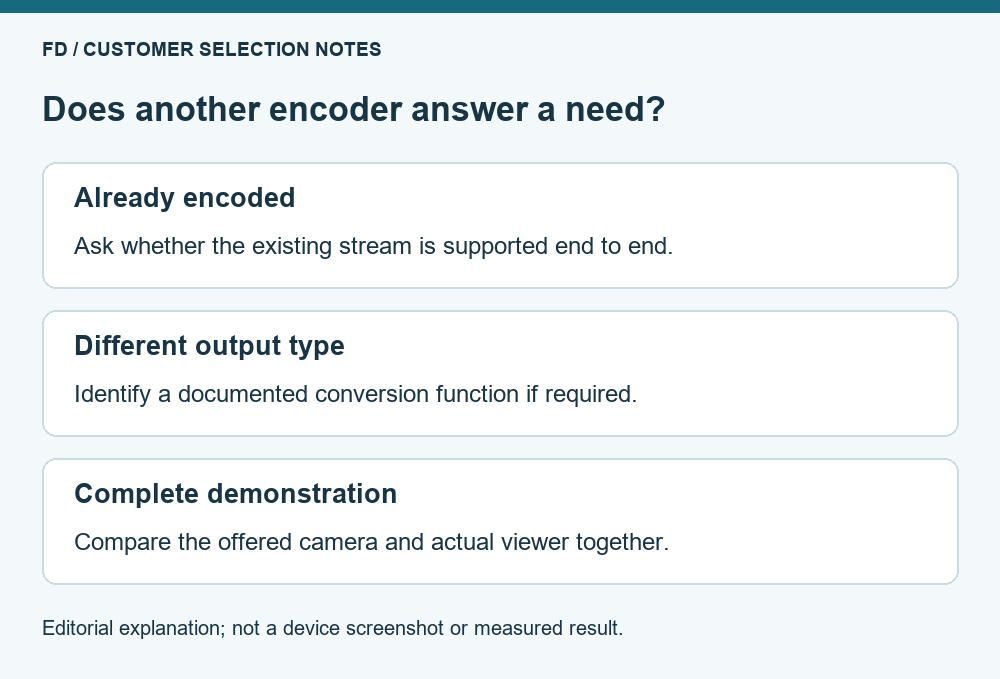
A useful demonstration starts with the camera that will actually be used and ends at the intended viewer. Ask the supplier to identify every intermediate device. If there is an encoder, have its role stated clearly; if there is none, have the direct supported path shown. A demonstration that silently replaces the customer's camera does not answer whether that camera needs a converter.
Compare the original camera output with the delivered live picture according to the task. Fine text, material texture and wide scene context ask different questions of the image. Do not infer original-file quality from a small preview window. Likewise, do not infer measured delay from a codec name or a frame-rate label. Those are separate performance questions with their own complete-system evidence.
For the current product role and an appropriate configuration enquiry, review the DF-T836 transmission module and describe the camera output to FD. Include the camera model, its documented output and the viewer you intend to use. Those three details give a quotation a better basis than a request for a generic digital video link.
The available reference does not establish one universal answer. Locate encoding in the proposed camera-to-viewer combination. A camera that already produces a supported stream and another output type can require different equipment.
No. The supported stream format, the roles of the connected equipment and the viewing application also matter. Ask for the offered combination to be documented and demonstrated instead of relying on connector appearance.
Not automatically. It may perform a necessary conversion, or it may add an unnecessary processing step. Choose it for a defined input-to-output function and evaluate the actual result against the required viewing task.
Only when the proposed receiver supplies an output that the monitor supports. A network stream generally needs a suitable receiving or decoding function; the word monitor does not identify how that function is provided.
The camera source, encoding or conversion role, selected transmission equipment, receiving endpoint and necessary accessories. Compare the same working boundary so a module-only price is not mistaken for the cost of a complete system.
DF-T836 facts come from its current FD listing and the supplier manual. QGroundControl documentation supplies general viewer-source categories. The architecture examples are editorial purchase guidance, checked 21 October 2026.

 Tel: +86-13959965075
 Email: info@fpvdroneskit.com
 MP/WhatsApp: +86-13959965075
 Manufacturer Address:Quanzhou Valley Nanan Science and Technology Innovation Center, No. 89 Shijing Avenue, Shijing Town, Nanan City, Fujian Province