Author:Military Drone Manufacturer TIME:2026-11-17
A map, camera view and status information can compete for space even on the SIYI UniRC 10 Pro screen. The useful layout keeps the information needed for the current task readable together. Start with the application layout: a larger panel is useful only when the information remains readable at the distance you actually hold it. The documented 10.1-inch, 1920 × 1200 display gives this discussion a concrete starting point. Its listed brightness and refresh rate describe the screen; they do not describe the detail arriving from a UAV camera. This guide helps you decide which windows belong together before adding another monitor.
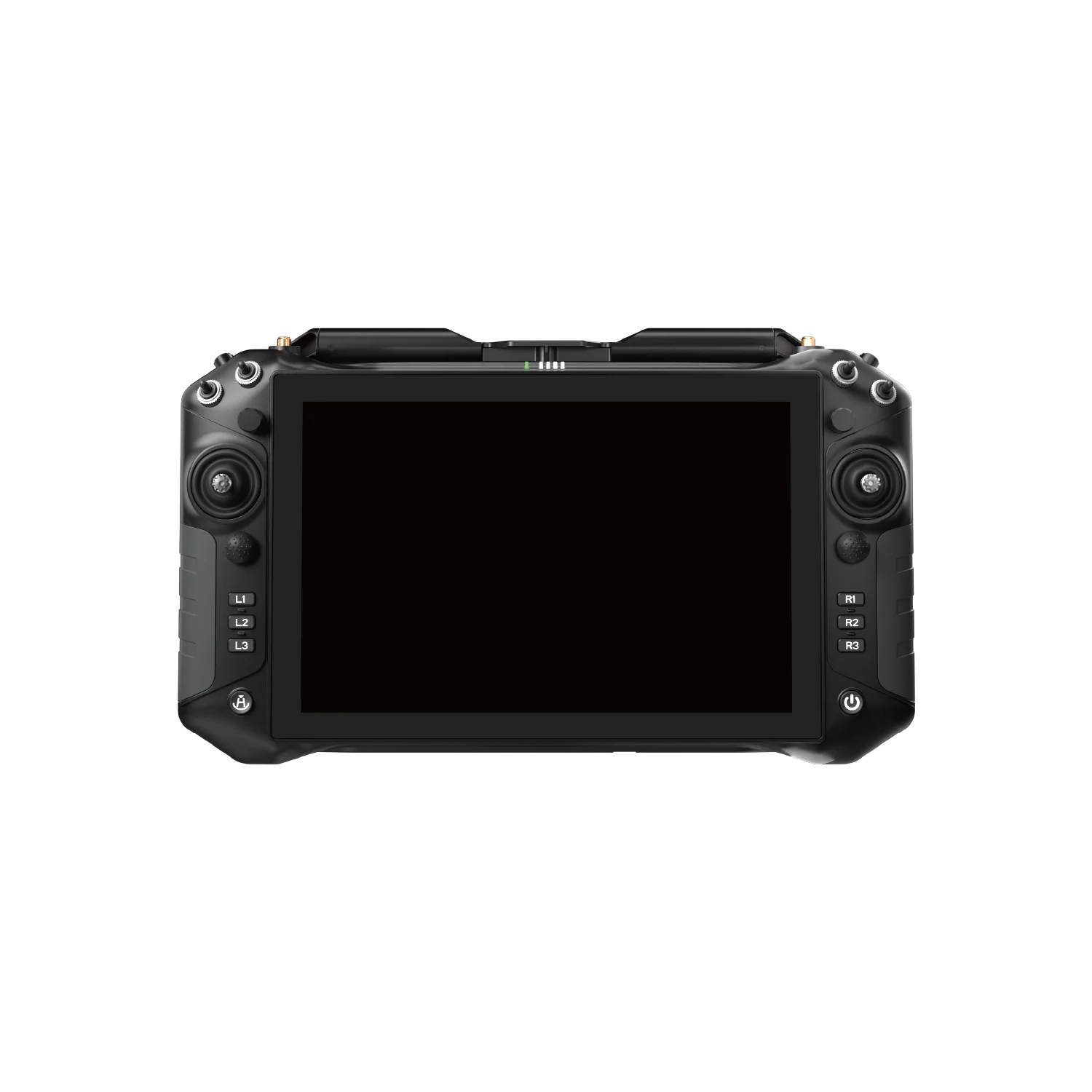
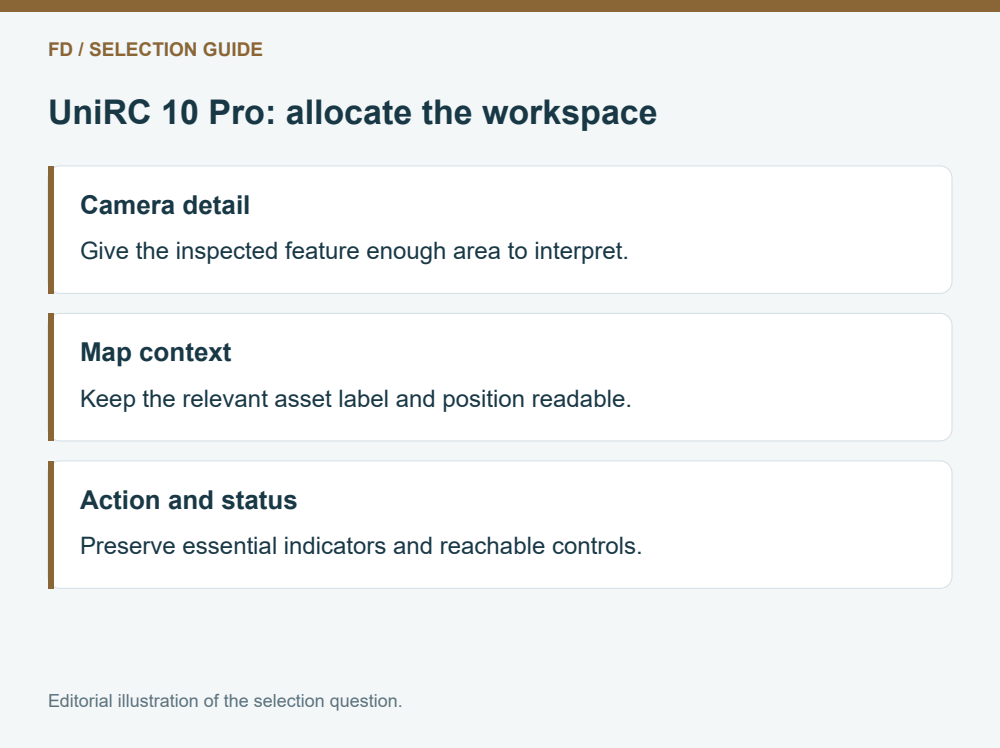
Write down the three decisions that occur most often during a civil inspection. A team might need to locate the current asset on a map, judge whether the visible image contains the right feature and read the aircraft's status. Another team might mainly watch one camera and consult the map between observations. Both can use a large screen, but they need different proportions and different habits.
Make the first layout reflect those decisions. Give the primary view the most space and reserve a predictable place for essential status. Secondary information can be available on demand. Covering the screen with every possible value wastes the extra area and makes a large terminal feel crowded.
The useful requirement is therefore a sentence such as “the camera feature and its map context remain visible while the operator reads the main status strip.” That is more precise than asking for the biggest display available.
| Main task | Priority on the built-in panel | Reason to reconsider the layout |
|---|---|---|
| Visual asset inspection | Camera window with readable status beside it | The relevant feature disappears behind controls |
| Location-led survey review | Map and legible asset labels | Map labels shrink whenever video opens |
| Camera choice during an observation | Clearly identified source and camera controls | Two windows become too small to interpret |
| Supervisor discussion | Stable operator view; separate observer needs assessed | The operator repeatedly turns the whole controller away |
Use the table as a prioritization aid, not as a promise about a particular app. Android 13 and the specified 4 GB RAM and 64 GB storage identify the computing platform. They do not establish that your chosen application supports movable panes, simultaneous camera sources or a specific split-screen arrangement. Ask to see the intended build rather than a generic Android home screen.
The 10.1-inch diagonal describes physical size. The 1920 × 1200 specification describes the native pixel grid. Increasing physical size can make the same text easier to read at the same viewing distance, but software scaling can change how much information fits. A large font may be easier to recognize while leaving less room for the map. A dense interface may show more values while demanding closer attention.
For selection, try the app's ordinary font and scaling settings before choosing an external display. Look at the smallest status label that matters and the longest asset name used by your team. Can both be read while holding the device naturally? A short label on a product screenshot gives little evidence about a longer working label.
Keep the buyer's actual glasses, support position and normal viewing distance in the trial. Those factors can change the result without changing a single hardware specification.
SIYI lists 2000 nit brightness, adaptive brightness and a 60 FPS screen refresh rate for this model. Brightness concerns the display's light output. Refresh concerns how the panel updates. Neither adds missing detail to a compressed camera stream, guarantees a particular outdoor reading experience or establishes end-to-end video delay.
If text becomes difficult to read, first identify whether the difficulty is glare, small type, an unsuitable color scheme or a low-detail video source. These problems call for different responses. A brighter panel does not repair unreadable writing on a distant object; a higher source resolution does not make a poorly placed app button easier to reach.
A practical demonstration should contain the map style, status colors and video window you expect to use. A bright still photograph is a much narrower example than an application with fine gray text over a moving scene.
Screen planning also involves hands. An operator can read a useful status item yet struggle to touch the neighboring control without obscuring the camera window. Keep frequently used touch targets away from the feature that needs continuous viewing. Where the application supports it, a documented physical assignment may reduce the need to open an on-screen control panel.
This model's controls and connectors offer integration possibilities, rather than a finished assignment for every payload. Choose only the camera functions the task needs and evaluate them with the intended software profile. More available controls do not automatically improve a routine observation.
Use a simple dry-run sequence: identify the asset, select the intended view, inspect it, then return to context. Observe which action repeatedly hides information. Change one layout choice and repeat. This is an application usability exercise, not an aircraft performance test.
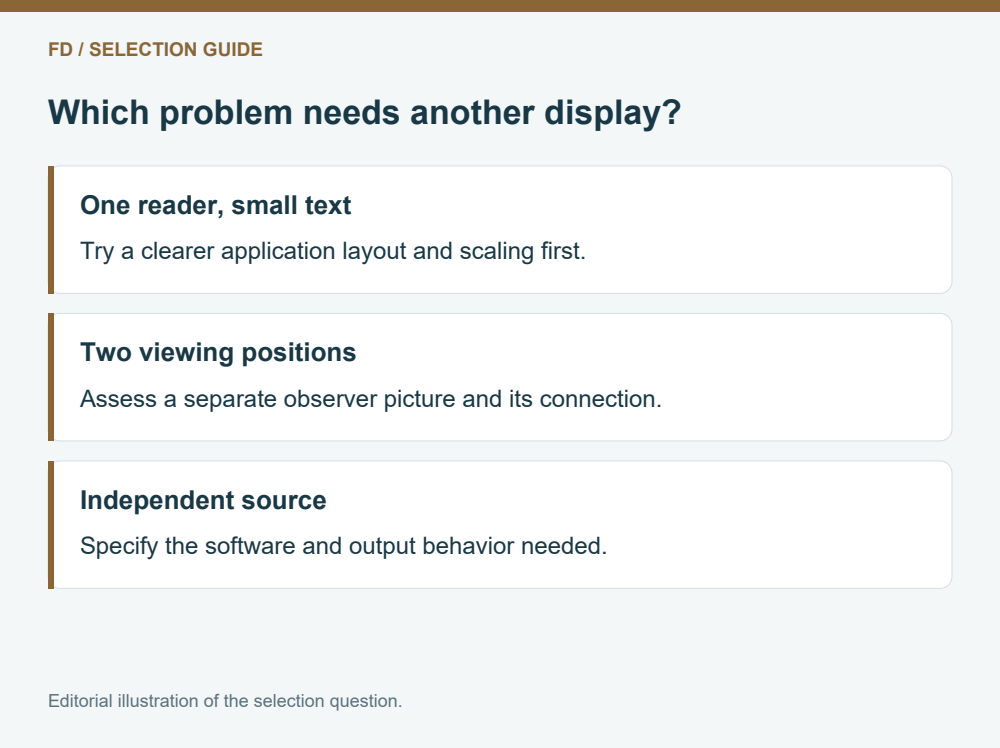
The UniRC 10 Pro documents HDMI among its ground interfaces, so an external viewing arrangement can be discussed. First identify the person and information that arrangement is meant to serve. An observer who needs a larger image has a different requirement from the operator who needs a compact map and status view beside the controls.
If one user simply needs larger text, changing software scaling may be enough. If two people need to look in different directions, a separate observer screen could be useful. If a specialist needs an independently selected camera source, ordinary screen mirroring may not satisfy that requirement. These are three distinct purchase questions.
Do not make an extra monitor the default response to a cluttered app. It introduces another location, connection and power requirement. Compare the complete working arrangement after simplifying the primary workspace.
SIYI's specification lists a 2600 g ground unit including its belly-rest bracket. That weight makes the support arrangement part of the workspace decision. A panel can be easy to read while its working angle is uncomfortable to maintain. Evaluate the complete assembly in the intended stance, including the bracket and any separately selected accessories.
Two proposed layouts may require different positions. Fine map text encourages a closer view; a broad camera picture may be comfortable farther away. The best arrangement lets the operator alternate between those tasks without repeatedly shifting the terminal or covering controls.
For a useful purchasing discussion, provide a representative application view and name the information that must stay visible together. Include the camera source and whether a second person needs a separate picture. FD can use that requirement to discuss a defined UniRC 10 Pro package instead of treating screen size as a substitute for a complete workflow.
Suppose a facility team receives two application proposals for the same UniRC 10 Pro. One keeps a detailed map open beside a small camera window. The other makes the camera primary and retains only the selected asset name and essential status. Neither proposal changes the documented 1920 × 1200 panel.
If the immediate decision concerns a visible joint, compare whether that joint stays interpretable while the relevant status remains readable. If the immediate decision concerns identifying the next asset, compare the map labels instead. The team may choose different pages for those stages, provided the actual app supports them. This is a reason to request the proposed working page before purchasing another screen: the missing benefit may be information allocation rather than display hardware.
No. Its native grid is 1920 × 1200. A higher-resolution source can still be useful elsewhere in the system, but the displayed window and its scaling determine what appears on this panel. Evaluate the received view rather than equating camera and display specifications.
It establishes the listed operating system. The app build, device services, video handling and physical-input integration still matter. A representative run of the intended build gives much better buying evidence than an operating-system name alone.
Only when comparison between them is part of the immediate task and each stays large enough to interpret. Switching between clearly identified sources can be more useful than permanently shrinking both. The application must support the selected arrangement.
Use brightness as one screen characteristic. Text size, reflection, contrast, viewing angle and interface density also influence reading. None of those properties proves the quality of the airborne camera image.
A sample application layout, the camera and flight-controller models, the desired operator and observer positions, and the information that must remain visible. That describes a complete viewing task without assuming that every accessory or software option is included.


 Tel: +86-15059599996
 Email: info@fpvdroneskit.com
 MP/WhatsApp: +86-15059599996
 Manufacturer Address:Quanzhou Valley Nanan Science and Technology Innovation Center, No. 89 Shijing Avenue, Shijing Town, Nanan City, Fujian Province