Author:Military Drone Manufacturer TIME:2026-11-19
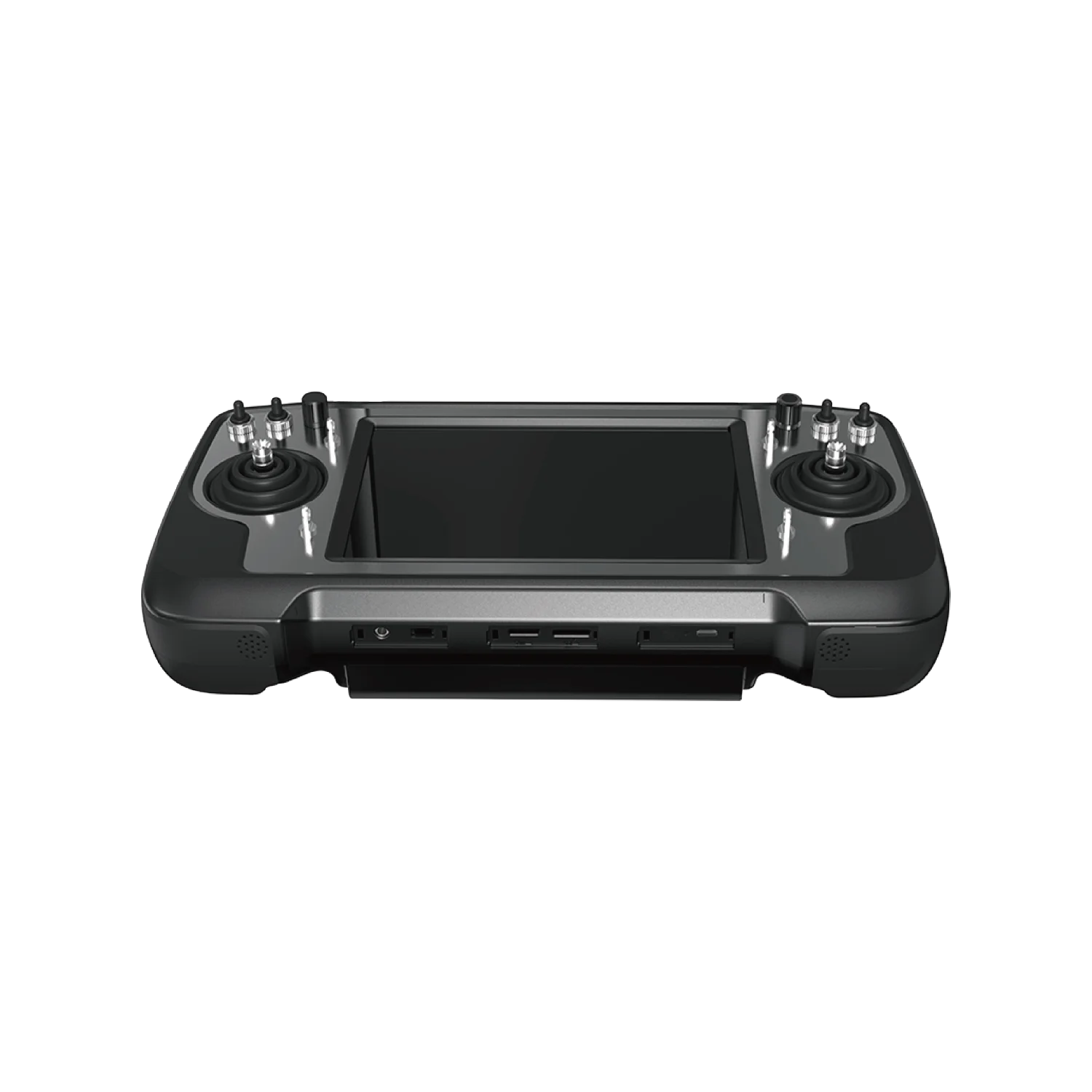
An existing camera can decide the SIYI MK32 package before the operator ever picks up the handset. A supported network-video source can use the documented Ethernet route; an HDMI source needs the appropriate aircraft-side conversion arrangement. The HDMI connector on the ground controller is an output for a viewing screen, so it does not solve an airborne HDMI-input requirement. Start by naming your camera's actual video output, then identify the matching air unit, converter if required and receiving application. This guide follows those choices through the aircraft installation, with the focus on buying a workable camera path rather than collecting handset features.
A camera model name is more useful than “HD camera.” Obtain its documented live output, connector type and supported stream or signal format. A camera can have several connectors with different jobs: one might carry live video, another may support service access or a saved-file transfer. Physical resemblance between plugs does not make the functions interchangeable.
For a network camera, identify the supported video stream and how the intended ground application receives it. For an HDMI camera, identify the live HDMI output mode. A local recording specification does not establish either of those paths. A camera described as 4K may record that format locally while offering another live signal.
Use those source facts to select a package. Starting from the MK32's screen size and working backward can leave the most important aircraft-side component outside the original order.
Camera video travels through the supported Ethernet arrangement to the air unit, then the ground system and receiving app. Specify the camera's actual stream and the required cable assembly.
The optional air-unit HDMI input converter accepts Micro HDMI and provides Ethernet output. SIYI associates it with the MK32/MK15 HDMI combo. Include it explicitly where the camera needs that route.
These are package-level choices, not interchangeable names for one cable. A converter adds a component, power requirement, mounting location and connection on the aircraft. Its inclusion should be visible in the supplied equipment description. A photograph showing a controller and camera together does not establish that the intermediary equipment is supplied.
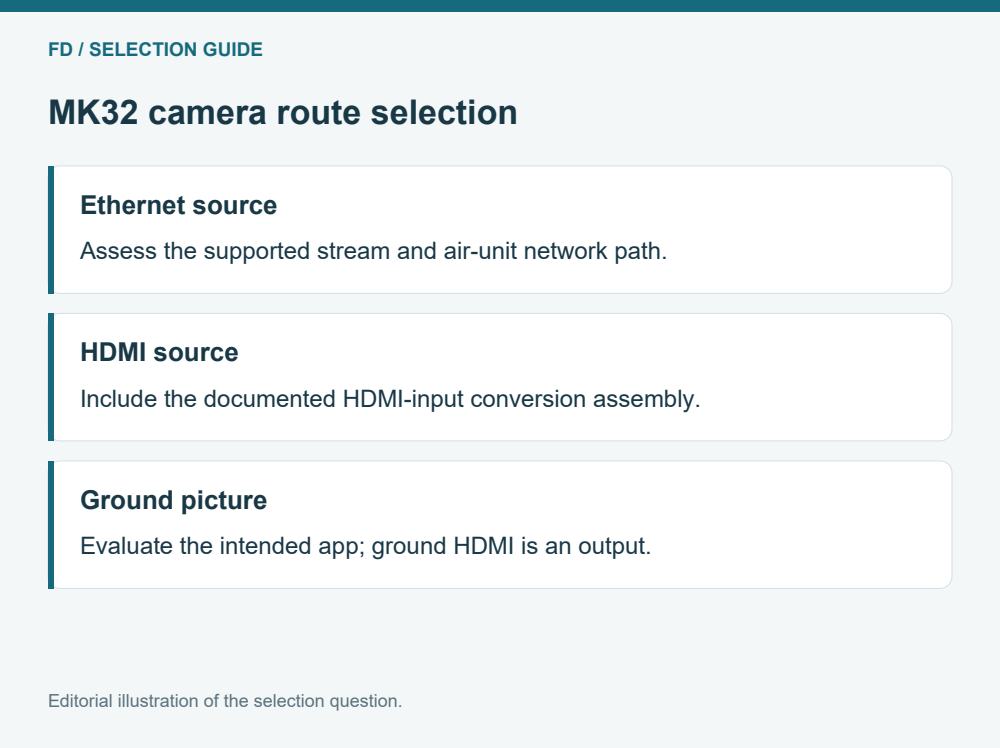
| Existing source | Purchase focus | Installation consequence |
|---|---|---|
| Supported Ethernet live stream | Matching air unit, stream support and network cable | Space and routing for the actual network connection |
| HDMI live output | Correct HDMI-input converter and compatible signal mode | Converter support, power provision and two cable segments |
| Local recording only | Establish whether a supported live output exists | A recording card does not create a downlink source |
| Unknown connector function | Get the camera's interface documentation first | Do not budget an adapter from connector appearance |
This table intentionally starts at the source. It keeps the question “what can the camera provide?” separate from “what can the operator display?” Both must be answered, but the second cannot repair a missing first step.
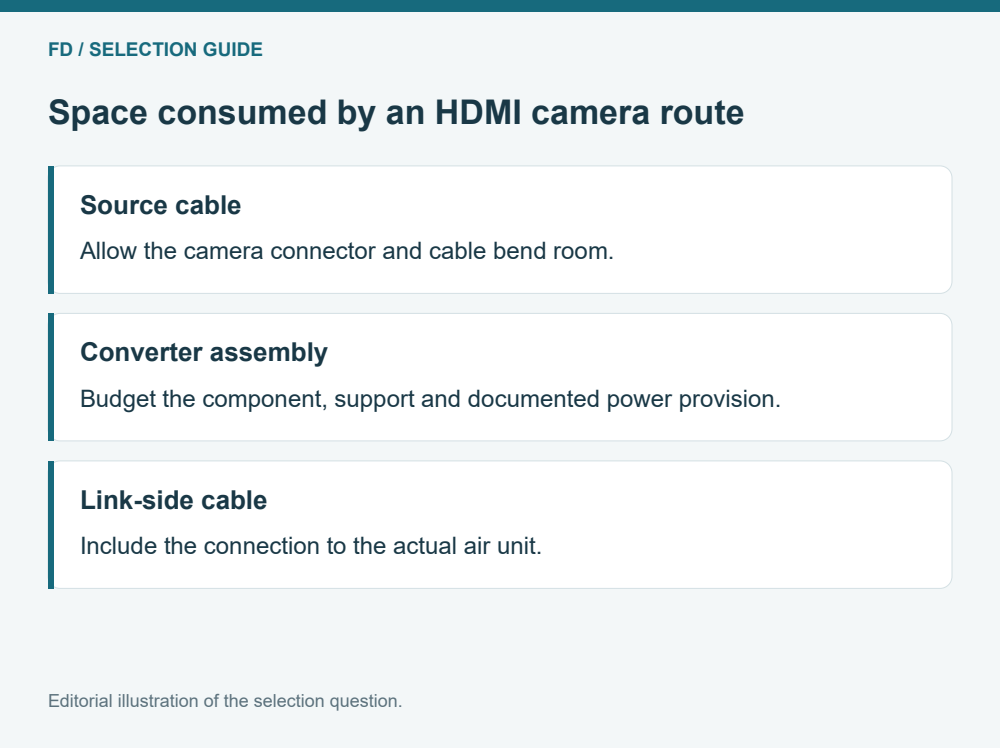
SIYI lists the optional HDMI-input converter as a 42 × 41 × 11 mm, 26 g component with a 12 V operating requirement and 3 W power consumption. Those manufacturer figures help identify the component to be accommodated. They do not include every connector, cable, mount or support that your assembly may require.
Reserve space for the complete plugged-in assembly, including cable bends and access for servicing. Ask the integrator to show how the component is supported so its connectors do not carry the assembly's weight. The required power arrangement should come from the actual package documentation and aircraft integration design.
Do not turn a bare-board size into a finished installation envelope. Likewise, do not add the converter's dimensions to an air-unit value and call the sum the required enclosure size. Orientation, connectors and airflow can dominate the arrangement.
A useful live image is one function. Changing a camera view or a gimbal angle is another. Aircraft control and telemetry are further functions. They may share parts of a system, but successful video does not prove that every command or status value is available.
The MK32 documentation lists air-side control and data interfaces as well as the network-video path. Treat each required function as a row in the integration description. For a civil inspection camera, the relevant requirements might be a live overview, an assigned gimbal input and the aircraft status displayed in the chosen app. Avoid adding hypothetical functions that the team does not need.
This separation helps a buyer compare two offers fairly. One may include only image transport; another may include the camera-control integration and a documented input profile. The difference concerns actual scope rather than the number of connectors visible in a product image.
The MK32 combines a 7-inch touchscreen with Android 9, 4 GB RAM and 64 GB storage. That terminal specification defines the handheld platform. The application must still receive the selected camera path and present an intelligible image. A familiar app icon does not demonstrate support for a particular source format or camera function.
Ask for a representative view using the proposed source and app build. Look for the feature your operator needs to recognize and the status information that should stay visible beside it. If the same camera saves a local recording, compare that file separately; a good saved file is not evidence that the received live view has the same detail.
The ground-terminal HDMI connection belongs at this end of the chain. It can support an external viewing discussion, but its presence should not be mistaken for an aircraft camera input.
A useful MK32 offer names the ground terminal, the actual air-unit model, camera model, selected live output and optional converter. It also identifies the cable set and the application scope. This is enough to make the main path understandable without publishing a wiring tutorial or pretending that one connector guarantees compatibility.
When reusing an aircraft, describe the existing mounting space and available documented power provision to the integrator. The air-unit revision matters: manufacturer documentation distinguishes equipment and earlier packages, so a family name should not substitute for the part being supplied. This article does not assign a universal power input or enclosure thickness across those revisions.
Choose the simplest documented route that carries the camera information you actually need. If the camera already offers a supported network stream, compare that arrangement first. If the project needs its HDMI output, make the conversion assembly visible from the first package discussion.
Imagine an inspection buyer considering two cameras for one MK32 position. The first camera already provides a documented network live stream. The second supplies HDMI and is attractive because the team already uses its recordings. The handset specification alone cannot choose between those offers.
For the network offer, ask for the proposed air unit and receiving application to show that camera's actual stream. For the HDMI offer, include the optional input converter, its cable segments and its supported source mode. The second offer should also account for the converter's documented power provision and complete mounting space. A camera-only price or body mass is not the same package scope.
Now choose the important endpoint. If the team makes decisions from the live image, compare the required feature through each proposed MK32 path. If the recorded file drives later reporting, examine that file separately while still establishing the live view needed by the operator. The camera with the more familiar recording workflow does not automatically supply the simpler aircraft-side route. Conversely, a direct network route does not prove its image answers the inspection question. This comparison gives a buyer a concrete reason to select one package without claiming that either connector class is universally preferable.
The documented handset HDMI role is ground video output. An HDMI camera on the aircraft calls for the appropriate aircraft-side input converter and a supported source mode. These are opposite ends of the viewing chain.
No. SIYI identifies it as optional and associates it with the HDMI combo. A package name and item list should state whether that component and its relevant accessories are included.
A local card is storage, not proof of a live output. Establish the camera live interface from its documentation. If no supported live source is available, another component or a different camera may be needed.
Do not treat it as interchangeable. This guide concerns MK32. Model suffixes and the actual air unit should stay attached to the offer, especially when replacing part of an existing system.
The actual camera source reaching the intended MK32 application, with relevant status and required camera commands considered separately. A controller booting successfully is only evidence about the terminal starting up.


 Tel: +86-15059599996
 Email: info@fpvdroneskit.com
 MP/WhatsApp: +86-15059599996
 Manufacturer Address:Quanzhou Valley Nanan Science and Technology Innovation Center, No. 89 Shijing Avenue, Shijing Town, Nanan City, Fujian Province