Author:Military Drone Manufacturer TIME:2026-11-27
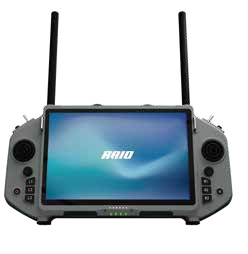
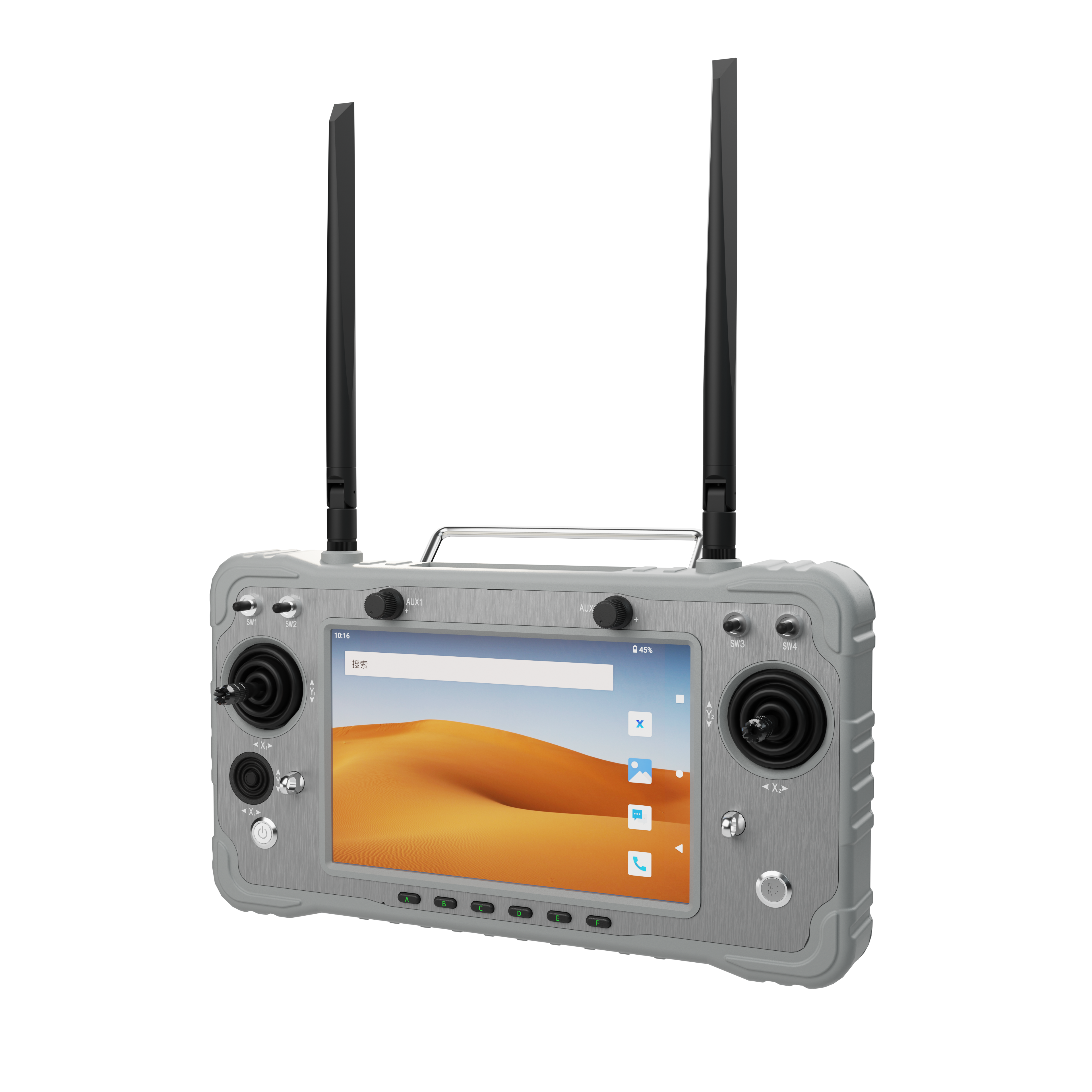
The RA10 Handheld Ground Control Station can take over the live role of a field laptop only when the intended application and device connections work on the supplied terminal. Keep a laptop in the working arrangement when it owns an essential application, a specialist view or a supported interface the handheld setup does not provide. The RA10's listed 10.1-inch display, Allwinner A733 platform and 8 GB memory make it a computing terminal, but those facts do not automatically replace a computer already used by your team. This guide helps divide the work by role before comparing a standalone handheld position with a laptop-assisted one.
Begin with the tasks the present laptop actually performs. It may display aircraft status, receive a camera source, run a specialist application, host a map or provide a place for an observer to work. List those responsibilities separately. “We use a laptop” is not enough to tell whether it can be removed.
Then describe what the RA10 would own. Its built-in viewing and physical controls may consolidate some operator tasks, while another application remains on a separate computer. Consolidating the whole position is a proposal to be evaluated, not a property established by processor and memory specifications.
A useful architecture sketch has one box for each application responsibility and names the device hosting it. Include what information must move between boxes. That can reveal whether the laptop is essential, merely convenient or only used before the actual operating session.
| Allocation | What the RA10 would own | Reason for another computer |
|---|---|---|
| Self-contained live position | The supported live app, image and required operator inputs | Only a separately defined preparation or later-analysis task |
| Handheld operator plus specialist laptop | Primary operator view and assigned controls | A specialist application or independent observer view |
| Laptop remains the main workspace | A documented handheld role within that system | The main application or connection cannot move to the terminal |
Choose a row according to work ownership, not according to the number of devices you would like to carry. Each allocation needs its own supported information paths. This table does not assert that the RA10 automatically shares video, acts as a generic computer peripheral or extends a laptop display.
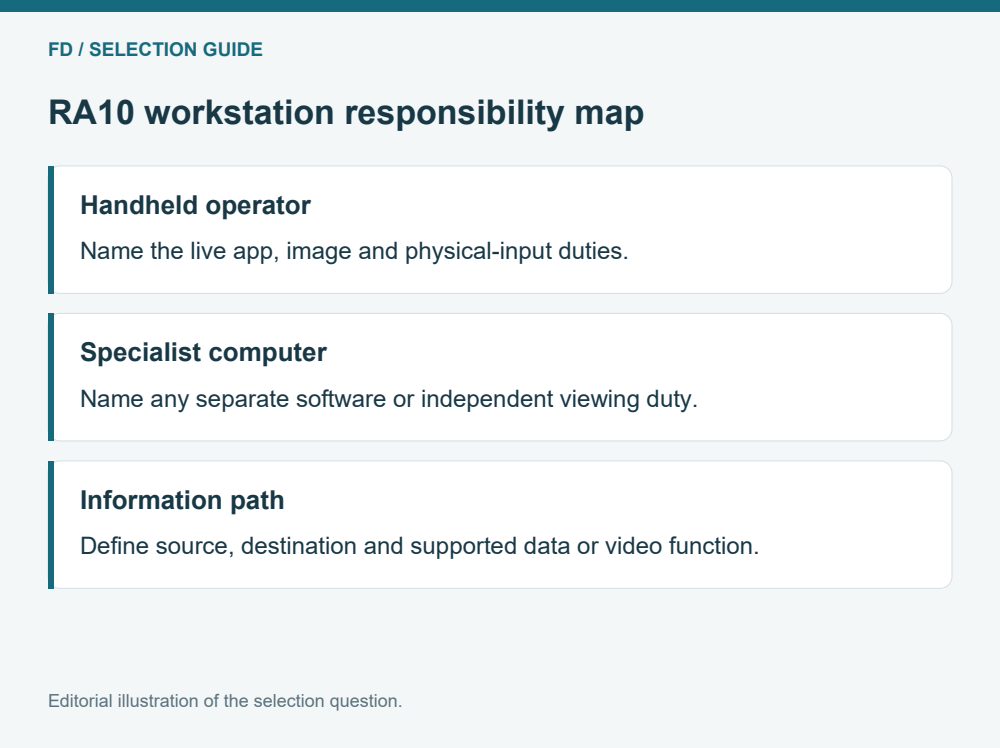
A connector family by itself says little about the work it can perform. A proposed display connection needs a documented input or output role. A proposed device connection needs the appropriate data function and driver. A network path needs an application-level use. An attached cable is not evidence that two systems exchange the required information.
The RA10 source material describes different video-module arrangements, while some hardware entries are conflicting. This article therefore does not invent a universal HDMI-input function, display-extension mode or USB transfer speed for the terminal. Ask for the connection schedule of the actual offered configuration.
For each desired path, write the source, destination, information and supported software. For example, “camera stream to the handheld app” is a distinct requirement from “a second view on the specialist laptop.” That functional description is more useful than requesting a collection of port names.
Two screens can create ambiguity if each appears to be the main source of information. Decide which one the operator uses for the immediate task and which one serves supporting analysis. A camera picture on the laptop may be useful to a specialist, while the handheld screen presents the operator's own selected view and status.
If both users need the same image, ask whether the proposed system provides mirroring or separate reception. If they need independently selected views, say so explicitly. A mirrored screen does not automatically allow different source selection or a different information layout.
The RA10's listed 1920 × 1200 display supplies a defined canvas. Whether that canvas contains the required picture, map and text depends on the application. Keep screen size and source behavior separate when deciding which role to move from a computer.
The brochure lists Android 15 or Ubuntu 20.04 alternatives for RA10, alongside Allwinner A733, 8 GB LPDDR4X memory and 64 GB UFS storage. These are reference platform facts, not a comparative claim about operating systems or application speed. One offered image and a specific application build need to perform the assigned task.
An application that works on a desktop computer does not necessarily have a supported build for this terminal's platform. Even where a build exists, device drivers, physical-input access and the video path may need integration. Do not treat available memory as proof that those software boundaries disappear.
Use the architecture sketch to focus the demonstration. If the terminal is supposed to replace the laptop's live camera page, show that page receiving the proposed source. If the laptop remains responsible for specialist analysis, evaluate the handoff of information at that boundary instead of assuming it.
A laptop-assisted position adds a support surface, computer power provision and connections between equipment. A self-contained position concentrates more responsibility in the handheld application. Neither is automatically simpler in the actual working space. Count the items each person must reach and the direction they need to face during the task.
For a two-person inspection team, separate viewing positions can reduce the need to pass the handheld terminal between people. For a single operator, a second computer may add repeated glances without supplying useful information. These are workflow considerations and should be tried with the proposed allocation.
Do not infer the complete assembly's duration or portability from a single brochure battery value. The actual powered devices and support arrangement determine what has to be carried and connected. RA10 source conflicts in brightness, speed and duration are not resolved here by borrowing another terminal's numbers.
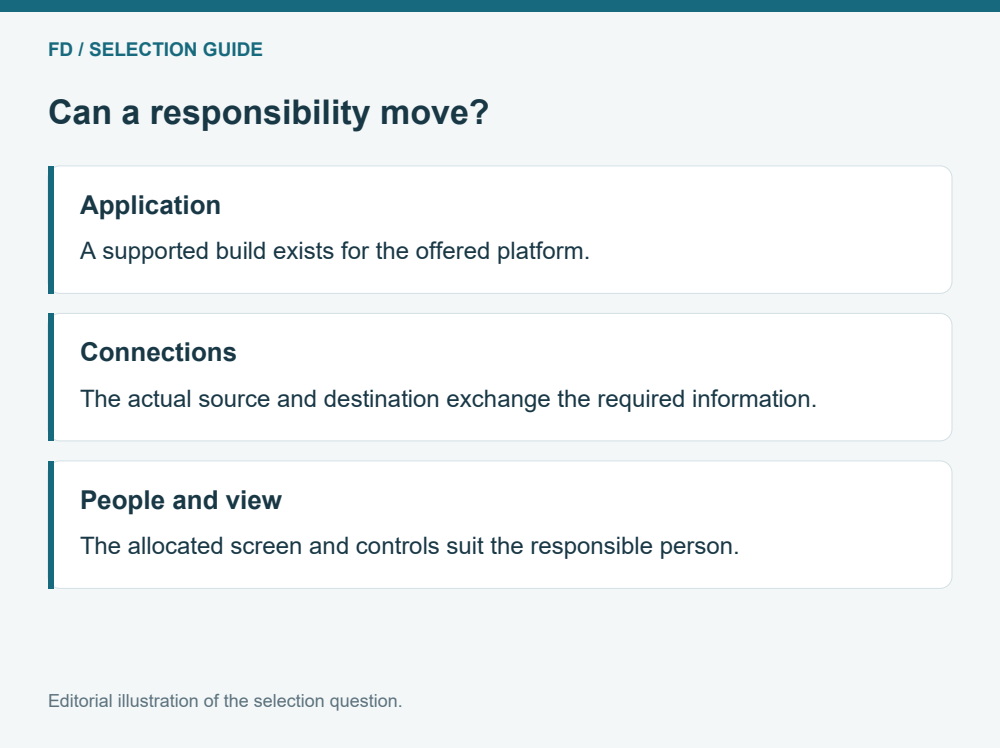
Use four questions for every function you want to move: is the intended application available on the offered terminal, does it receive the required information, can the operator use its inputs, and does another person still need a separate view? A missing answer does not make the whole terminal unsuitable; it identifies a responsibility that still needs a solution.
The outcome may be a self-contained RA10 position, a handheld-plus-laptop team or a decision to keep the existing computer central. Any of those can be reasonable if the roles and connections are explicit. Avoid buying a terminal with the unspoken assumption that it removes every other device.
For an RA10 discussion with FD, provide the present application roles, camera source, required independent views and the functions you want the handheld to own. That makes the scope assessable without treating a processor specification as proof of complete workstation replacement.
Suppose a civil project uses a desktop analysis tool for a specialist to review inspection information, while the primary operator needs a camera picture and concise status. The specialist tool is essential and has not been established on the RA10's offered platform. Removing the laptop would therefore be an assumption, even if the handheld's application handles the operator role well.
Compare two complete proposals. In the first, RA10 owns the supported live operator page and the laptop retains the specialist duty. The proposal must explain any information the specialist needs during the session. In the second, the laptop remains central and RA10 has a narrower documented role. Judge the supported functions and each person's viewing position, rather than counting screens.
The listed 8 GB memory does not settle this choice. It neither proves that the specialist software is available nor makes a second device wasteful when that device supplies a necessary function. A useful RA10 proposal can still consolidate the operator's controls and viewing while retaining a computer for a specific reason. That partial consolidation should be evaluated on its actual benefits, with every remaining connection given a purpose.
This guide establishes no generic display-input or desktop-extension mode. If that is the intended role, request documentation for the offered hardware, connection direction and software support before making it part of the architecture.
No. Memory is one platform characteristic. The required application build, architecture support, drivers, image reception and physical inputs determine whether the live task can move.
No. A specialist may need a different application or independent view while the operator uses the handheld. Duplication becomes wasteful when the second screen has no defined responsibility or repeatedly interrupts the primary task.
No. Evaluate each responsibility separately. A terminal may take over the main live page while preparation or later analysis remains on another device. The relevant information paths must still be supported.
A simple responsibility diagram naming the applications, their host devices and the information exchanged. Add the proposed camera and input roles. It exposes missing connections far more clearly than a list of desired connector types.
Review RA10 Handheld Ground Control Station product information.

 Tel: +86-15059599996
 Email: info@fpvdroneskit.com
 MP/WhatsApp: +86-15059599996
 Manufacturer Address:Quanzhou Valley Nanan Science and Technology Innovation Center, No. 89 Shijing Avenue, Shijing Town, Nanan City, Fujian Province