

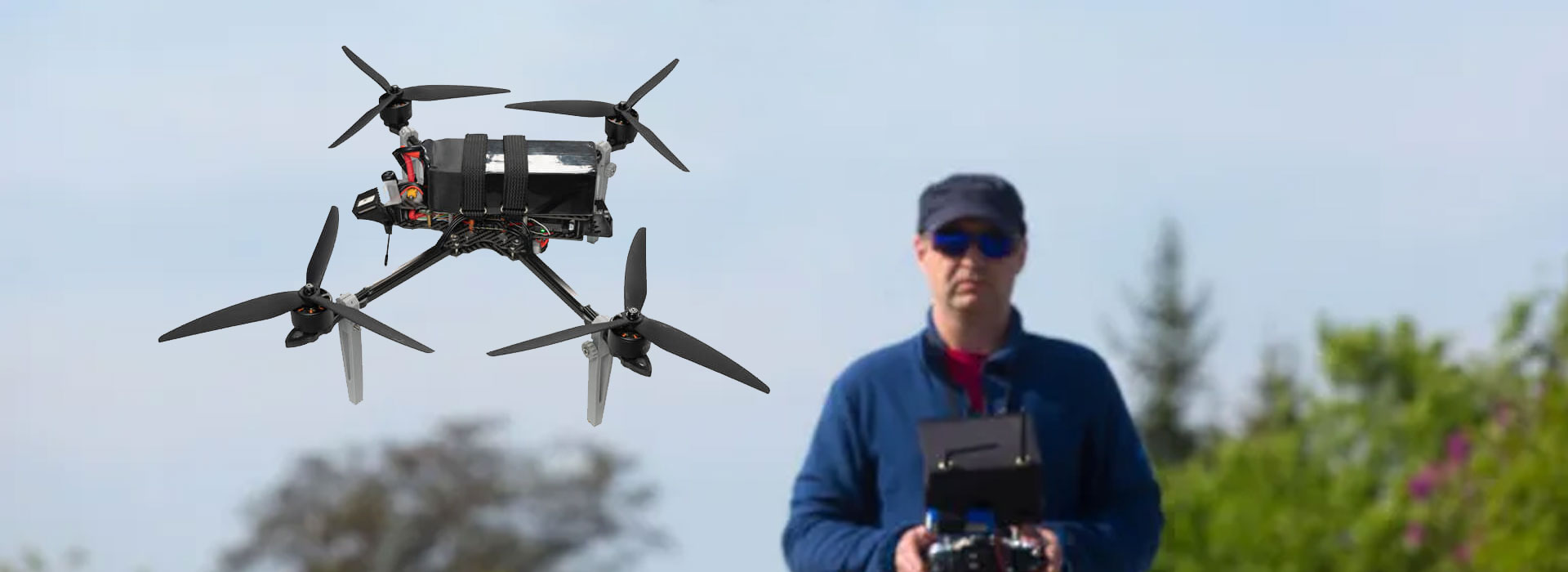
Document FPV control mapping by giving each physical input a stable name, identifying the application that reads it and recording the observed response in a safe bench session. Keep that record tied to the delivered RA7, software build and configuration revision. The RA7 Handheld Ground Station brochure lists sixteen control channels, but a channel count does not explain assignments or establish a particular application's support. Do not infer functions from photographs or copy another controller's map. Ask the integration owner to provide the agreed mapping, then retain witnessed results and unresolved inputs before anyone approves the configuration.
Name the input before naming its purpose
A physical button can be described by location before its software assignment is known. Use names that another person can recognize, such as a labeled control identifier from the supplier's drawing or a clearly annotated photograph. Avoid assuming a function from its shape or position. A product image can show that controls are present; it cannot reveal which application receives them.
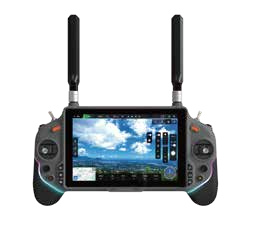
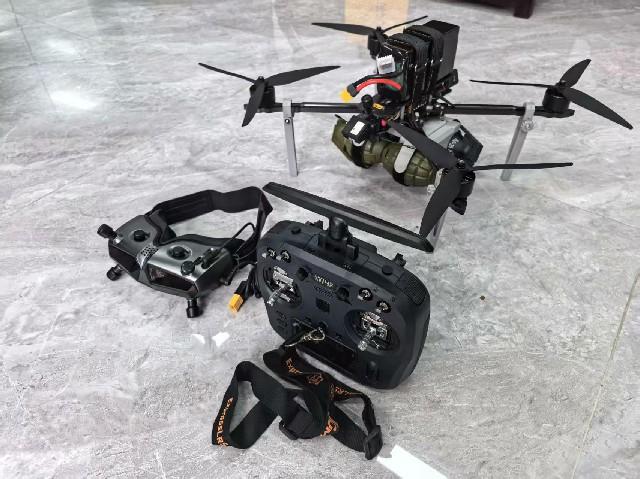
RA7 photographs show a handheld terminal with a central display and controls around it. Its current product reference gives a sixteen-channel control specification and asks for the supplied mapping to be confirmed. Use that as the starting boundary: obtain a configuration-specific control list instead of treating sixteen as sixteen guaranteed functions in your project software.
Choose a naming convention the integration team can keep across documents. If the drawing identifies controls differently from the application's labels, record both names with a cross-reference. A short identifier should be unambiguous, not clever. This prevents a receiving technician, trainer and software developer from using three meanings for “the left button” when discussing the same sample.
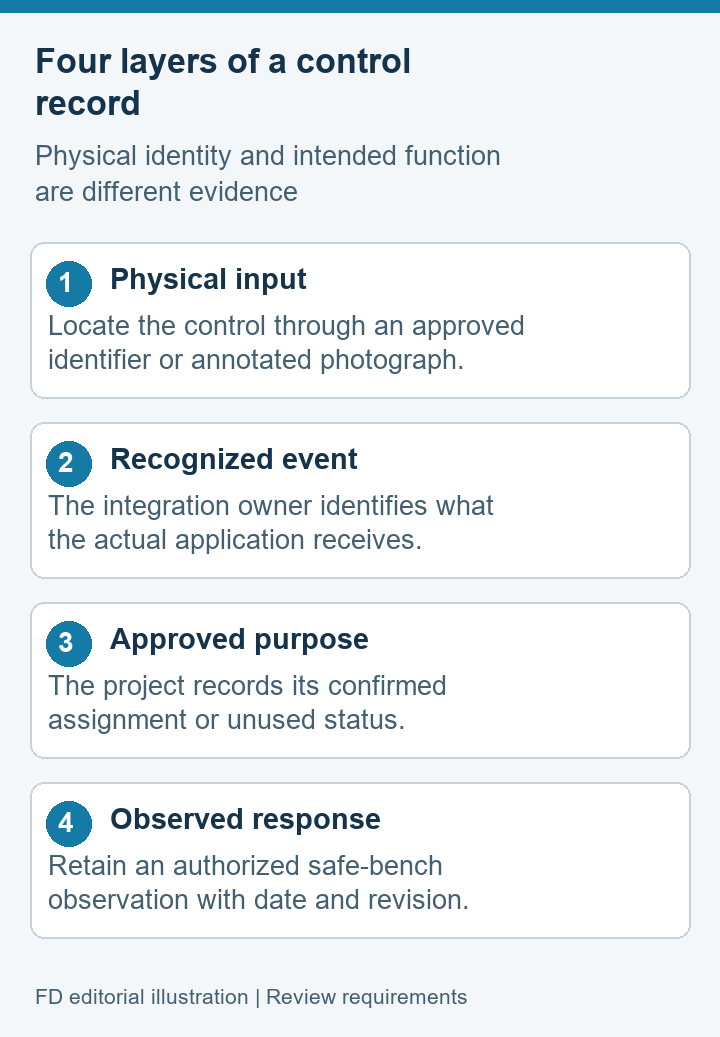
Distinguish four layers of a control record
The item the operator touches. Identify it from the delivered unit or an approved drawing, without guessing its electrical behavior.
The event or input identifier reported by the agreed software. Request this information from the application or integration owner.
The purpose chosen for the project's configuration. It should be named in the approved map and not inferred from an unrelated demonstration.
What was actually seen during an authorized bench check. Keep observations distinct from intended or untested behavior.
These layers can disagree even when the hardware is undamaged. An application may recognize an input but assign it differently from a project label. A control may be physically present while the proposed application has no documented route to read it. Capture the disagreement at the correct layer rather than describing every mismatch as a broken controller.
The record is an interface document, not a set of flight instructions. This article does not prescribe channel numbers, vehicle modes, calibration values or vehicle actions. Those details require the responsible project's approved configuration and documentation. For a purchasing or maintenance review, showing the distinction between input recognition and assignment is already useful without operating an aircraft.
Give the mapping sheet useful columns
Keep one row per identifiable input or agreed input group. Include the sample identifier and software revision at the top of the sheet. The proposed columns below are intended for documenting an accepted configuration; they do not describe actual RA7 assignments. Replace example field names with the integrator's terminology where needed.
| Field | Record | Why it belongs |
|---|---|---|
| Physical identifier | Drawing label or annotated sample location | Another person can identify the same input |
| Software recognition | Confirmed input name and owning application | Recognition is distinguished from assignment |
| Approved purpose | Project-defined function or intentionally unused status | Unused controls are not mistaken for faults |
| Bench observation | Actual displayed response and date | Intended behavior is distinguished from evidence |
| Open item | Mismatch, responsible role and recheck condition | An exception is visible before approval |
A row should be understandable without a private explanation from its author. “Works” is less helpful than a literal description of the observed application response. “Unused by this accepted application” is also valuable when confirmed by the owner. It prevents someone from filling a blank assignment with an assumption during a later support call.
Store photographs and relevant screens alongside the sheet, using descriptive evidence names. Keep unrelated project information out of the images. If application input identifiers are unavailable to the receiving team, ask the integrator for the minimum evidence that explains recognition and assignment without exposing confidential implementation details.
Observe inputs without operating a vehicle
Keep the check at the input and application boundary. Use the supplier's authorized diagnostic view or another approved observation method, with connected equipment made safe. An actual flight is unnecessary for documenting a terminal input map.
Before touching controls, agree which inputs may be exercised and what the observer should see. Some software can send commands to connected equipment, so a desk location alone does not make a test harmless. The responsible team must establish a safe state using its existing procedures. Do not bypass interlocks or change an operating configuration simply to obtain a visible response.
Have one person identify the input and another record the displayed result, or use another approved method that preserves both pieces of evidence. Describe neutral or resting states where relevant and where the application documentation supports them. Do not add undocumented limits, sign conventions or calibration values to the map.
If an input produces no recognized event, preserve that observation. Ask whether the hardware path, application support or selected configuration needs attention. If recognition is visible but the function differs from the approved map, record the assignment mismatch separately. These two issues can require different owners, and merging them makes the support request less precise.
Record what changes between revisions
A control map can change when software, an input adapter or the delivered system environment changes. Do not infer continuity from an unchanged RA7 model label. Put the previous mapping revision and the proposed revision side by side, and identify the specific rows expected to differ. Any claim that the new configuration is equivalent should be supported by the agreed observations.
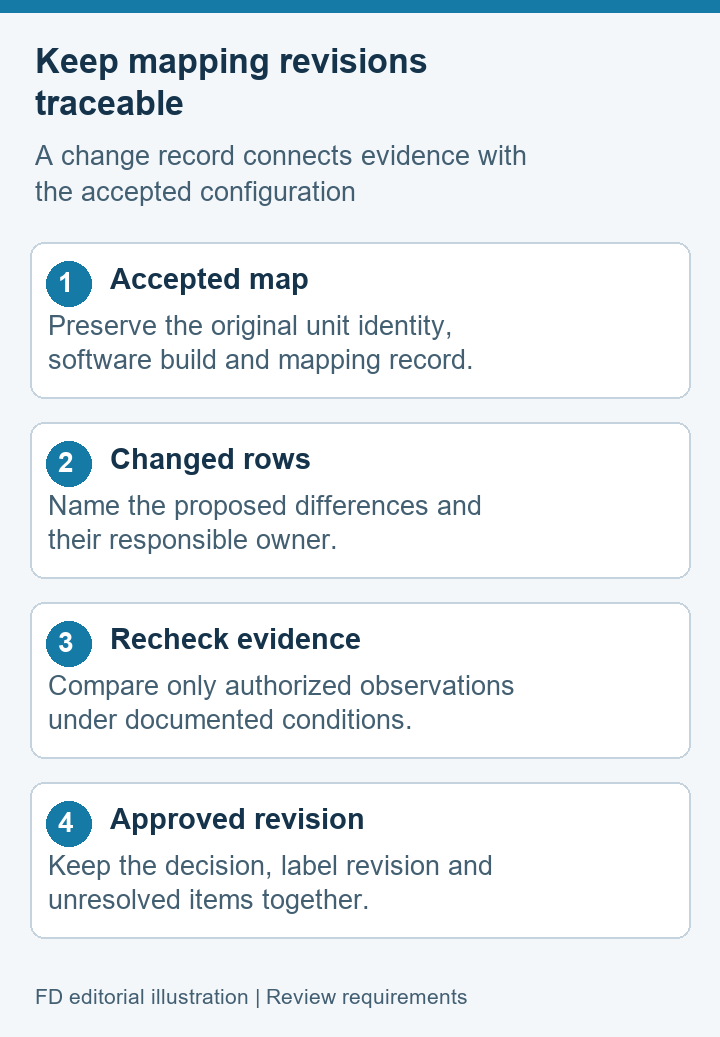
Keep the older approved map available for comparison. Replacing it without a record can leave training material and support notes describing behavior that no longer applies. A revision note should name the change owner, explain the reason and show which evidence supports the decision. The actual restoration or update process belongs to the authorized supplier documentation, not to this mapping worksheet.
For repeat orders, ask whether the accepted input arrangement is part of the delivery specification. If a supplier proposes a different software build or interface arrangement, review its map before calling it the same configuration. The useful output is an explicit accepted revision, not a broad promise that all units have the same controls because their housings look alike.
Let labels explain confirmed behavior
Operator labels should follow the approved map. If a label names a function that has not been demonstrated, it can create confidence in the wrong behavior. Review labels after the mapping evidence is complete. Where the project uses removable overlays or printed instructions, keep the label revision tied to the software configuration it describes.
Favor a clear function name over a vague term such as “special.” If a control is intentionally unused, make that status understandable in the project's documentation. A training note can also identify where users should report a discrepancy, without supplying unapproved instructions to change an assignment. The goal is consistent recognition, not turning every spare input into a new task.
Read the finished sheet with someone who did not perform the check. Ask them to locate an input, find its approved purpose and identify the supporting observation. If they need the author's memory to interpret a row, revise the wording or image annotation. This small document review can uncover ambiguity before it spreads into maintenance and training materials.
Control-mapping questions
Does sixteen channels mean sixteen assigned project functions?
No. The brochure's channel count is a reference specification. The supplied interface, application recognition and approved assignments need their own evidence. Some inputs may be intentionally unused in a particular project.
Can photographs establish the control map?
They can help identify physical locations. They do not establish software recognition, electrical assignments or project functions. Pair an annotated photograph with the integrator's configuration-specific map and witnessed observations.
Do we need a flight to check the documentation?
No. Document the input boundary through an authorized safe observation method. The responsible team must prevent unintended equipment actions. Flight acceptance is a separate activity with its own approved procedures.
What does a recognized input without the expected function mean?
It shows that recognition and assignment need separate attention. Record the event and the mismatch, then ask the application owner to explain the approved behavior. Do not change mappings without the project's authority.
Who should approve the completed map?
The project should name the role responsible for the configuration and its use. Supplier evidence and receiving observations can support that decision, but neither should silently replace the project's approval process.
Keep an approved map with the delivered unit
Use the RA7 Handheld Ground Station reference to identify the terminal, then request the actual input and software arrangement supplied with it. Attach the completed map to the accepted configuration instead of storing it as an anonymous spreadsheet.
The final record should let a maintainer trace a physical input to a recognized event, an approved purpose and an observation. It should also show who owns unresolved differences. That is a practical result for an FPV project team: documented behavior that can be reviewed after a change, without relying on a photograph, channel count or an operator's recollection.

 Tel: +86-13959965075
 Email: info@fpvdroneskit.com
 MP/WhatsApp: +86-13959965075
 Manufacturer Address:Quanzhou Valley Nanan Science and Technology Innovation Center, No. 89 Shijing Avenue, Shijing Town, Nanan City, Fujian Province


