

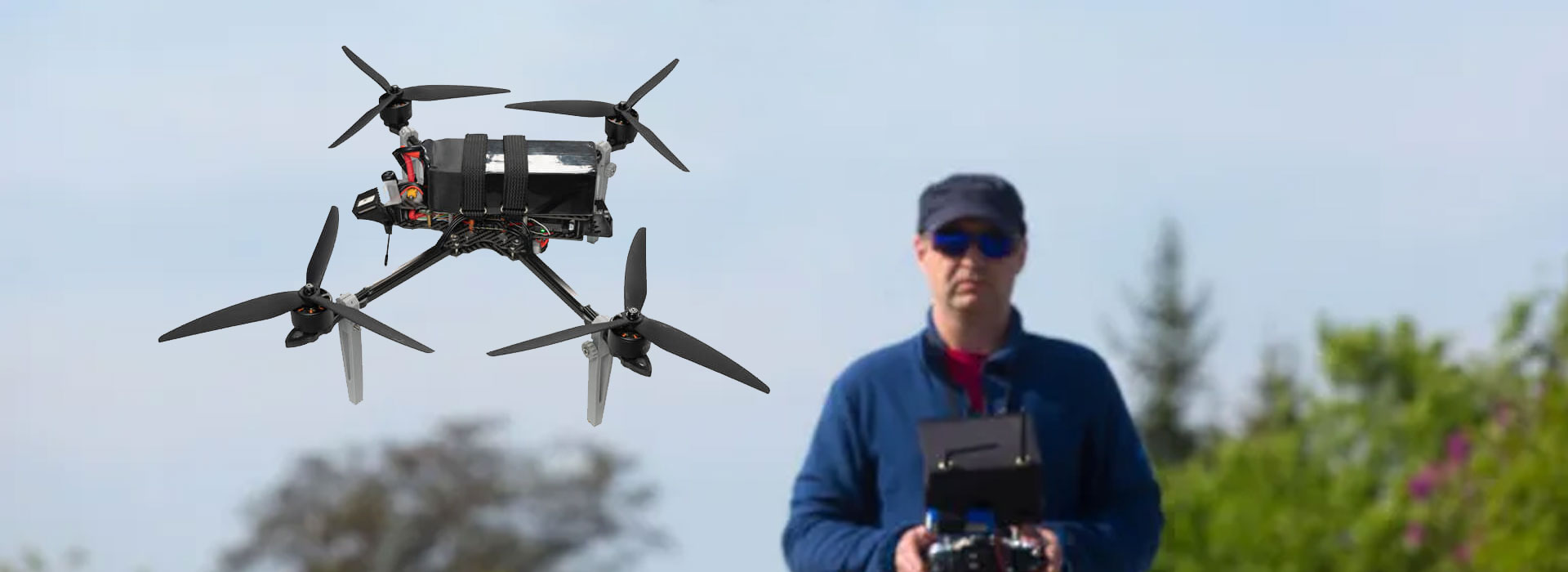
A frozen FPV view can look convincing because the last clear frame still resembles a live scene. Recognise it by comparing a known, harmless change at the camera with the displayed picture during a controlled stationary check. Record the application's messages and the viewing path, but do not infer a failed DF-T838 from the image alone. The DF-T838 Ground Video Receiver is identified as a ground receiver; its delivered outputs and picture-loss behavior still need configuration-specific evidence. Ask the integration owner to demonstrate how the accepted display distinguishes a current view from an unchanged or unavailable one before approving its use.
A clear frame can still be stale
Picture quality and picture freshness answer different questions. A detailed image shows what the viewing path rendered at some point; it does not automatically show what the camera sees now. A paused clip, a retained frame or a source that has stopped changing can all look like a normal view. An observer needs independent context to tell them apart.
This is particularly easy to overlook when a bench scene contains a stationary wall or desk. A terminal may show the same scene for a legitimate reason: nothing is moving. That is why a deliberate harmless change is useful. It gives the observer a known event to compare with the displayed response without claiming a calibrated measurement of delay.
For an FPV project team, make freshness part of the viewing requirement. Do not write “image present” as the sole acceptance condition when the required task depends on a current scene. The responsible engineer should define appropriate observations and any additional status evidence. A purchasing demonstration must remain separate from approval for an operational activity.
Locate the observation at the display
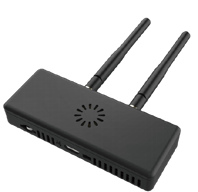
The DF-T838 reference identifies a ground video receiver with wireless and fiber-optic options listed in its source material. It does not establish a specific display connector, player or automatic warning behavior. Obtain the delivered arrangement before deciding which equipment is responsible for showing the operator a picture. A receiver, screen and viewing application can be separate parts.
Record the supplied model and revision through the supplier's documentation. A product photograph helps identify visible equipment but does not demonstrate outputs or stale-frame handling.
Name the actual display and application, if present. Record what the user sees rather than attributing every visible behavior to the receiver.
Official ground-station video documentation describes source-dependent viewing arrangements. It is useful background for this distinction, not confirmation that DF-T838 has a particular interface or supports a named player. Keep the observed behavior tied to the whole delivered viewing path, and ask each supplier to identify the part it controls.
Arrange a harmless changing scene
Use authorized stationary equipment made safe under the team's existing procedure. Choose a simple visible action, such as moving a plain card in the camera's view. Confirm which camera view is selected before the observation. A multi-camera system can display a changing scene from the wrong source, so source identity belongs in the record too.
Have an observer describe the change at the source and another record the displayed response, or use an approved method that captures both. Do not turn this into an improvised stress test. The purpose is to establish what can be seen and reported in the accepted configuration. Any controlled interruption or recovery demonstration must be arranged by the responsible integrator using authorized procedures.
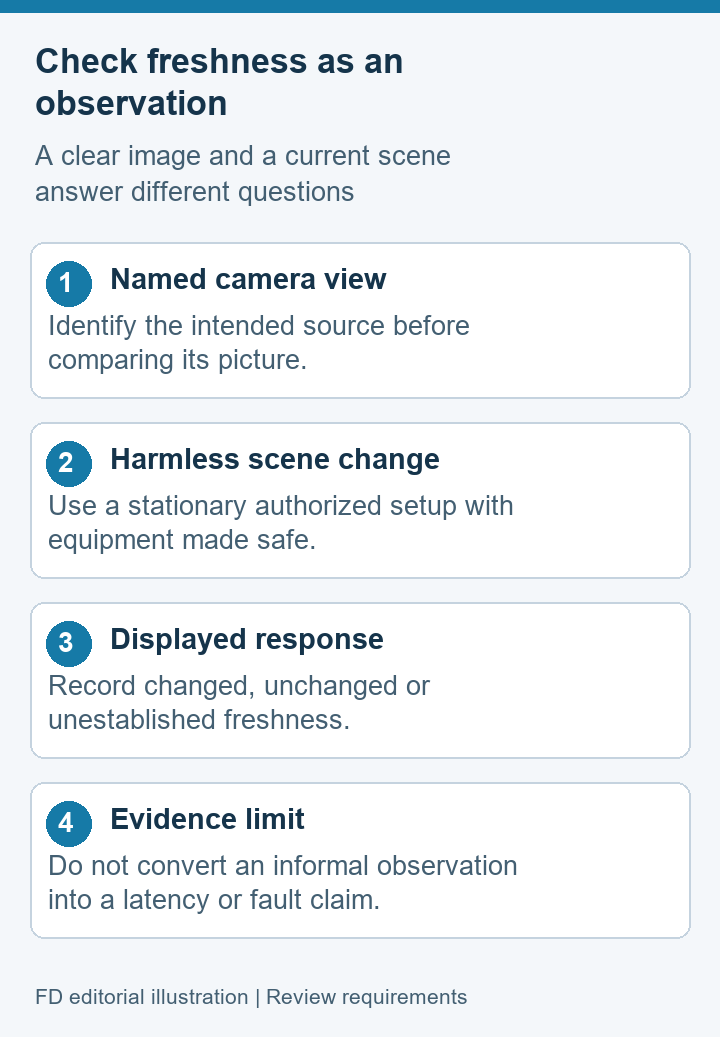
Write “display changed,” “display remained unchanged” or “freshness not established” according to the observation. Avoid reporting a precise delay from an informal comparison. If the application provides source information or a status indication, preserve its exact wording and software identity. Ask the owner what that indicator means rather than treating a colored icon as self-explanatory evidence.
If the view is unchanged, stop the check and retain the initial circumstances before anyone adjusts the setup. This protects the evidence. It also makes clear that identifying a frozen-looking picture is different from deciding which component caused it.
Record freshness evidence and its limits
The worksheet below separates observations from claims they cannot support. Use it with the integration owner's agreed criteria. These rows are a proposed documentation method; they are not results from a DF-T838 test.
| Evidence | What it can show | What it cannot prove alone |
|---|---|---|
| Still screen photograph | The displayed scene and visible messages at capture | A live source or current scene |
| Harmless scene change | Whether the displayed view visibly responds | Calibrated latency or all-condition reliability |
| Application status message | A reported state in the identified software | Which hardware component caused the state |
| Authorized recovery observation | Behavior after the agreed routine recovery | Automatic recovery in every interruption |
| Configuration record | The receiver, source and viewer used | Results that have never been observed |
Retain the evidence with its date, sample identity and conditions. A demonstration on a different player or receiver revision should remain a separate record. If the same configuration later behaves differently, these details help the support team compare evidence instead of debating whether the earlier picture was live.
Ask how an unavailable view is presented
Ask the integrator to describe the normal user-visible behavior when a required view is unavailable. Does the selected application present a message, a blank pane or another state? Do not assume a frozen image will be labeled automatically. The actual behavior must be demonstrated on the delivered combination, and it may belong to the viewer rather than the receiver.
Important distinction: a documented warning is useful only when users understand what it indicates. It should not be described as proof of an automatically safe vehicle response or a universal connection monitor.
Keep the acceptance requirement focused on the operator's information. Ask which state is detectable, how its meaning is explained and what ordinary authorized action the project procedure requires. The project remains responsible for its use decision. This article does not define vehicle responses or provide flight instructions.
Also record any conditions the supplier could not demonstrate. A viewing application may show one state for a missing source and another for an unsupported format; those are not necessarily equivalent. Let the owner explain the observed categories. If a distinction matters to the project's requirements, make it an explicit unresolved item until evidence is available.
Assign the viewing-behavior question to a specific owner in the acceptance sheet. A useful entry names the person or organization that will explain the displayed state, the equipment combination it covers and the evidence requested. If the receiver supplier refers the question to the application developer, retain that boundary rather than deleting the row. The project can then see whether the explanation concerns the received signal or only the software's presentation.
Read any user-facing guidance against the witnessed observation. If an instruction says that an unavailable picture becomes blank, while the sample retains an unchanged scene, preserve the discrepancy and request clarification. Neither the document nor the demonstration should be silently rewritten to agree with the other. A corrected explanation needs its own revision reference. This gives trainers a reliable description of what the accepted viewer actually shows and gives maintainers a way to recognize a later difference without guessing the receiver's internal behavior.
Keep incident notes separate from assumptions
A concise note can say: “At the recorded time, the selected camera scene changed while the displayed view remained unchanged. The viewer showed the following message. No configuration changes had been made.” This gives another person a starting point without saying the DF-T838, camera or connection has already been proven faulty.
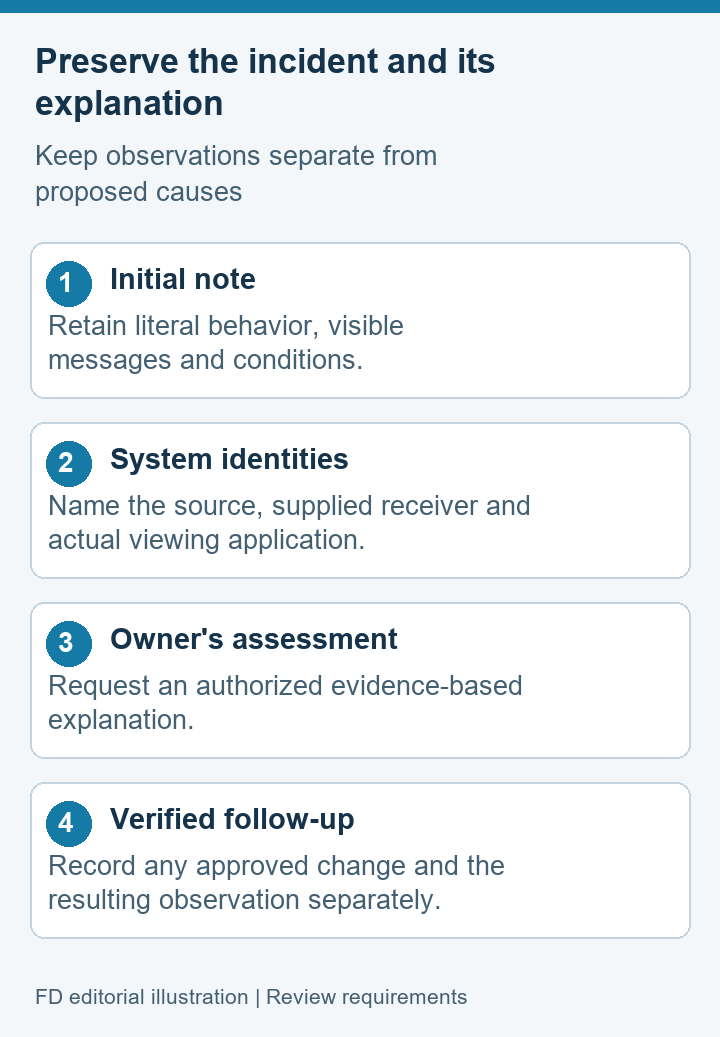
Add the equipment identities and the evidence file names. If the integration owner later requests an authorized adjustment, record it as a new observation rather than rewriting the original note. Keep the initial incident, proposed explanation and verified correction as separate entries. This lets a project reviewer see how the conclusion was reached.
Do not rely on a recording whose source is unknown. A saved clip may be useful for reviewing what the viewer displayed, but it may not establish what the camera produced at the same time. Ask the owner to explain the recording boundary and any timing limitations before drawing a stronger conclusion. Protect private source details in shared support files.
Frozen-view questions
Does a sharp FPV picture prove that it is live?
No. Sharpness and freshness are different properties. Compare a known scene change with the displayed response and retain source identity. A still photograph cannot establish a current view by itself.
Does an unchanged picture prove the DF-T838 failed?
No. The cause can lie elsewhere in the source or viewing path, and the available evidence may not identify it. Record the observation and ask the responsible integrator for an authorized next check.
Does DF-T838 automatically mark a frozen frame?
The current source information does not confirm that behavior. Request a demonstration of the delivered receiver and viewer combination, with the user-visible meaning of each unavailable-view state explained.
Can a moving-card check replace a timing test?
It can demonstrate a visible response but does not provide a calibrated latency result. Quantitative acceptance requires an agreed measurement method, documented conditions and responsible technical review.
Should a bench check include an aircraft flight?
No. The proposed observation is stationary and should use equipment made safe. Any operational approval is a separate project activity with its own procedures and requirements.
Request a witnessed display-behavior record
Identify the supplied receiver through the DF-T838 Ground Video Receiver reference, then obtain the actual source and viewing arrangement. Ask the integration owner for a witnessed record showing a changing scene, any relevant messages and the agreed ordinary recovery behavior.
That record should explain what a user can recognize and what remains uncertain. It should not promise universal freeze detection, measured delay or flight readiness. The useful outcome is a traceable viewing requirement with evidence from the delivered equipment and a named owner for each remaining question.

 Tel: +86-13959965075
 Email: info@fpvdroneskit.com
 MP/WhatsApp: +86-13959965075
 Manufacturer Address:Quanzhou Valley Nanan Science and Technology Innovation Center, No. 89 Shijing Avenue, Shijing Town, Nanan City, Fujian Province


