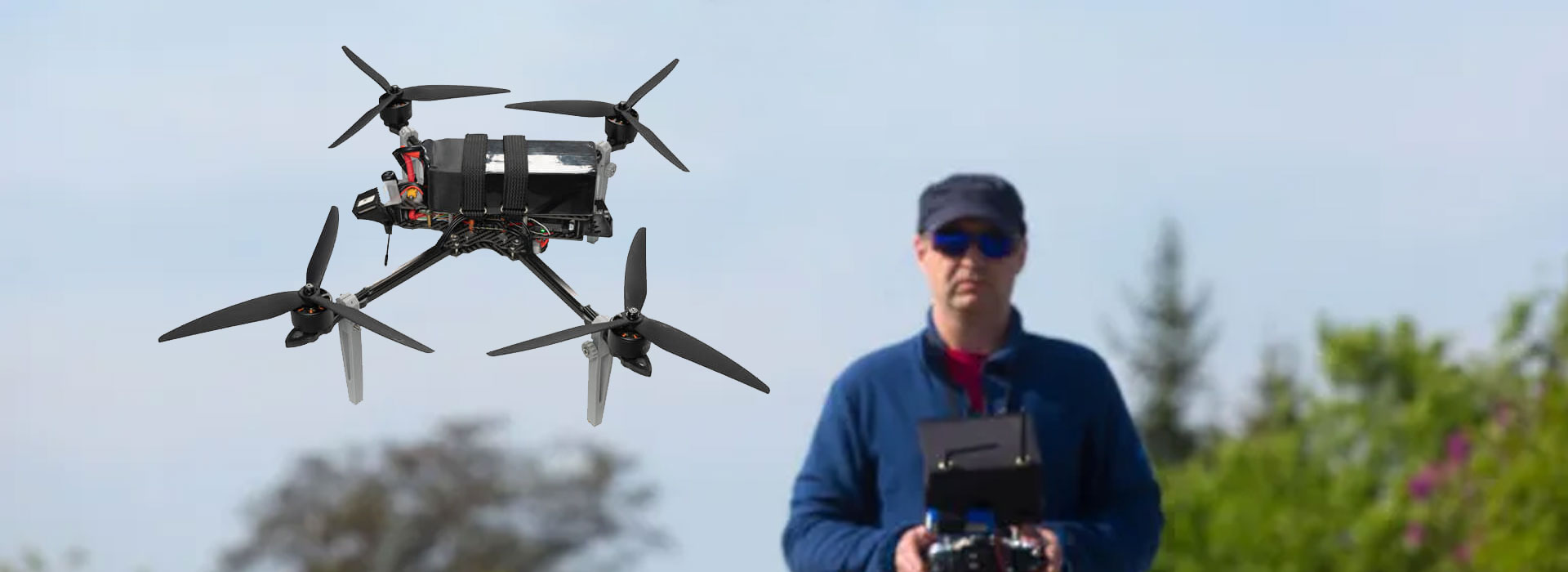
Author:Military Drone Manufacturer TIME:2026-11-22
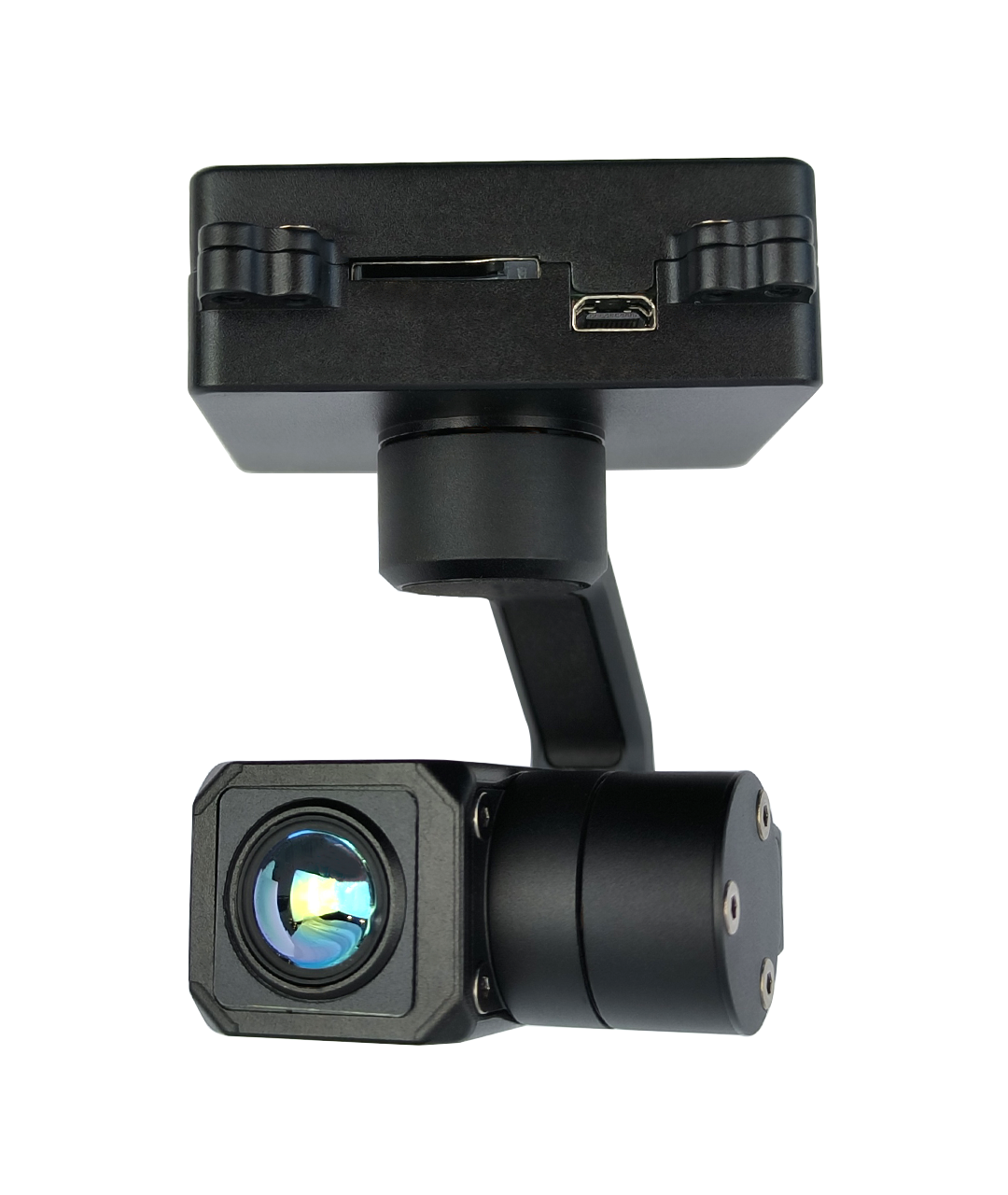
Choose HDMI for a KHP640M5 viewing position built around a suitable video monitor; choose IP/RTSP when the thermal view must enter a supported network application. The connector alone does not decide the complete system. TOPOTEK lists both outputs on this lightweight, single-thermal, three-axis camera, with a 640×512 detector and an 8.7mm lens. Establish the operator endpoint first, then ask for the delivered mode, receiving equipment and controls. If the inspection also needs temperature data after recording, specify that separately: full-pixel temperature storage is listed as an option. This guide separates the viewing purchase from the measurement-file purchase.
A monitor-centered inspection position and an application-centered one ask different things of a camera. A compatible monitor can provide a dedicated picture, while a network application may combine video with other information. Neither description guarantees that the proposed equipment will accept this camera’s supplied output mode.
Write down the viewer you already own, if any. Include its accepted input format, the role it plays and whether it must also record. If the viewer is still to be purchased, describe the work: one person watching thermal patterns, a second observer reviewing an image, or an operator using a ground-control interface. Start with that use rather than selecting a port because it looks familiar.
The table is a selection aid, not a wiring recipe. It identifies the information needed to compare offered packages. A direct HDMI demonstration is useful for a monitor requirement, while an RTSP demonstration inside the intended application is stronger evidence for a network-viewing requirement. When both positions are needed, ask whether the supplied revision supports the requested arrangement together.
| Viewing need | Likely path to evaluate | Specific purchase evidence |
|---|---|---|
| Dedicated picture monitor | HDMI-compatible arrangement | Supplied timing, cable and actual monitor demonstration |
| Thermal inside an application | IP/RTSP receiving arrangement | Application/device and supplied stream demonstration |
| Post-inspection visual record | Defined camera or ground recording | Example original file from the named recording endpoint |
| Later temperature analysis | Optional full-pixel storage workflow | Exact saved data and supported review software |
KHP640M5 is a thermal-only camera. Its published detector array is 640×512, and the manufacturer specifies an 8.7mm F1.0 lens with a 40° ×32.2° field of view. An HDMI or network picture may be formatted for a display, but a larger display format does not turn the detector into a higher-resolution thermal sensor.
Choose a representative civil inspection scene containing the surfaces and context you must distinguish. Review whether the thermal pattern can be located within the structure. An apparent hot or cold region is a reason for assessment, not an automatic diagnosis of a fault. Surface condition, viewing circumstances and the method used to interpret the image remain relevant.
Use a separate visible record when the final report needs natural-color context that this single-thermal payload does not provide. That record could be another appropriate image source chosen for the project. Do not describe a thermal palette as a second visible camera. The output choice should make the existing thermal information usable, rather than imply an additional sensor or unlisted image detail.
For an HDMI viewing position, request the delivered resolution, frame rate, connector arrangement and any required cable or converter. Those details belong to the offered configuration. The product page’s reference to HDMI does not establish every monitor timing or cable solution.
Ask for the actual proposed monitor to show a representative thermal scene. Look at how much of the picture remains visible with any monitor menus or overlays, whether the needed context is present, and how a second observer will review the view. If a recording is required at the ground position, establish whether the monitor or another device performs that task.
A monitor recording captures what that device receives and stores. It should not be treated as proof of original detector data or optional temperature storage. This distinction is useful even in a simple system: the buyer can accept a comfortable viewing picture while still requiring another method to preserve inspection files. Keep the equipment list tied to those two jobs rather than assuming one connector completes both.
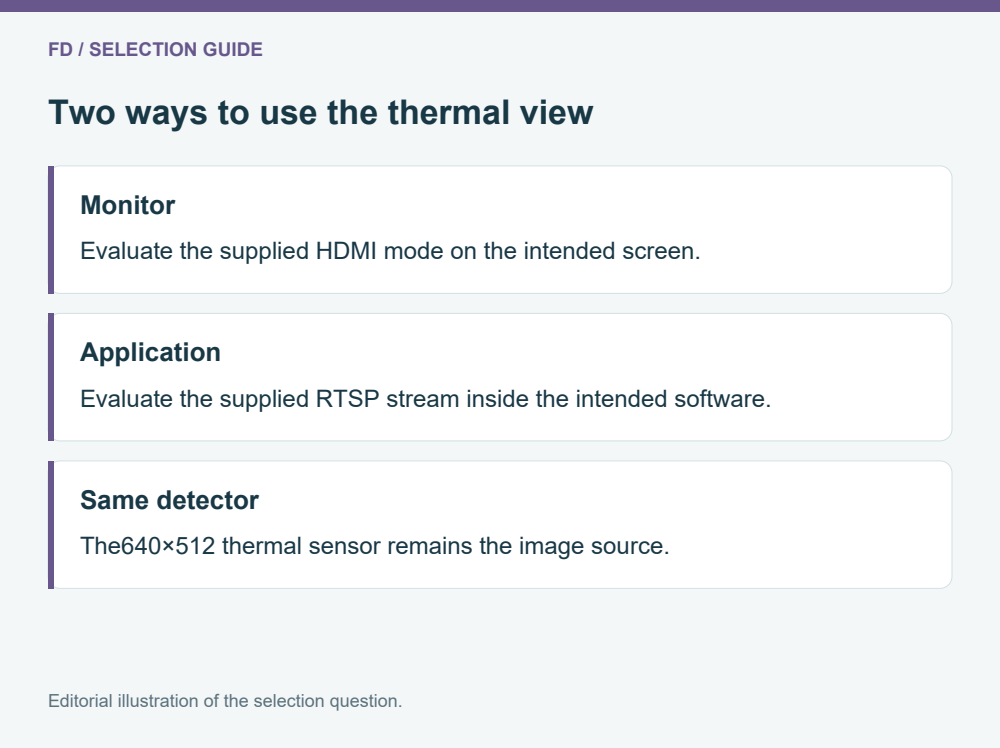
For a network endpoint, identify the application, device and proposed connection path. Ask the integrator to show the supplied RTSP stream in that environment. A general claim that the camera supports IP video is a starting point; the actual stream, receiver and application need to agree.
TOPOTEK lists QGC control alongside UART, S.Bus and network control. That wording does not remove the need to identify the supplied software and supported integration. Video viewing and gimbal commands have separate roles. A picture appearing in an application does not prove that every control function is configured, and a working command does not prove that the intended video mode is being displayed.
Keep the acceptance task small and practical: obtain the view, identify the thermal feature, and demonstrate only the camera functions the inspection actually needs. Where the ground unit is also showing maps or other information, judge the thermal picture in its normal application window. That is more relevant to the buyer than a larger video window on an unrelated desktop.
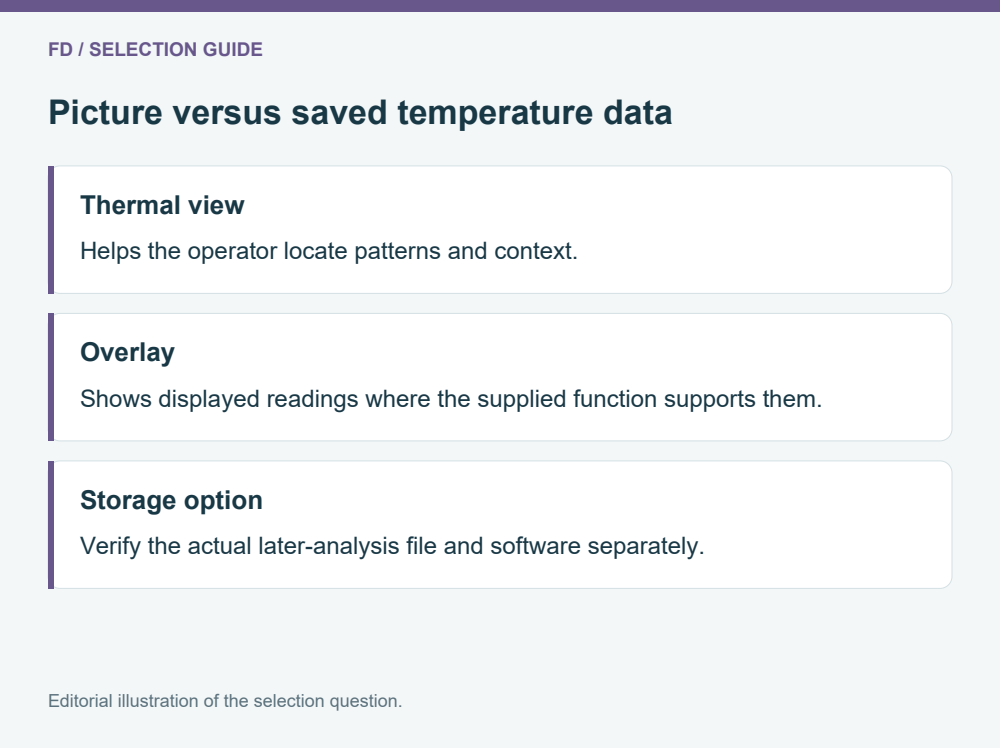
The manufacturer distinguishes full-pixel temperature measurement from optional full-pixel temperature storage. This matters if the customer wants to revisit temperature information after the inspection. A video with numbers drawn on it and a file containing values that can be queried later are different outputs.
Ask for an example of the exact file supplied by the proposed option and the software needed to open it. The meaningful question is whether the buyer can carry out the intended later task: inspect a point, change a region of interest or recover the required recorded values. Do not infer those abilities from the appearance of a temperature overlay.
If the project only needs a thermal overview with a visual record, state that narrower requirement. If later measurement analysis is central to the service, make the data file and review workflow part of the purchase before selecting the viewer. The HDMI-versus-RTSP decision then serves the operator picture, while the temperature-storage option serves the later analysis. One should not be used as a substitute for the other.
TOPOTEK lists KHP640M5 at 110 ±10g excluding dampers, with a DC12–26.2V input and dynamic power of 5W. That light body can be attractive for a constrained platform, but the complete installation includes whatever mounting, damping, cable and video equipment the chosen endpoint requires.
For a network approach, include the required air-side link hardware in the aircraft allowance. For an HDMI approach, identify whether the aircraft-side path needs any additional equipment to reach the intended ground monitor. This article does not assume that the physical camera port is itself an air-to-ground transmission system.
Ask the integrator to list what is on the aircraft and what remains on the ground. The boundary is often more helpful than a single system weight. It allows a buyer to compare two quotes that might otherwise both say “thermal camera with video.” Keep the stated dynamic power separate from a complete supply design; the supplier should confirm the electrical requirements of the actual assembled package.
Suppose the job is a thermal overview of an authorized roof area and a second person watches a dedicated screen. A suitable HDMI monitor package may be straightforward if the delivered output and transmission arrangement support it. The useful evidence is a clear thermal picture at that screen, not a list of application features the project will never use.
For another project, the operator needs thermal video inside a ground application and the customer expects later temperature analysis. The selection may favor an RTSP receiving arrangement plus the specifically supplied temperature-storage option. The application view and the later data file should each be demonstrated, because either can be important even when the other works.
These examples do not rank one output above the other. They show how to avoid buying an interface without buying the function it is supposed to provide. Send FD the intended viewer, the report requirement and any installed-payload limit. That is enough to begin a focused discussion of the KHP640M5 configuration and the sample that would resolve remaining uncertainty.
Does HDMI automatically offer more thermal detail?
The detector remains640×512. The final viewing quality depends on the supplied mode and receiving arrangement. Compare the required feature on the actual endpoints instead of ranking them from connector names.
Is this also a daylight camera?
The model is listed as single thermal. If the report needs natural-color context, plan a suitable separate visible record. A pseudo-color thermal palette does not add a visible sensor.
Can both outputs be assumed to work together?
Do not assume simultaneous behavior. Ask for the requested HDMI and RTSP arrangement to be confirmed and demonstrated on the supplied revision if both are part of the purchase.
Will TF storage always save queryable temperatures?
The page lists full-pixel temperature storage as optional. Ask for the selected option, an original example file and supported software. A normal video or overlay is insufficient evidence of later per-pixel analysis.
Is110g the full aircraft addition?
No. The listed body mass excludes dampers. Include the chosen mounting, cables and air-side video equipment when assessing the installation on the intended aircraft.
Review KHP640M5 options for your monitor or RTSP application

 Tel: +86-15059599996
 Email: info@fpvdroneskit.com
 MP/WhatsApp: +86-15059599996
 Manufacturer Address:Quanzhou Valley Nanan Science and Technology Innovation Center, No. 89 Shijing Avenue, Shijing Town, Nanan City, Fujian Province