

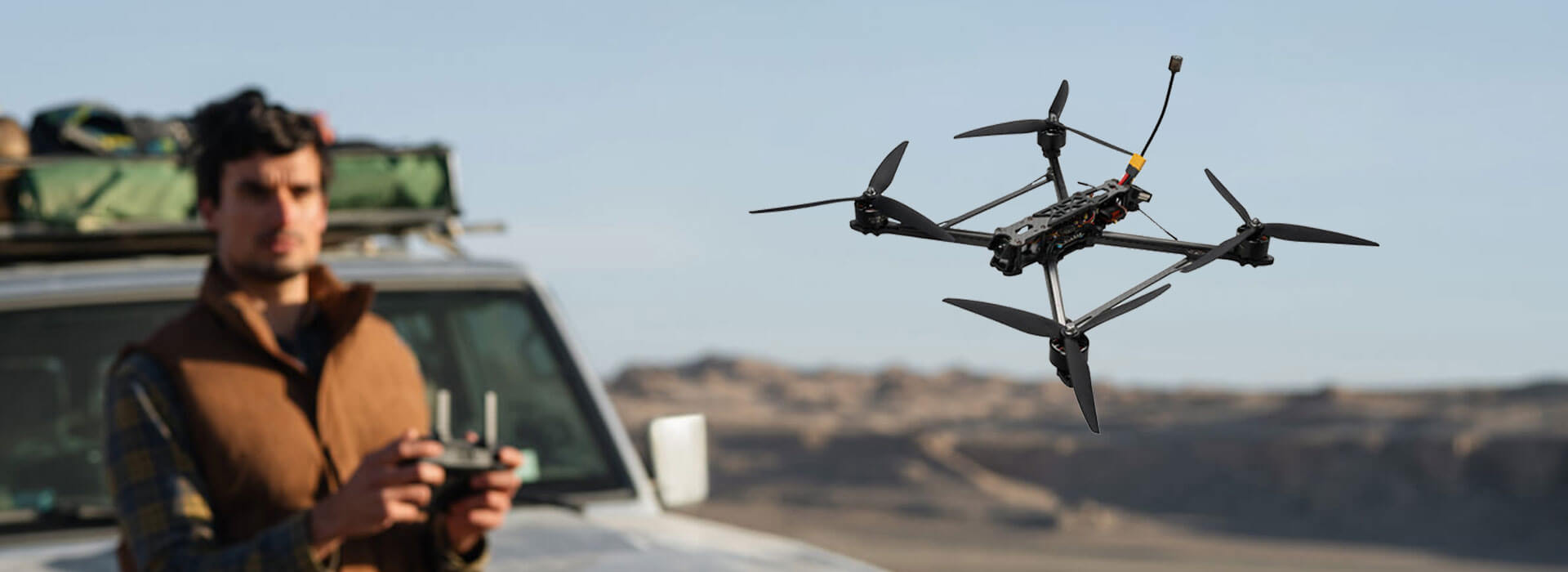

RQ10 · Android operator terminal
A 10.1-inch screen for the application, with physical controls around it
RQ10 brings a 10.1-inch display and handheld controls into one Android terminal for civil UAV and FPV projects. Its listed platform is Qualcomm SM6225 with Android 14, 4 GB memory and 64 GB storage. The terminal provides the operator's computing and input surface; the selected video/data link and aircraft-side equipment determine the rest of the system.
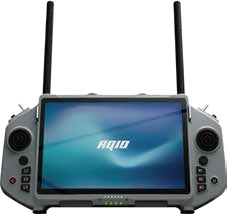
Use the display specification to plan the operator view
The brochure lists a 1920×1200 display and 2000 nit brightness. The 10.1-inch format gives the application space for a live picture, menus and status information, but the arrangement of those elements belongs to the application. A screen's physical specification does not identify which ground-control software is installed.
For camera work, consider how much of the view is occupied by the live image and how much is needed for controls. A large video window and a dense settings screen are different layouts. The proposed application can be assessed on the terminal with the actual viewing and input arrangement.
Three roles make a complete ground system
- RQ10 terminalRuns the supplied Android image and operator application; provides the display and physical inputs.
- Video/data arrangementConnects the terminal-side system to its selected aircraft-side equipment.
- UAV and payloadProvide the flight-controller data, camera picture and supported camera functions required by the project.
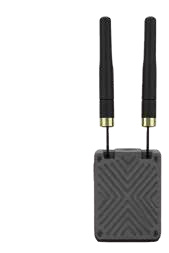
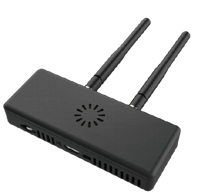
These roles explain why a terminal-only quotation differs from a ready-configured ground-system quotation. A transmission distance printed for a separate link is not a range specification for the RQ10 itself. Antennas visible in a photograph also do not define the delivered link version.
Operator inputs need an application-level assignment
A 16-channel control specification is listed in the brochure. Multifunction keys and camera-centering or zoom controls are also described. Their use depends on the supplied control profile and the connected equipment: a physical button is one part of a command path, while the receiving device must support the intended command.
For an inspection package, distinguish aircraft control from payload functions. The operator may need camera movement, zoom or capture access alongside the live picture, but those functions should be identified for the selected camera and application rather than assumed for every connected payload. This is especially relevant when an existing gimbal is retained.
Review connections by role, not connector name alone
| Listed connection family | What the project should identify |
|---|---|
| USB-C / USB-A | The peripheral, its data or power role, required driver and supplied cable. |
| HDMI | The supported direction and function in the delivered arrangement. |
| Ethernet | The network-connected device and supported video or data interface. |
| Video-module arrangement | The terminal-side module, aircraft-side endpoint and included accessories. |
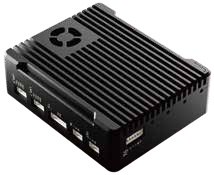
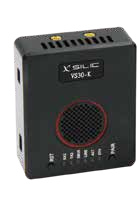
The brochure illustrates built-in, external and externally mounted video-module arrangements, including VW20 and VS20 options. Those are configuration references. The quotation should name the chosen arrangement instead of treating every illustrated module as included with the terminal.
Keep camera storage separate from terminal storage
RQ10's listed 64 GB storage belongs to the terminal. A camera may save photographs or video to its own card. If the project needs recording in the operator application, that is an additional software and video-path requirement; it is not established by terminal storage capacity alone.
Power depends on the complete load
The brochure lists a non-removable 3.7 V, 20000 mAh battery. Screen settings, computing load and the selected video equipment affect operating duration. The source contains different duration statements, so this page does not turn them into a runtime guarantee or an assurance of a full shift between charges.

 Tel: +86-15059599996
 Email: info@fpvdroneskit.com
 MP/WhatsApp: +86-15059599996
 Manufacturer Address:Quanzhou Valley Nanan Science and Technology Innovation Center, No. 89 Shijing Avenue, Shijing Town, Nanan City, Fujian Province