Author:Military Drone Manufacturer TIME:2026-11-01
Buy a USB peripheral for the job it can complete in your application, not for a plug that happens to fit. RQ10 is listed with Android 14, USB-A and USB-C, plus a 10.1-inch touchscreen and 4 GB / 64 GB memory and storage. Those facts make it a defined handheld platform, but they do not establish support for every USB receiver, adapter, camera or storage device. Narrow the accessory list to a real task, then evaluate physical connection, Android recognition and application use as separate steps. The result should be a short list of accessories that complete the intended task.
“We need USB support” is too broad to guide a purchase. An office team copying files, an inspector entering notes and an integrator receiving instrument data need different things. Write the intended action in plain language: copy a selected project file, enter text more comfortably, or receive a particular device's data in a named application. Then identify the accessory that provides that action.
For a civil UAV ground station, the accessory should solve a problem that remains awkward on the existing screen and controls. An external keyboard may be relevant to lengthy text entry. A removable drive may be relevant to a supported file-transfer task. Neither example establishes that a particular keyboard or drive has been tested on RQ10. They are candidate use cases to evaluate, rather than advertised capabilities.
Be especially precise when the accessory is described as a USB camera or receiver. The connector name does not tell you what video or data format it presents, what software expects it or whether it duplicates an existing Ethernet connection. Choose the data source and receiving app together. This prevents the same hardware purchase from being expected to solve several unrelated tasks.
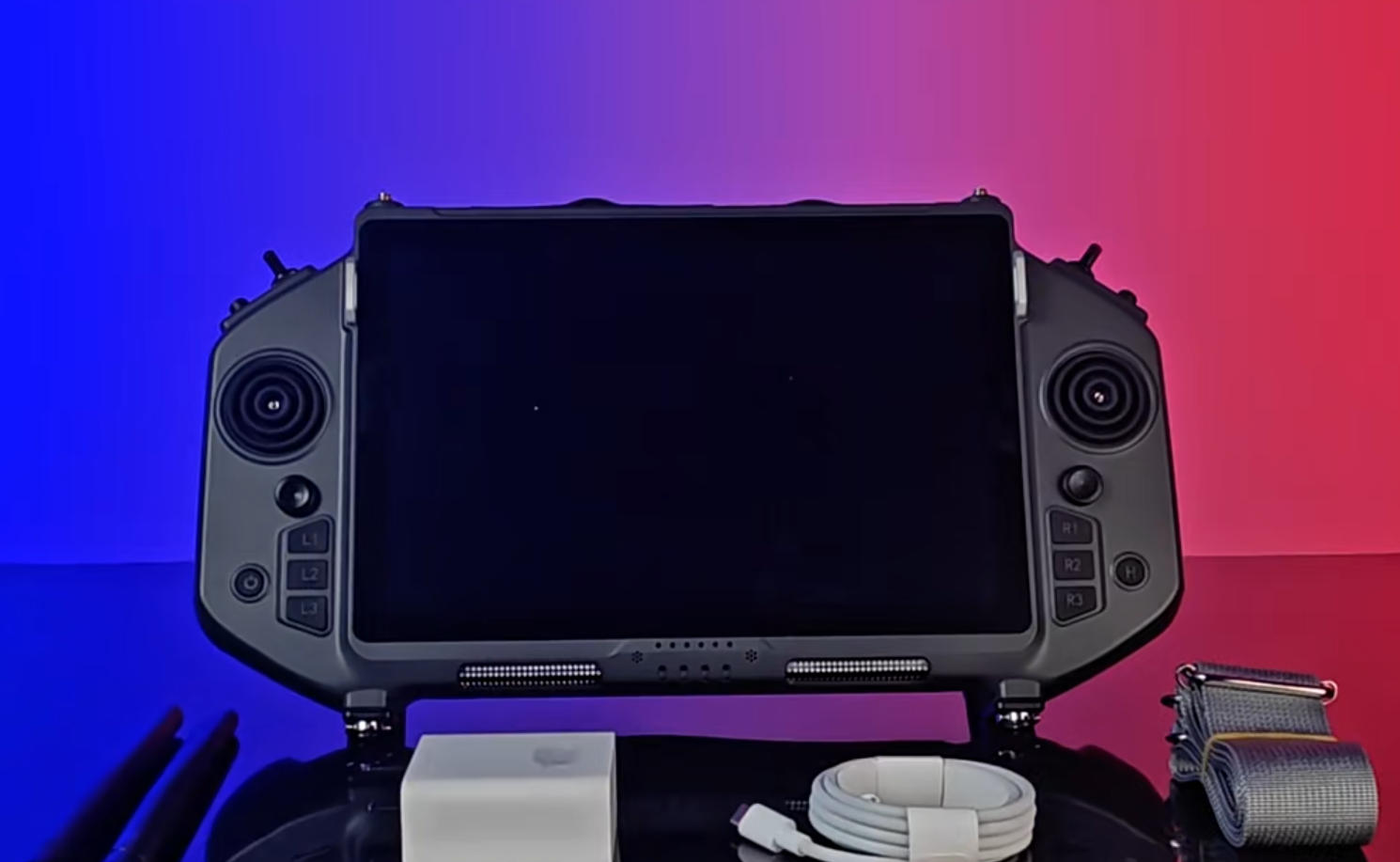
The supplied RQ10 brochure lists Android 14 on a Qualcomm SM6225 platform, with 4 GB LPDDR4X memory and 64 GB UFS storage. The public product page also lists USB-C, USB-A, HDMI and Ethernet as connector families. These are useful starting facts for an equipment request, not a tested-device catalogue.
The brochure describes USB OTG at Type-C and identifies a Type-A connector separately. However, the product page correctly leaves the supplied cables and exact connector functions to the selected configuration. Retain that distinction when comparing accessories. A connector label should not become an unqualified promise about power delivery, simultaneous charging, transfer rate or a driver.
The 10.1-inch, 1920 × 1200 display provides space for an application interface. It does not make every desktop-style workflow convenient. Before adding a keyboard, for example, consider whether the required app supports the intended text fields well on this screen. Before adding removable storage, consider where the app places its files and whether the user can select and export them.
Physical controls and the listed 16-channel provision are also distinct from a USB peripheral. A device connected for file transfer should not be assumed to add control channels. Likewise, plugging in an input device does not establish how an application maps it. Keep the handheld's documented features and the accessory's proposed job in separate columns.
This table is a buyer's worksheet. Its examples are possible tasks, not endorsements of named USB products or an assertion that RQ10 supports every device in a category. Use it to decide which sample is worth evaluating before ordering quantities.
| Candidate accessory | Useful task to request | Evidence needed before purchase | Weak substitute for evidence |
|---|---|---|---|
| Keyboard or pointing device | Complete the actual text-entry or selection steps in the intended app | Recognition and usable input on the supplied Android image and application build | A photograph of the plug inserted |
| Removable storage | Move a representative project file out and read it on the receiving computer | Supported device, file access and successful export through the chosen workflow | Capacity printed on the drive |
| USB-connected instrument or data receiver | Display the required data fields in the receiving app | Exact device identity, supported software path and readable sample data | A generic statement that Android supports USB |
| USB video device | Open the intended video in the chosen application | Device mode, app support and working sample of the complete path | A connector type or unrelated video demonstration |
| Hub or multiport adapter | Use the selected devices together in the intended arrangement | Roles, power arrangement and actual simultaneous workflow | Several ports on the adapter's case |
A shortlist with one or two named candidates is easier to evaluate than a request for universal USB compatibility. If an accessory cannot be tied to an app task, defer it. That reduces cost and makes the equipment less complicated to carry and support.
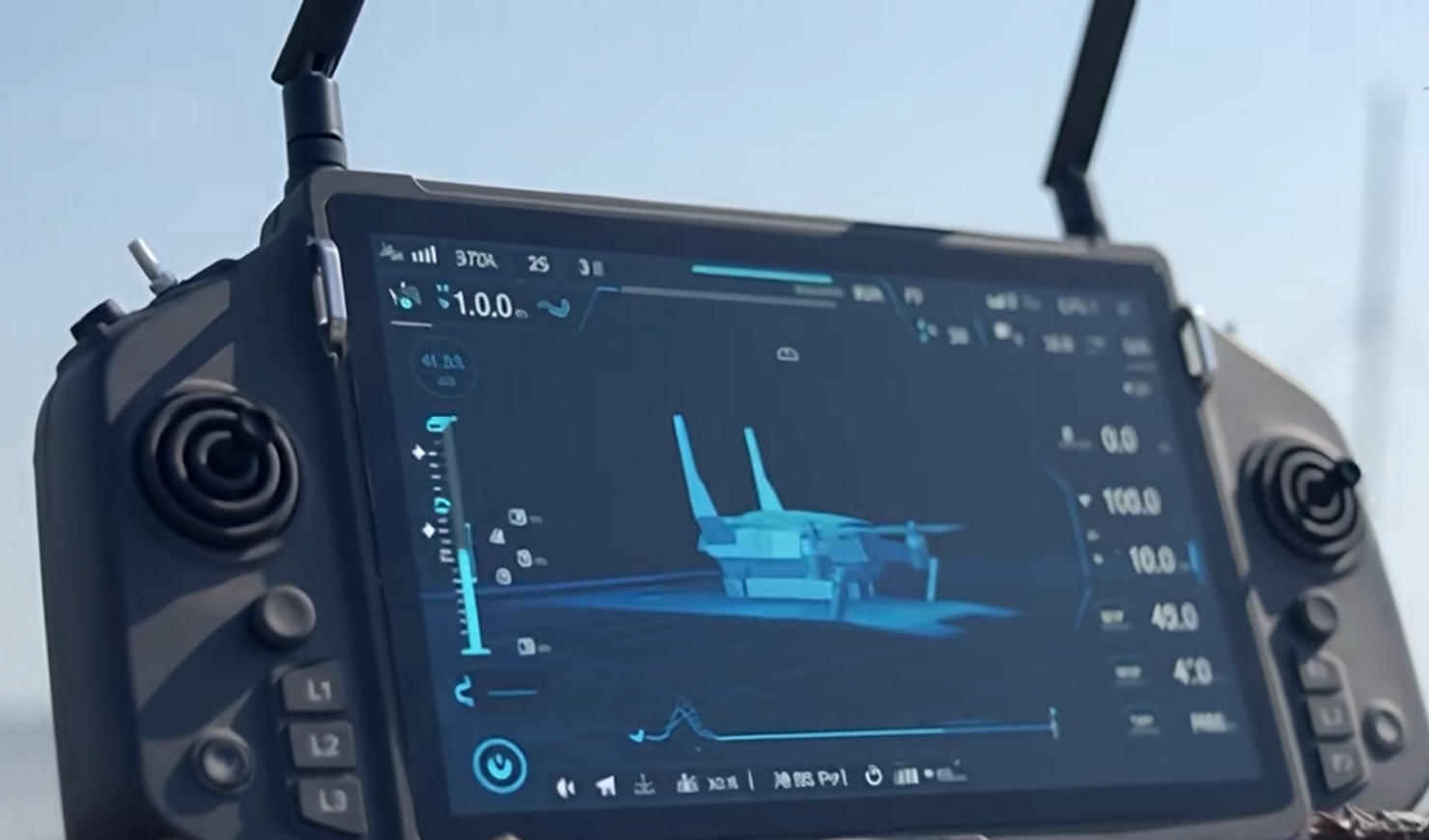
A short cable may fit electrically yet place an adapter directly in the operator's grip. A long cable may reach a table but snag when the handheld is moved. During selection, place the controller where it will be used and examine access to the connector. This practical review does not need a performance claim; it simply checks whether the accessory is usable in the proposed work area.
Also identify whether an adapter is part of the supported solution or merely something available in the office. A chain of adapters can make a simple task hard to reproduce. Ask for a concise bill of materials containing the device, cable and any powered accessory that is actually needed. Avoid buying extra hubs until there is a demonstrated reason to use them.
Do not infer a power budget from connector shape. If an accessory needs power or changes the charging arrangement, ask for the supplier's supported configuration. The RQ10 battery reference is 3.7 V, 20000 mAh; it does not specify how much power an arbitrary peripheral may draw through every port. No simultaneous charging-and-peripheral claim is made here.
Example request: “Our inspection team needs to export one selected project file from the supplied application to the receiving office computer. Please propose the removable device and connection arrangement, then show that file opening correctly at the destination.” This is a hypothetical purchasing brief, not an RQ10 test result.
The example gives the supplier a finish line. The device appearing in a menu is an intermediate step; a readable, usable file at the destination is the actual outcome. The same logic works for a data instrument: a recognised USB device is less valuable than the correct fields visible in the intended app.
Give the supplier a representative file or a clear data example where possible. Avoid sensitive customer information. File type, approximate size and the application that creates it are usually more useful than a generic demand for fast transfer. If the recipient uses a different operating system, include that receiving environment in the trial.
For a keyboard task, specify the fields and normal text length rather than asking whether keyboards work in general. For a video task, specify the actual source and viewing application. Each sample should answer one purchasing question. A successful unrelated demonstration does not establish the device path you intend to buy.
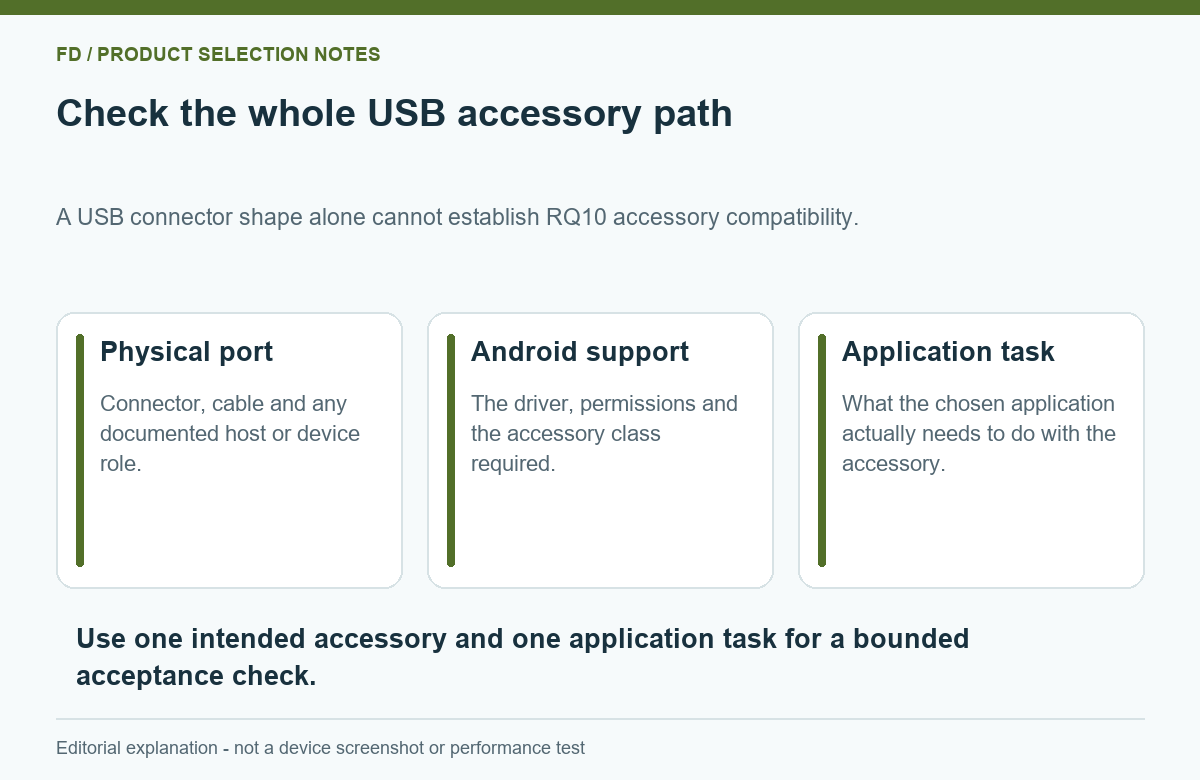
A useful accessory completes the operator's task while keeping the handheld comfortable to use. If it interferes with the intended application or makes the equipment cumbersome, a simpler file-transfer or input arrangement may be a better purchase.
Keep the chosen device identity and application build with the final equipment list. That small amount of specificity is useful when ordering another set, but it should support the result rather than become the main purpose of the project. A clear demonstration of the task remains the strongest buying evidence.
No. The actual device, delivered system image and receiving application all matter. Ask for the named receiver to complete its intended task on the proposed configuration.
Choose the supported path for the device and task. Connector shape alone does not establish device role, power, data rate or app access.
No simultaneous-device capability is established by the RQ10 brochure. Evaluate the complete proposed arrangement, including any power requirement, before treating it as a supported package.
It is the listed storage capacity. System software, applications and existing content occupy space. Check usable capacity within the delivered image for the intended workflow.
Do not assume that. A USB device's role must be defined within the complete video or data arrangement. This guide does not establish an alternative airborne link or universal camera compatibility.
Send the accessory model, the application task and the required end result with your enquiry. The RQ10 Android Ground Control Station hardware and connector list helps establish the terminal side of that request. A useful proposal names the device and cable that complete your workflow, and explains any software dependency before quantities are ordered.

 Tel: +86-13959965075
 Email: info@fpvdroneskit.com
 MP/WhatsApp: +86-13959965075
 Manufacturer Address:Quanzhou Valley Nanan Science and Technology Innovation Center, No. 89 Shijing Avenue, Shijing Town, Nanan City, Fujian Province