

Visible or Thermal Imaging? Choose a UAV Camera by the Inspection View
Choose visible, thermal or dual-sensor UAV imaging around the inspection detail, required records and viewing equipment before comparing camera models.
Explore this solution
Choose visible, thermal or dual-sensor UAV imaging around the inspection detail, required records and viewing equipment before comparing camera models.
Explore this solution
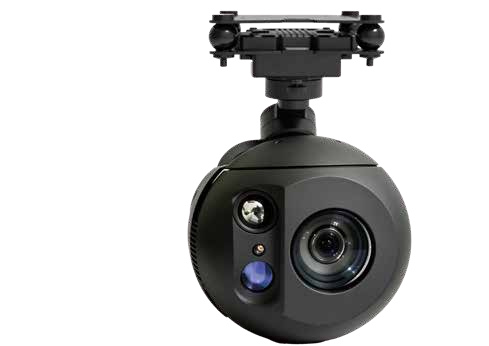
Review the complete camera assembly, available mounting space, aircraft documents and supplied accessories before selecting a UAV camera installation.
Explore this solution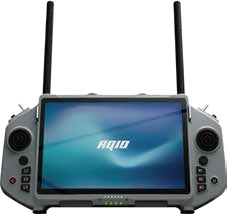
Choose a handheld UAV ground station around the screen layout, software environment, physical controls and equipment included in the proposed package.
Explore this solution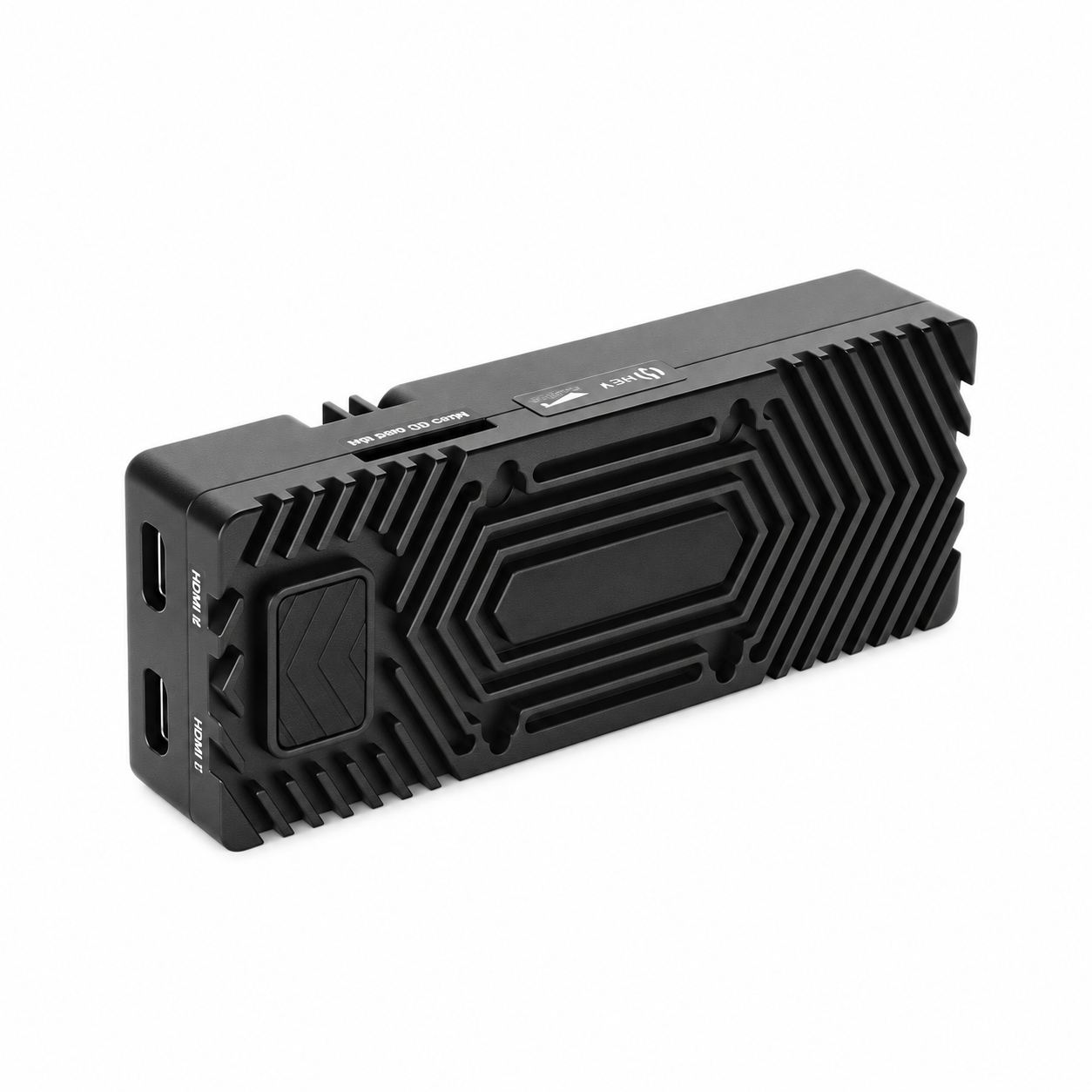
Compare HDMI and IP video around the selected camera output, receiving equipment, viewing application and files required for your UAV project.
Explore this solution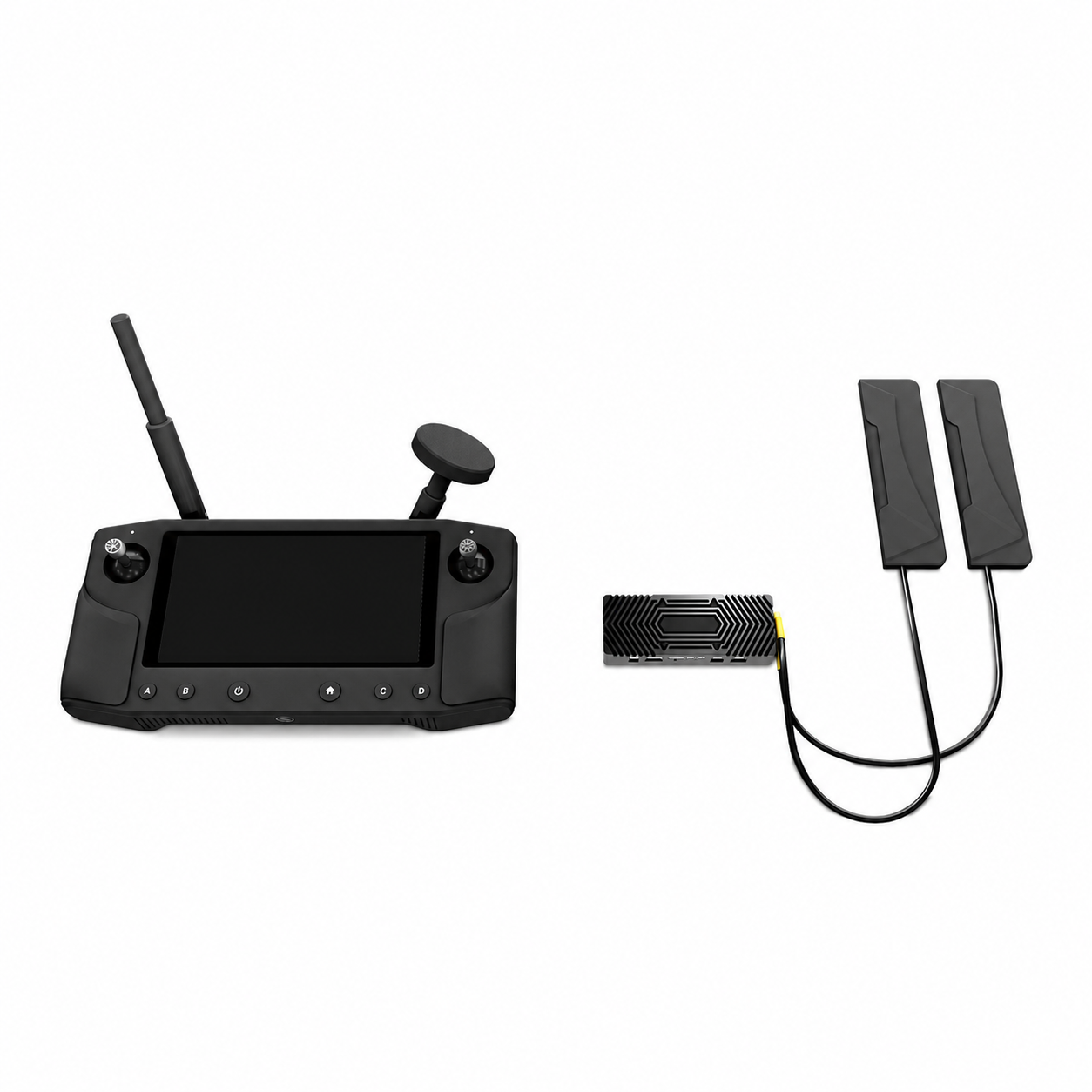
Define the camera, video-link equipment, ground viewing device and accessories as a clear UAV imaging package before requesting an itemised quotation.
Explore this solution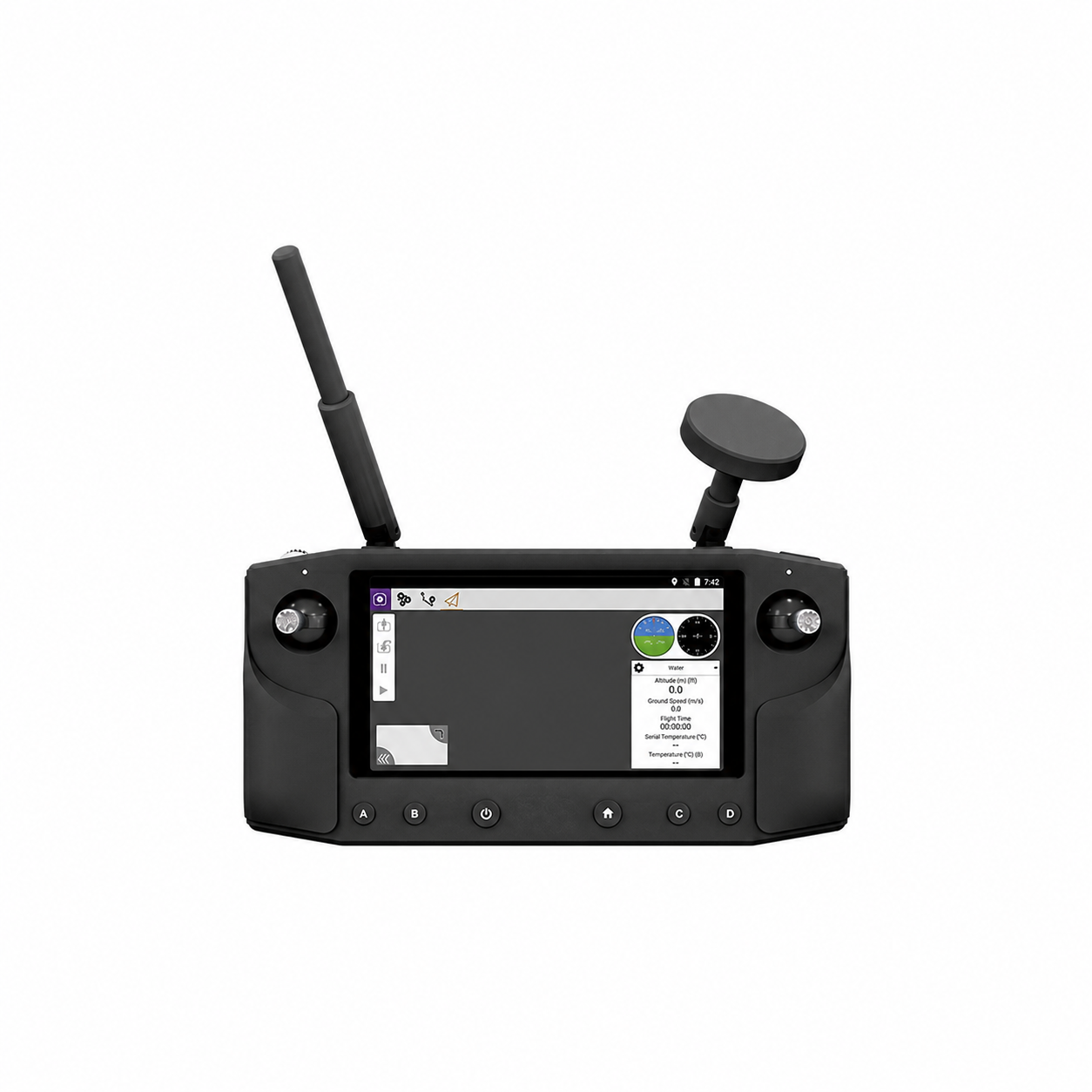
Plan a UAV camera, controller or video-equipment replacement around the components you will keep, their versions and the functions you need to retain.
Explore this solution
Choose the image, payload and viewing output needed for your application.
Browse cameras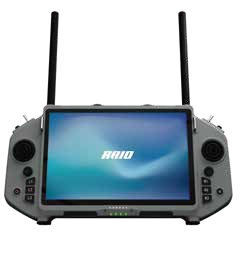
Define the operator workspace, software and equipment to be included.
Browse ground stations
Review the air unit, ground equipment and required video and data paths.
Browse video linksFind the relevant camera, ground-station or video-link documentation.
Start with the decision you need to make. Use the imaging guide for the required view, the payload guide for installation information, or the ground-station guide for the operator workspace. Use the video-output and camera-to-screen guides when several devices are involved. You can follow more than one guide and send the remaining questions with your equipment list.
Read full answerList the exact model and hardware or firmware version of each item you plan to keep. Include the available camera-output, receiver, display, power and control-interface documents. Separate documented connections from items still to be confirmed. A shared brand or connector shape alone does not establish compatibility, and a mixed-brand list needs a review of the selected versions.
Read full answerYes. Identify the item you want to add or replace, then describe the equipment that will stay in use and the result you need. Request a quotation that names the selected item, required accessories and any separate equipment. A camera, handheld terminal, air unit or receiver should be treated as its own purchase role unless a quotation explicitly includes the complete package.
Read full answerShare your application, current equipment and the items required for your project.

 Tel: +86-15059599996
 Email: info@fpvdroneskit.com
 MP/WhatsApp: +86-15059599996
 Manufacturer Address:Quanzhou Valley Nanan Science and Technology Innovation Center, No. 89 Shijing Avenue, Shijing Town, Nanan City, Fujian Province