
A dedicated HDMI display
Name the camera output and the input modes documented for the next receiving device. Include any intervening equipment so the complete viewing path can be reviewed.
UAV Accessory Solutions
Follow the image from the camera output to the screen or application that must display it.
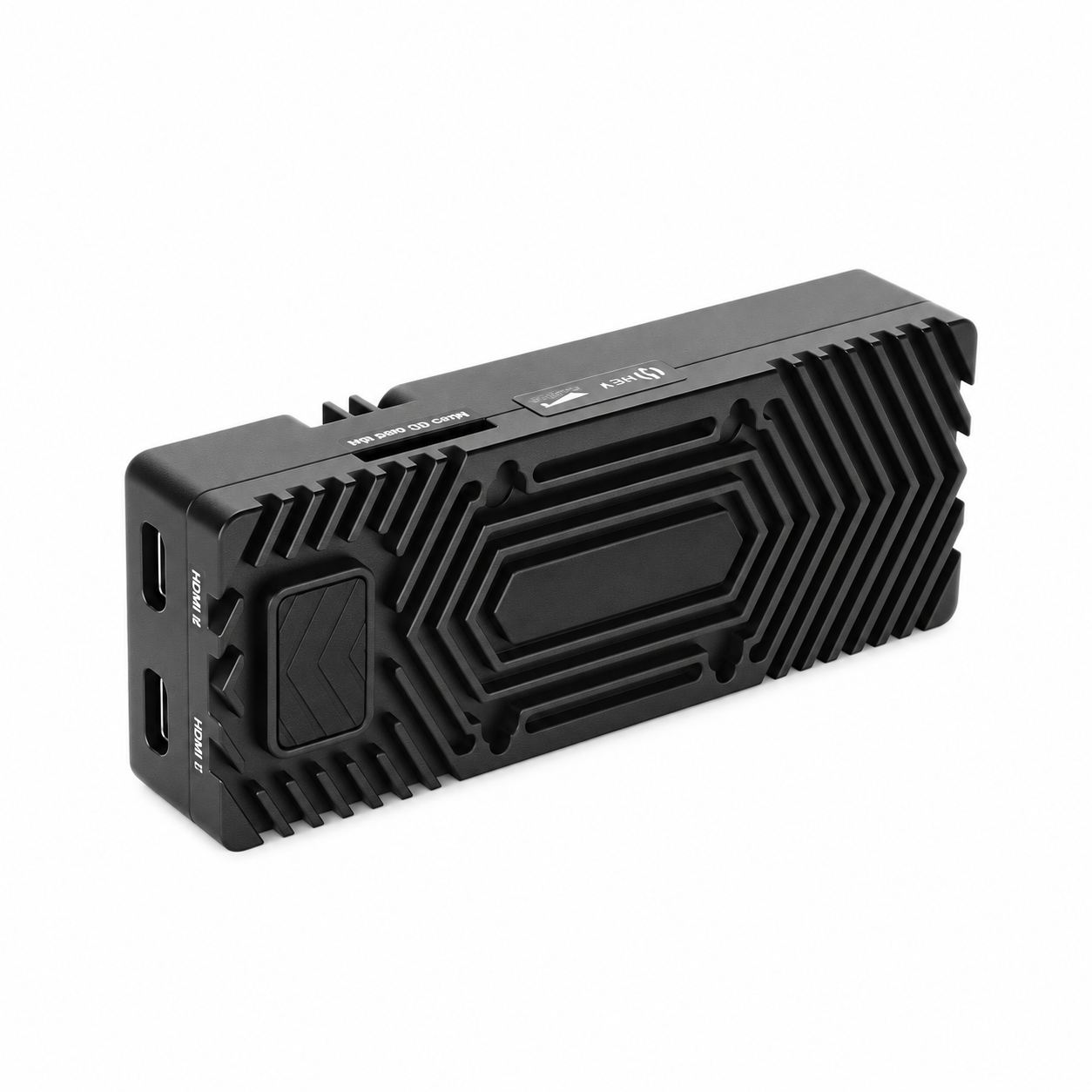
Define a video path that can be reviewed from the selected camera output through the receiving equipment to your intended viewing endpoint.
For UAV buyers and integrators selecting camera outputs for a monitor, handheld terminal or viewing application.
Name the camera output and the input modes documented for the next receiving device. Include any intervening equipment so the complete viewing path can be reviewed.
Identify the camera stream format, receiving application and software version. List the video-link equipment between them and the viewing mode the application needs to present.
Share the documents for the camera and display you intend to keep. Identify adapters or conversion devices as separate items with their own supply and review requirements.
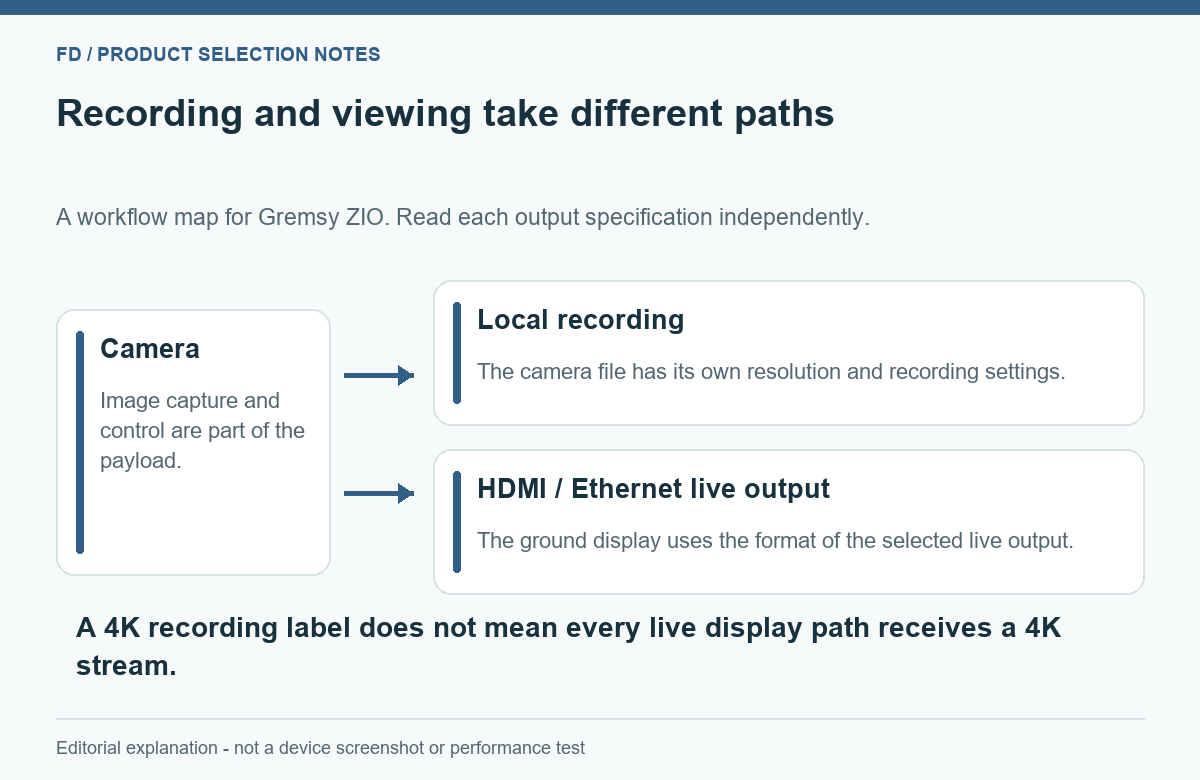
The selected camera supplies the video in a documented output mode. Name that mode and the required live picture separately from any camera-side recording requirement.
Air units, receivers or other proposed devices occupy the intermediate roles. List each model and its documented input or output in the package enquiry.
A monitor or application presents the received image. State where files should be saved and how the inspection team intends to review them afterwards.
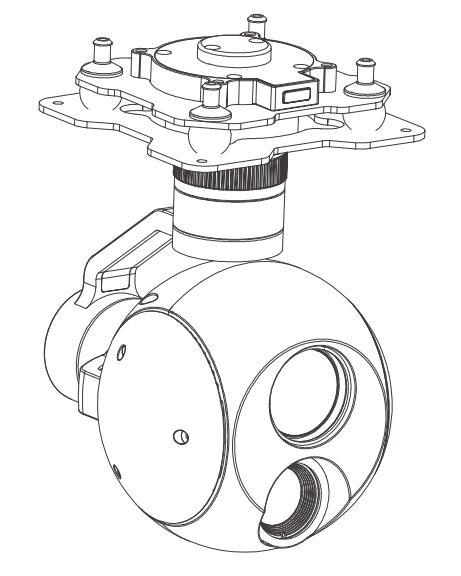 Product
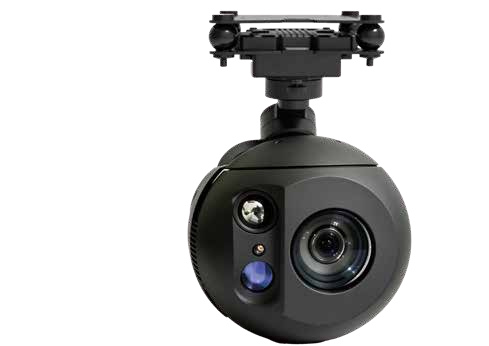 ProductProduct
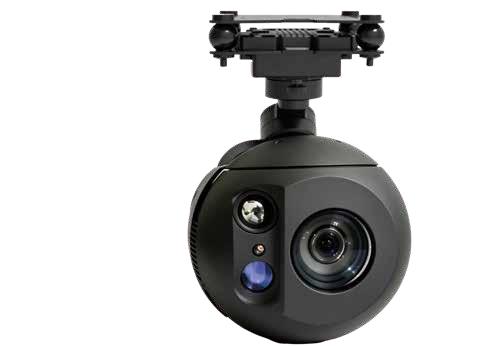
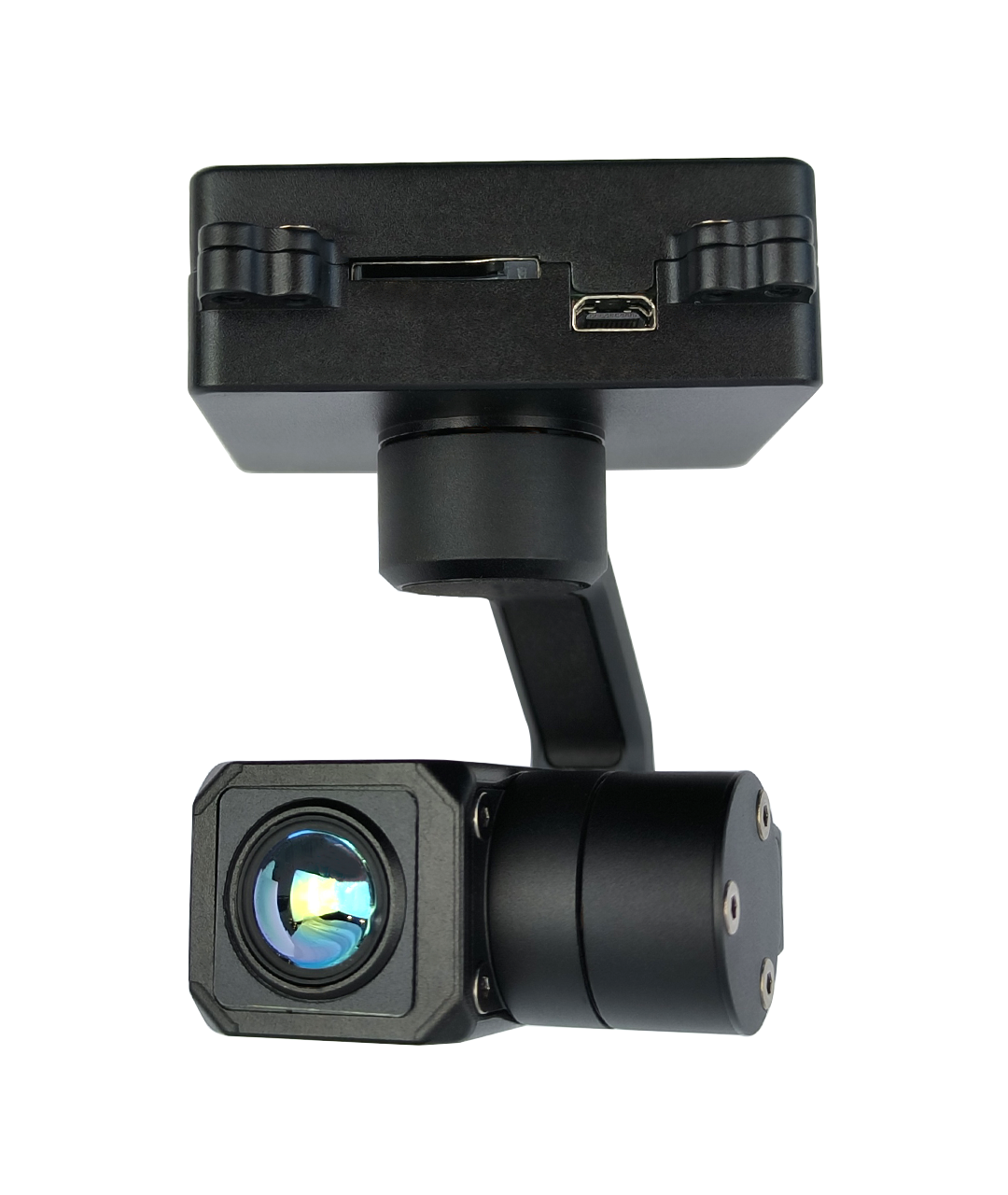
These are product references for this selection question. Confirm the selected versions and package items before ordering.
Start with the screen or application on which the image must appear. Include the live picture and any saved records the reviewer needs.
Compare the documented outputs and inputs for the proposed camera, intermediate devices and endpoint. Keep each unresolved mode or device version visible as a purchasing question.
Request the selected models, operating modes and included accessories in writing. Distinguish the supplier-provided items from existing devices and software that you will retain.
Confirm the exact camera output and the input modes accepted by the receiving device. Include any adapter or intervening equipment in the review.
Name the camera output, documented stream format, receiving application and equipment in between. Include the required viewing mode and available product documents.
Describe recording separately. Identify where files should be saved, which image or data they need to contain and the application used for later review.
 Tel: +86-15059599996
 Email: info@fpvdroneskit.com
 MP/WhatsApp: +86-15059599996
 Manufacturer Address:Quanzhou Valley Nanan Science and Technology Innovation Center, No. 89 Shijing Avenue, Shijing Town, Nanan City, Fujian Province