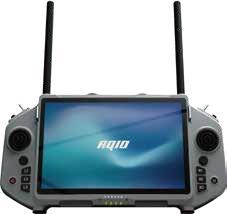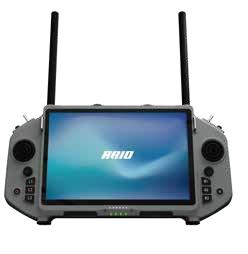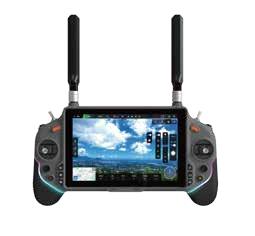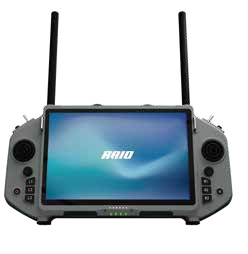

One main working view
Identify the camera image or application that should occupy most of the screen. List the status labels and controls that must stay readable beside it.
UAV Accessory Solutions
Choose the operator workspace around the views, software and controls your project needs.
Choose an operator terminal and supporting equipment around the screen layout, software and controls your team intends to use.
For civil UAV operators, procurement teams and system integrators comparing handheld ground-station workspaces.
Identify the camera image or application that should occupy most of the screen. List the status labels and controls that must stay readable beside it.
Show how the operator needs to divide attention between map, camera and equipment information. A sketch of the intended layout is more useful than screen size alone.
Name the application and version, its operating-system requirements and any external display or computer. Specify which environment should be delivered with the selected terminal.
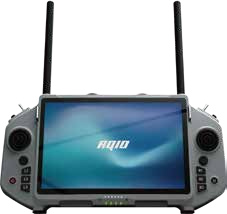
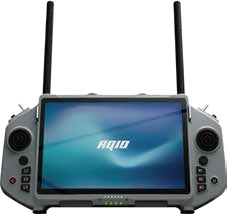
The handheld display, physical controls and supplied system form the operator workspace. Compare their documented characteristics against the tasks and layout you have described.
Identify the aircraft-side and ground-side equipment involved in presenting the required information. A terminal-only enquiry and a controller-and-air-unit kit need different equipment lists.
State where the viewing application runs and which external devices, cables or accessories remain part of the workflow. Include their supply scope in the review.
Product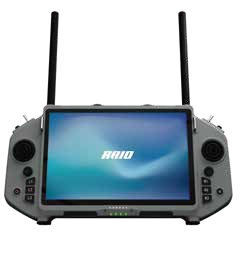 Product
 Product
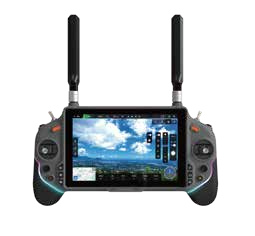
These are product references for this selection question. Confirm the selected versions and package items before ordering.
Send an application screenshot or layout sketch with the main task and essential information marked. Describe the physical controls the operator expects to use.
Review candidate screens and software environments with the existing equipment list. Distinguish the terminal features from the separate link equipment needed for the proposed package.
Name the selected terminal version, system option and included accessories in the quotation. Check that all supporting equipment and customer-provided items are accounted for.
Start with the application layout and information the operator needs to read. Use screen size and the documented display characteristics to compare that working view.
Provide the application name, version, required operating system and any external equipment involved. Include a screenshot or layout sketch when available.
Ask for an itemised scope. The terminal, receiver, air unit and accessories should each be named so you can identify what is included and what is separate.

 Tel: +86-15059599996
 Email: info@fpvdroneskit.com
 MP/WhatsApp: +86-15059599996
 Manufacturer Address:Quanzhou Valley Nanan Science and Technology Innovation Center, No. 89 Shijing Avenue, Shijing Town, Nanan City, Fujian Province