

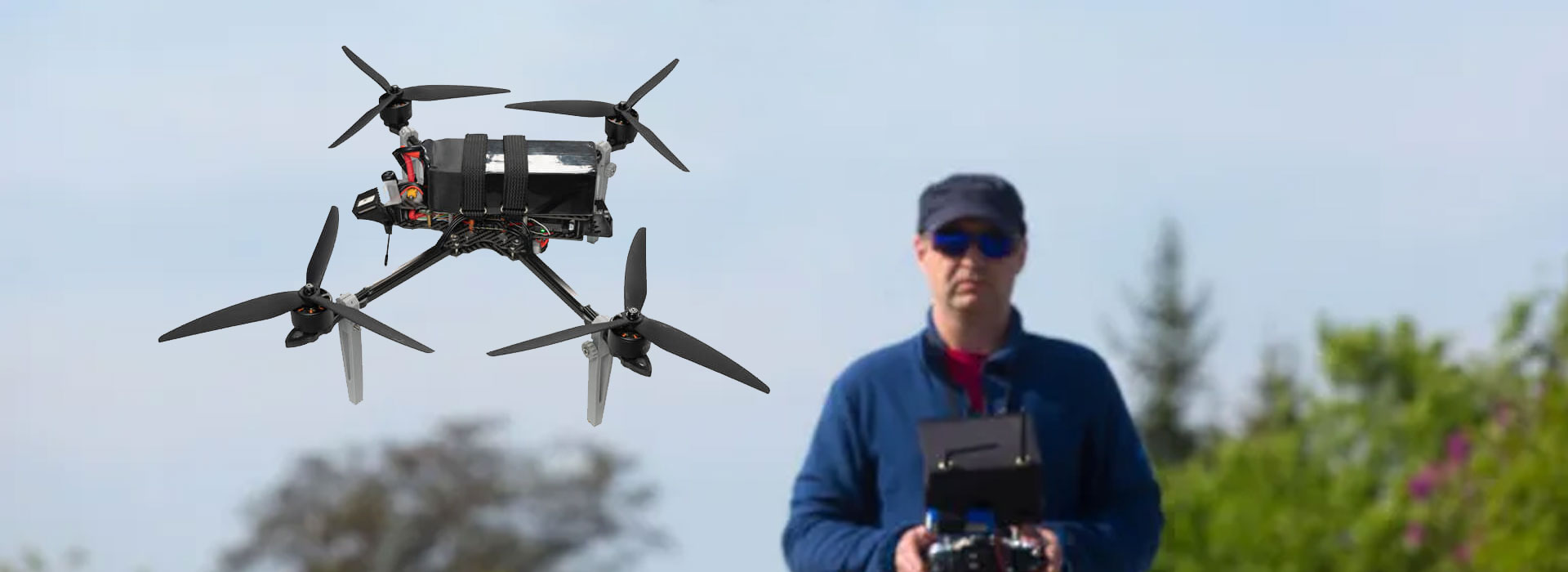
Separate video and telemetry symptoms by recording what each application view is doing at the same time, then identify the documented path responsible for each observation. A live picture does not prove current vehicle data, and changing telemetry does not prove a usable camera view. With a VS30K Video Transmission Module in the proposed system, use the delivered interface record to establish which paths are actually supported. Its brochure names several interfaces, but does not demonstrate every project protocol. Preserve a clear symptom record before requesting an authorized check; avoid changing several settings or calling every fault a transmission failure.
Describe two observations before choosing a cause
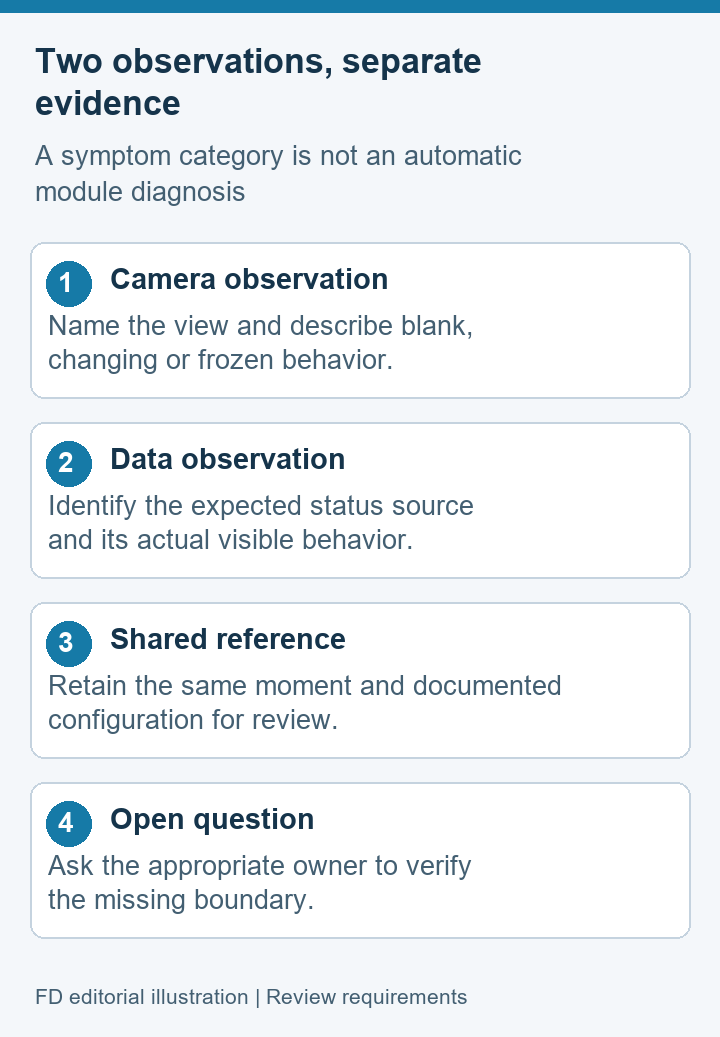
Name the camera view and describe whether it changes, stays blank, freezes or presents an error. Keep viewing, playback and recording separate in the report.
Name the relevant status or telemetry display. Describe its visible behavior and the source the application is expected to use, without assuming every changing value is fresh vehicle data.
During a civil UAV integration review, a useful first sentence can be: “The camera pane stops changing while the agreed data display continues to update.” That is an observation. “The radio is defective” is a proposed cause and needs additional evidence. Separating the two prevents a support discussion from treating an early guess as a confirmed failure mode.
Also identify the software involved. One application may display video while another displays project data. A combined interface can place both on the same screen while using separate paths underneath. QGroundControl's official guides discuss communication links and video settings separately; that general distinction helps frame the record without establishing that your VS30K arrangement uses QGroundControl or a particular telemetry protocol.
Keep the brochure interface list in context
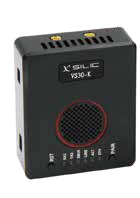
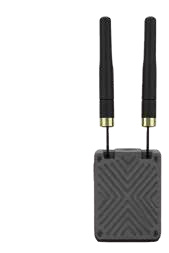
The VS30K product reference names Ethernet, UART, S.Bus and USB and lists transparent transmission paths. These are useful configuration clues. They are not a completed explanation of how a particular camera and application exchange information. Keep the exact supplied arrangement beside the incident record, including any external equipment responsible for producing or displaying the stream.
A connector, data transport and application protocol answer different questions. The presence of UART does not by itself establish a particular vehicle protocol. Ethernet does not name the camera codec or prove that a player understands the received source. A brochure-listed custom arrangement also does not mean that every delivered unit contains that configuration. Ask the integration owner which documented revision the sample represents.
This article concerns symptom reporting after the project has an agreed interface description. It does not provide pin assignments, network values, serial settings or pairing instructions. If those details are required, obtain the version-specific documents and support from the responsible supplier. Keeping that boundary clear allows the receiving team to discuss a problem without inventing unsupported changes.
Classify the symptom without diagnosing the module
The table offers categories for a first report, not automatic diagnoses. A combination can point to several possible boundaries. Mark the behavior observed and ask for the next authorized check. “Not established” is appropriate when a source or freshness indicator is unavailable.
| Observed combination | Useful description | Question to preserve |
|---|---|---|
| Changing video, data not confirmed | The named camera view changes; the expected data display is absent or unchanged | Which owner can verify the intended data source? |
| Changing data, missing video | The agreed data observation changes; the camera pane is blank or shows an error | Is the intended stream being produced and accepted by the viewer? |
| Both views stop changing | Two separate observations cease during the same recorded interval | What common conditions changed, and what remains unverified? |
| Sources cannot be identified | A picture or value is visible, but its declared source is unavailable | Who supplies the missing source and configuration statement? |
The last row matters. A screen can show changing information without proving that it belongs to the intended camera or equipment. Treat source identity as part of the observation. When writing an acceptance report, retain uncertainty rather than converting an unexplained image into a passed end-to-end test.
Use one moment as a shared reference
People reviewing separate screenshots can disagree because the screenshots were taken at different stages. Establish a shared reference time or event in a permitted bench record. Describe what each view did around that moment. This helps correlate observations without claiming that video and telemetry are synchronized automatically or that their timestamps use the same clock.
Illustrative report: “During a stationary demonstration, the operator changed a harmless object in the camera scene. The displayed image remained unchanged. The observer recorded the application status shown at that moment. Source freshness was not otherwise established.” This describes evidence without identifying a failed component.
If an application provides logs, ask what the log represents and which clock it uses. A vehicle log, module diagnostic record and video file can capture different events. Do not combine their times as precise measurements until the responsible engineer has established an appropriate method. Keep original evidence files with their identity and note any manual annotation added afterward.
Use approved handling for project data. Remove unnecessary personal or private network details from shared screenshots, and keep any original confidential evidence under the project's access controls. A public support example should illustrate the observation method, not expose accounts or installation addresses.
For a concrete report, add three small fields beneath the shared reference: “camera view selected,” “data display observed” and “configuration unchanged since.” Fill them with the actual labels and circumstances. If the second field cannot identify a confirmed data source, write “source unconfirmed” rather than “telemetry good.” If someone adjusted the viewer before the incident was recorded, include that fact. These qualifications prevent a neat-looking report from implying a more controlled observation than the team actually performed.
A reviewer should be able to tell which observations came from a witness and which came from software. A colleague's note that a card moved at the camera is witness evidence. An application's disconnected message is software-reported evidence. Keep both, but do not let either silently explain the other. In the incident summary, give the evidence file or note reference beside the statement it supports. This makes an unsupported conclusion easier to spot before the support request is sent.
Compare controlled observations on the bench
Make the equipment safe under the team's established procedure before exercising a source or requesting any change. A purchasing or support review does not require flight. Identify the authorized observer and the integration owner who decides what checks are appropriate. If the intended paths are undocumented, obtain that information before trying to make the system behave like another product's example.
Keep the initial configuration and symptom intact in the record. If an owner recommends a change, write down that single change and the resulting behavior. Changing the camera, viewer and connected module together may show a different outcome, but cannot explain which difference mattered. Where several changes are unavoidable, state the limitation rather than presenting the comparison as a controlled result.
A repeated successful view is useful evidence for the tested configuration. It is not proof of a transmission range, radio resilience or performance across all application loads. Avoid turning a bench observation into an unsupported sales claim. Where the project needs a quantitative measure, let the responsible engineer agree on its method and acceptance conditions separately.
Send the right evidence to each owner
The camera-side owner should be able to identify the expected source and its production path. The transmission-system owner should be able to identify the delivered module arrangement and the records it can legitimately provide. The application owner should explain supported inputs and how the observed screen state relates to the selected source. These roles can belong to one supplier or several organizations.
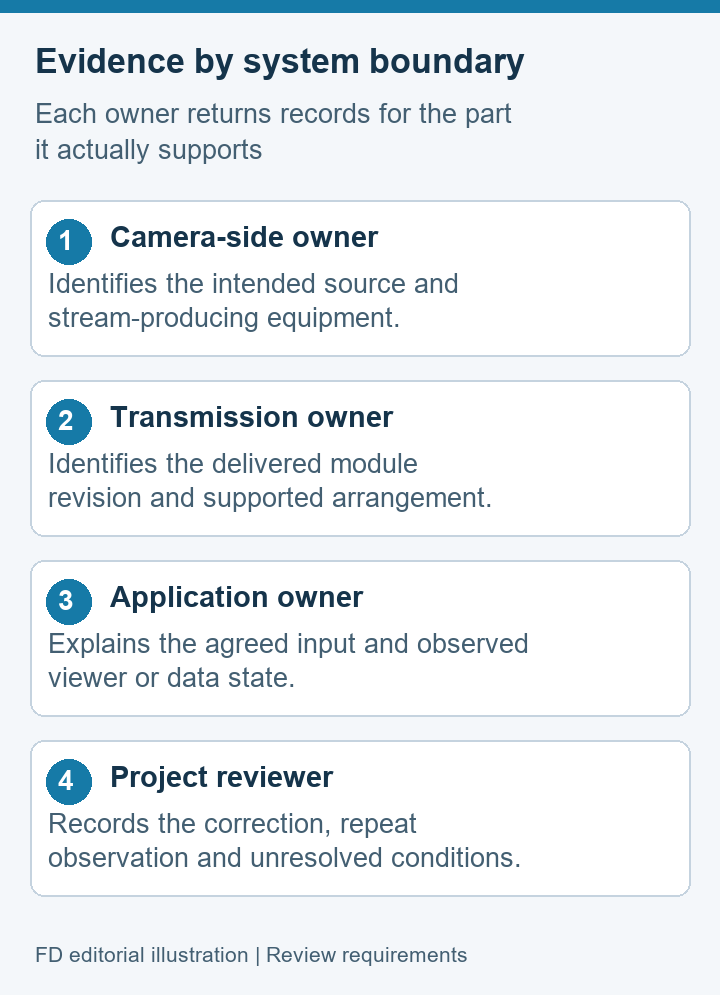
Give every owner the same concise incident summary, then request evidence appropriate to its boundary. This avoids three separate conversations using different software versions or test conditions. Include the module revision, relevant connected equipment, application identity, observed combination and any authorized changes already tried. Keep an unanswered question visible with a named owner.
When an owner proposes a diagnosis, ask what observation supports it and what would confirm the correction. A replacement module or revised package should remain tied to the issue record. The purpose is to reach a defensible result, not to assign blame from a symptom that might arise elsewhere in the system.
Video and telemetry questions
Can video work while telemetry is unavailable?
They can follow separate paths in a system. Record the actual combination and confirm its architecture with the integration owner. A picture alone does not establish the intended vehicle data connection.
Does VS30K's UART listing prove MAVLink support?
No. A named interface is not proof of a particular project protocol or tested endpoint. Request the exact supplied configuration and the application's supported connection statement.
Does a simultaneous interruption prove a module failure?
No. It is a useful correlated observation, but common conditions and other components still need assessment. Preserve the moment and let the responsible owner identify an authorized evidence-based check.
Should the report include video files and vehicle logs?
Include only relevant evidence requested through the project's approved process. Name what each file represents, preserve originals and avoid claiming synchronization that has not been demonstrated.
What closes a symptom report?
A documented correction, the identified revised configuration and repeated observations meeting the agreed requirement. Keep any remaining untested conditions explicit rather than recording a general “system passed.”
Close an issue with a specific observation
The VS30K Video Transmission Module reference helps identify the offered hardware. Pair it with the actual configuration and a two-part symptom record before asking the integration team to investigate.
The final result should explain what changed and what was observed afterward, with the module, source and application identities preserved. If one path remains unverified, say so. A precise video-and-data report supports a useful decision; a broad claim about “the link” often hides the boundary that still needs evidence.

 Tel: +86-13959965075
 Email: info@fpvdroneskit.com
 MP/WhatsApp: +86-13959965075
 Manufacturer Address:Quanzhou Valley Nanan Science and Technology Innovation Center, No. 89 Shijing Avenue, Shijing Town, Nanan City, Fujian Province


