Author:Military Drone Manufacturer TIME:2026-11-05
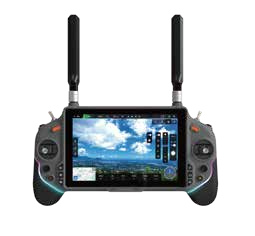
Choose an RA7 field workstation when the person holding the terminal needs to see the camera picture and operate supported controls together. Choose a separate desk review setup when another person mainly compares images, reads documents or prepares an inspection report. Those jobs place different demands on the same equipment. RA7 combines a display, physical inputs and an Allwinner A733 computing platform, with Android 15 or Ubuntu 20.04 listed as alternatives. That does not make every desk application available on the handheld. Define the operator's task first, then decide which work belongs on RA7 and which belongs at another viewing position.
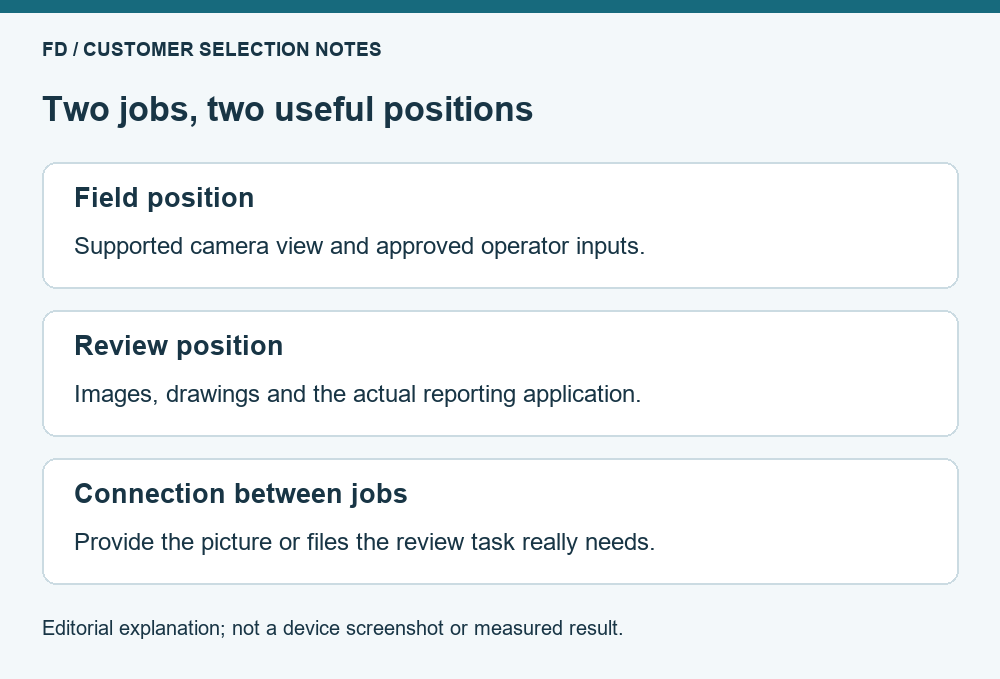
A field operator usually needs a short sequence of actions: recognize the current view, reach the intended control and see the result. A reviewer may need a different sequence: compare two saved images, consult a drawing and add a note to a report. Combining both jobs on one small interface can create unnecessary switching between windows. Separating them can be useful, but only if the project has a supported way to provide the reviewer with the required files or picture.
The decision is about work allocation, not a claim that one arrangement is inherently safer or more professional. A single-person training session may benefit from one compact device. A building inspection with a dedicated reviewer may justify a second workstation. The camera, aircraft and approved operating procedure still determine what the team may do. Additional computing equipment does not authorize a new aircraft-control role.
Write one sentence for each position before choosing accessories. For example, the handheld position must present the current camera view with the agreed controls; the desk position must inspect original photographs after a session. Those statements already prevent an unnecessary purchase: the desk reviewer does not need an assumed live connection if their actual deliverable is a later report.
| Requirement | Handheld field position | Separate review position |
|---|---|---|
| Main question | Can the operator use the intended view and controls together? | Can the reviewer inspect the required information comfortably? |
| Typical material | Supported live application and current equipment status | Original files, drawings and project notes |
| Input needs | The supplied physical controls and touch interface | The chosen desktop or portable-computer tools |
| Connection question | Does the delivered RA7 setup support the required application? | How are the actual files or supported viewing feed provided? |
| Buying mistake to avoid | Adding accessories that obstruct normal use | Buying another controller when a file-review computer is sufficient |
This table is a way to assign tasks. It is not a specification for an RA7 video output, screen-sharing feature or multi-operator system. If the reviewer needs a simultaneous live picture, ask for a demonstrated viewing arrangement rather than treating the word workstation as a promised port or software function.
RA7's published computing reference is Allwinner A733, 8 GB LPDDR4X memory and 64 GB UFS storage. The two listed operating systems are Android 15 and Ubuntu 20.04. These are starting points for choosing an application environment. They do not establish that a desktop inspection package, camera utility or specialist reporting tool is available for the supplied device image.
Begin with the application that performs the essential field task. Ask the software provider which operating system, processor architecture, graphics support and input access it requires. An Android application package and a Linux desktop application are different delivery choices. A familiar application name alone does not prove that its build will run correctly on either offered RA7 environment.
Leave document-heavy work on the review position when that is the simplest complete arrangement. A reviewer who needs several documents open, a large image view and a full keyboard may gain little from duplicating those tasks on the handheld. Conversely, short project notes may be perfectly useful on a supported field application. Choose by the actual action and result, rather than by the number of applications that can be installed.
Assess RA7 in the posture in which it will be used. The brochure shows paired grips, a central display and surrounding physical inputs. An accessory that seems convenient on a desk may interfere with a hand position or obscure a control when the terminal is held. The useful sample includes the intended support, cables and application, rather than an empty device held briefly for a photograph.
For a desk review position, consider how the reviewer will see a full image and its details without repeatedly losing context. That may mean a larger display, an ordinary computer and the existing reporting application. It does not follow that RA7 must provide that computer's video input. If files are transferred after the session, the transfer method and supported file formats are the relevant purchase questions.
Avoid defining a universal comfortable session length from an enclosure photograph. Hand size, posture, task repetition and accessories change the experience. A buyer can ask several intended users to try the unpowered handling arrangement under the existing equipment procedure, then evaluate the supported application separately. This distinguishes an awkward accessory choice from a software-layout problem without inventing an ergonomic score.
Consider a team documenting building fabric. One person operates the supported field application; another prepares a maintenance report from selected original photographs. The first draft of the equipment list includes two handheld controllers because there are two team members. That is an assumption about people, not a reasoned allocation of equipment.
The team instead separates the outputs. The field position needs RA7 with the agreed application and input arrangement. The review position needs access to the original files, a computer that runs the reporting software and enough display area to compare a photograph with a drawing. If review happens after the field session, a proven file-transfer procedure may meet the need without a second live-control device.
Now change one requirement: the reviewer must discuss the current camera view during the session. That creates a live-viewing requirement, which needs an explicitly supported arrangement. The supplier should show what information reaches the second position and whether it is a camera picture, application view or something else. The added requirement still does not imply independent camera control or duplicated aircraft commands.
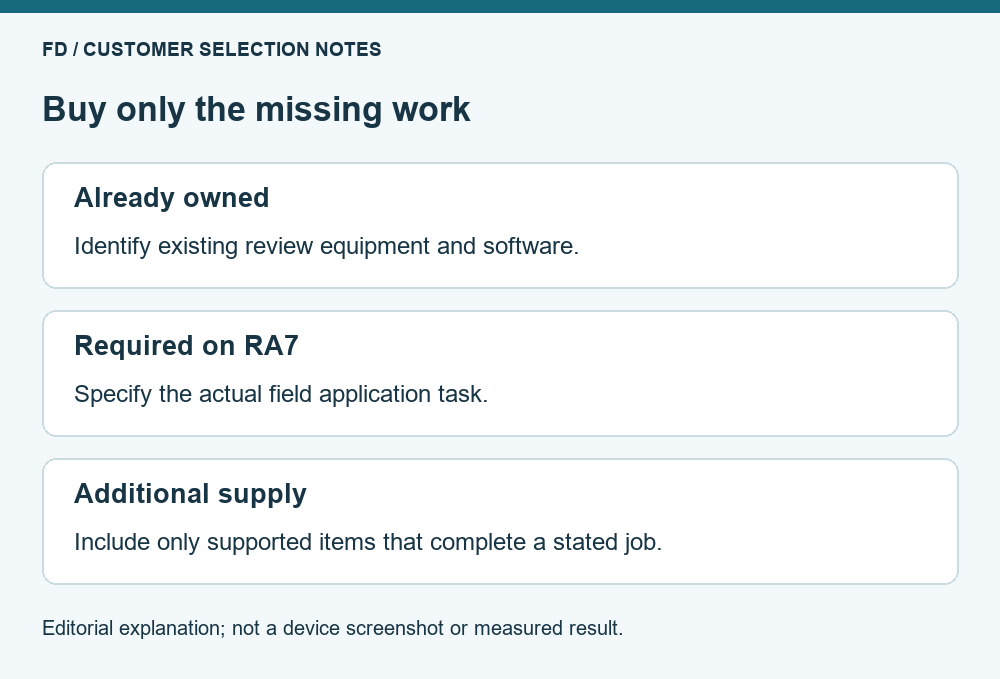
A complete comparison includes the terminal, required software, compatible accessories, review equipment and any necessary integration service. It also includes the time spent moving between applications or recovering a missing deliverable. The least expensive handheld offer is not necessarily the lowest-cost working arrangement, but a more expensive package should explain which required job it completes.
Ask a supplier to distinguish included equipment from equipment the customer already owns. A desk computer already used for reporting should not appear as a newly required purchase merely because the article discusses a second workstation. Similarly, do not count an optional support or extra display as essential unless the task benefits from it. A short itemized comparison makes those choices visible.
There is no verified RA7 runtime, screen-brightness or display-size comparison in this article. The supplied source has conflicting entries for those fields. If those values decide the purchase, request a corrected model-specific sheet and a representative demonstration. The reliable computing references and visible layout can guide the task split while those other facts remain unresolved.
Prepare a short demonstration around the intended result. At the field position, use the supplied application to find the relevant view and perform one approved non-flight interaction. At the review position, open a representative original file and place it beside the document used in the report. Keep the exercise within the project's ordinary bench or training procedure.
Observe where a person needs to stop their task to obtain information from the other position. If the missing item is a photograph, solve file access. If it is a current camera view, ask for a supported viewing path. If it is a control action, have the integration owner establish who is permitted to perform it. These are different requirements, and buying another identical device does not automatically satisfy all three.
Compare the resulting arrangements using the same small task. The useful offer is the one that makes the required work possible with clear supplied equipment and software. For the terminal's current reference configuration, review the RA7 handheld package and discuss the field application with FD. A concrete description of the field and review jobs gives that enquiry a useful starting point.
No. A person reviewing saved images may need a suitable computer and file access rather than a second handheld controller. First identify whether that position needs viewing, documentation or an independently supported control role.
An operating-system name is insufficient. The application provider must support the delivered build, processor architecture and required dependencies. Ask for the actual application task to be demonstrated on the offered configuration.
Viewing and control are separate functions. A camera picture at another position does not establish that the reviewer can issue supported commands. Any additional control role requires explicit system support and the project's authority.
Only when the required application and working arrangement make it practical. For extensive image comparison or document editing, an existing review computer may be a better fit, while RA7 remains focused on the field task.
Describe who holds the terminal, what they must see and operate, what the reviewer must receive, and whether review is live or later. Include the intended software names and existing equipment rather than an assumed accessory list.
RA7 reference basis: the supplied terminal brochure and FD model page, reviewed 21 October 2026. The workstation examples allocate tasks; no application certification or ergonomic test is claimed.

 Tel: +86-13959965075
 Email: info@fpvdroneskit.com
 MP/WhatsApp: +86-13959965075
 Manufacturer Address:Quanzhou Valley Nanan Science and Technology Innovation Center, No. 89 Shijing Avenue, Shijing Town, Nanan City, Fujian Province