Author:Military Drone Manufacturer TIME:2026-11-21
The SIYI UniRC 7 Pro Drone Controller has a documented 1920 × 1200 native display, but a useful operator picture depends on more than that number. A small camera window, an enlarged low-detail stream or a large status overlay can each limit what the operator sees. Choose this controller by the detail you need inside the actual application, then judge how much of its 7-inch screen remains for that image. This article separates panel pixels, received video pixels and software layout so an inspection buyer can request a meaningful picture comparison without treating screen resolution as camera performance.
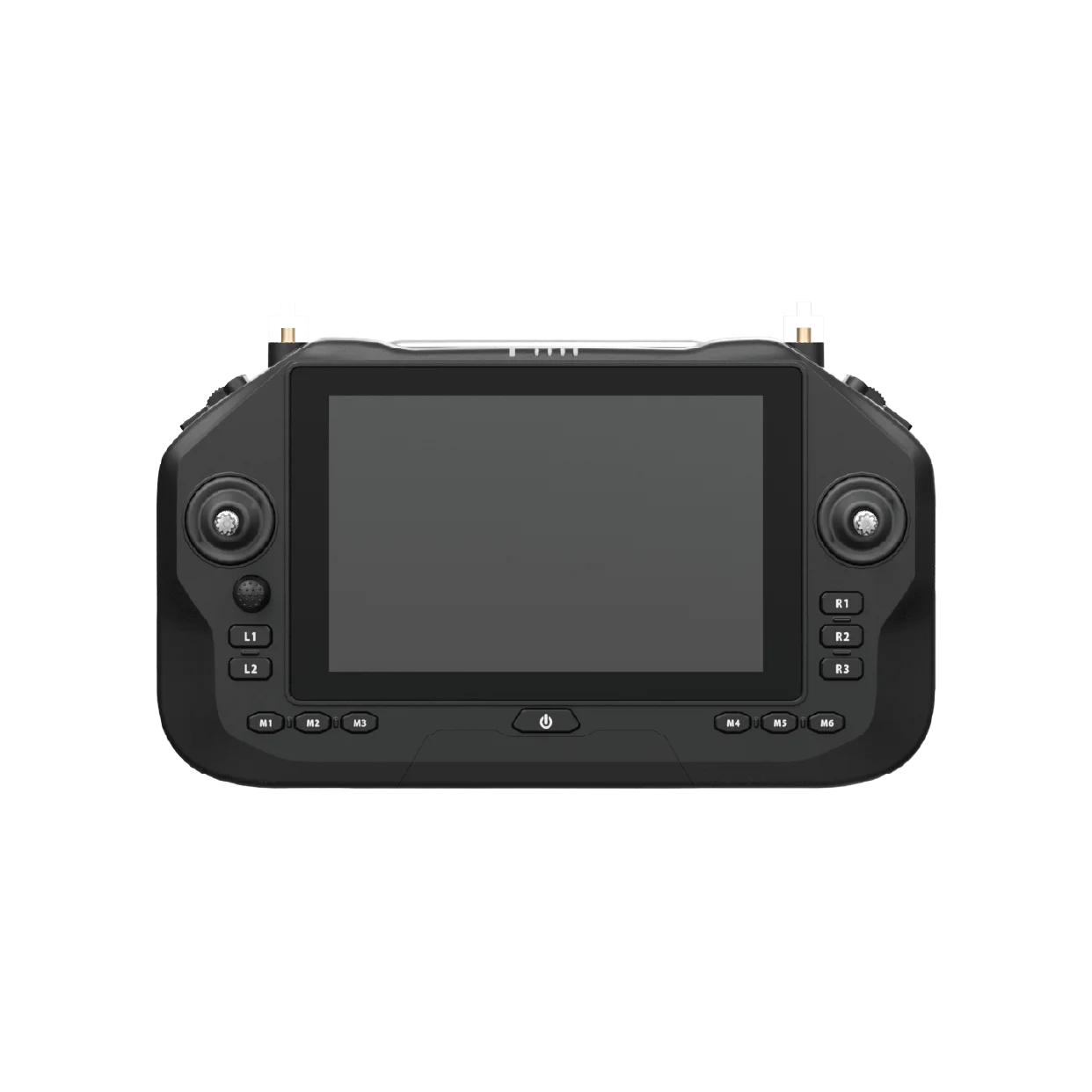
For a civil inspection, “clear video” is too broad a requirement. Name a visible feature: the outline of a roof component, the position of a label or the context around an asset. The sample should help the operator decide whether the view is suitable for that task. Avoid choosing an arbitrary distant detail and turning it into an unsupported recognition-distance claim.
Then decide whether the feature must be evaluated live or in a saved recording. A live view may be sufficient for positioning the camera while the original file serves later analysis. These endpoints can have different resolutions, compression and viewing conditions. Asking the live screen to prove every property of the saved file leads to a confused purchase comparison.
The right question is “can the operator interpret the required feature in this view?” It keeps the discussion tied to the actual work.
| Layer | What it describes | Buyer consequence |
|---|---|---|
| Camera source | Image captured and encoded by the camera | Choose a source containing useful detail |
| Received stream | The live image available to the application | Judge the selected delivered stream, not a file label |
| App video window | The area allocated to that image | Menus and overlays reduce viewing space |
| Native panel | UniRC 7 Pro: 1920 × 1200 pixels | The window is displayed within this fixed grid |
The table is a reasoning tool. It does not claim that the camera or wireless link always operates at one particular resolution. A buyer can use it to ask which layer changed when two demonstrations look different. Without that distinction, a larger window may be mistaken for a better source image.
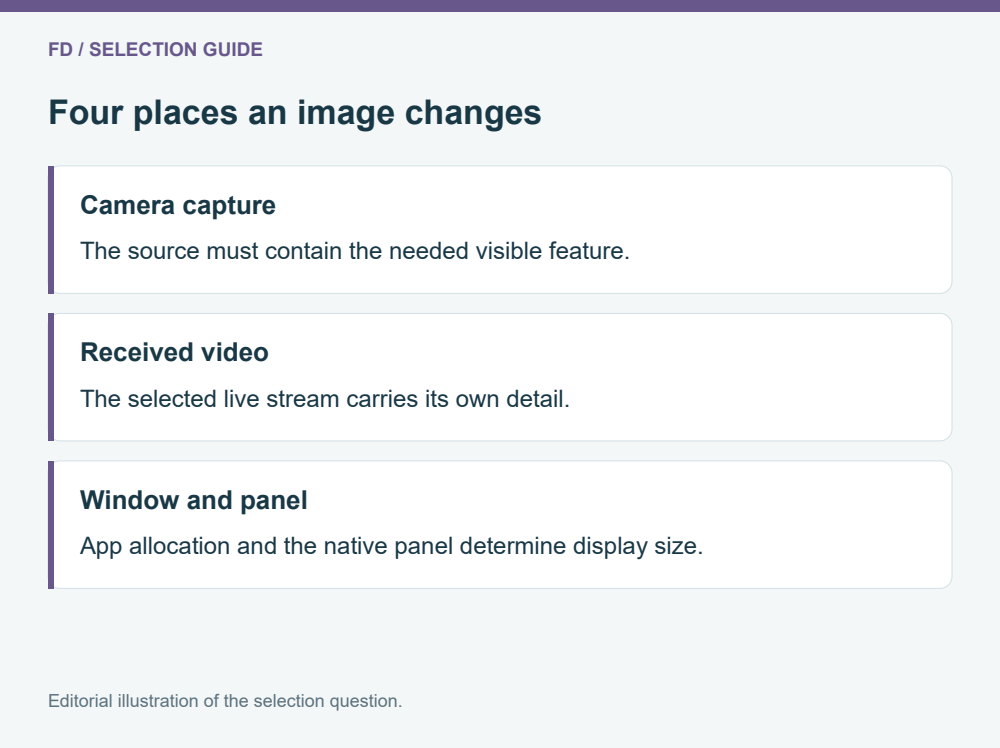
Consider a hypothetical 1920 × 1080 image displayed in an application window measuring 960 × 540 pixels. The window has half the source width and height, so it contains one quarter as many pixels. That is ordinary geometry, not a measured UniRC video mode. It explains why the same received source may reveal less fine detail inside a small pane than in a larger view.
Now imagine the application adds a side panel. Even though the handset still has its original native pixel count, less of that panel may remain available to the camera. Changing interface layout can therefore matter as much as selecting a different stream for a particular observation.
Use a source with a representative feature and compare the full video area with the normal working layout. Keep the source and sample conditions alike. A screenshot of an uncluttered video page is not equivalent to a screen full of operational widgets.
Digital enlargement makes existing pixels easier to see; it does not establish that new scene information has been captured. If the source lacks the needed detail, enlarging the receiving window or applying an app zoom can produce a larger version of the same limitation.
Optical camera zoom, camera-side digital zoom and app-side enlargement can have different effects and should be labeled separately. This guide does not assign a zoom capability to a camera that has not been specified. The controller photograph cannot establish the camera lens or the content of an incoming stream.
For comparison, ask for the ordinary view and the proposed enlarged view of the same representative scene. Include enough surrounding context to understand what was selected. If the operator can read more comfortably but no additional feature becomes distinguishable, describe that as a viewing benefit rather than improved camera capture.
A control app needs status, source identification and useful commands. Those elements compete with the image for space. Place the most important status information where it remains readable without covering the inspected feature. Long text strings and warning panels deserve particular attention because they can consume more space than a compact product demonstration suggests.
One clear camera window can be preferable to two small windows if the task is a detailed visual observation. When comparison between sources is essential, each window should be large enough to support that comparison. The application has to provide the selected layout; Android 13 and the documented 4 GB RAM and 64 GB storage do not guarantee a particular screen arrangement.
Physical camera controls may reduce some screen interaction when supported and correctly integrated. Treat that as an application-and-payload requirement, not an automatic property of every button on the handset.
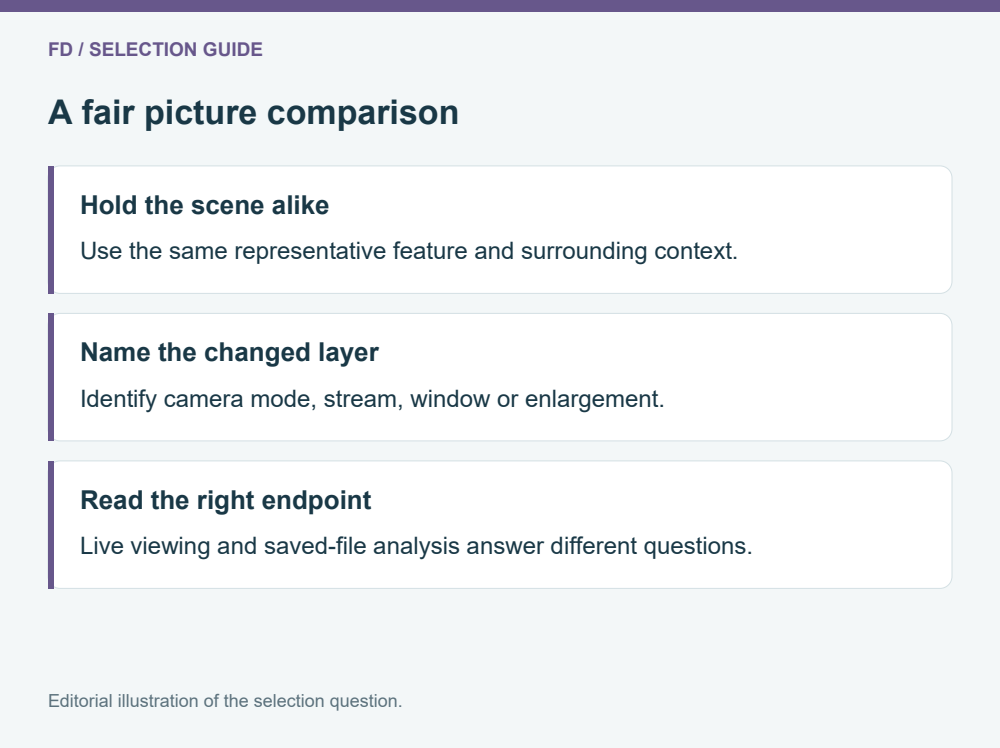
The manufacturer lists 1600 nit brightness for the UniRC 7 series. That is a display specification. It does not prove a specific outdoor result and does not establish how many details the received camera image contains. Reflection, viewing position, app contrast and the operator's own eyesight can affect practical reading.
Use the intended working position during evaluation. A screen viewed close to the face at a showroom desk presents a different task from one held farther away in a support arrangement. Compare the smallest essential app text as well as the camera image. A panel can show the feature well while making adjacent status labels difficult to read.
Likewise, do not infer live frame rate or end-to-end delay from the native panel specification. Those belong to the complete source, link and application chain and require their own evidence if they are important to the purchase.
Ask for a short representative sequence with a known camera source and the intended application build. Include the normal working layout, an unobscured camera view and any enlargement the operator expects to use. Label those views clearly instead of mixing an original recording with a photograph of the terminal.
A useful comparison keeps the same scene content and names what changed. If the camera mode changed, say so. If only the window grew, say so. If a saved file was examined on another device, describe it as that endpoint. This makes the evidence useful to a buyer without inventing a performance ranking.
Choose the UniRC 7 Pro when the actual combination of screen area, readable controls and received image suits the task. Its native display provides the canvas; the camera and application determine what useful information occupies it. The product information can then support a configuration discussion grounded in that viewing requirement.
Suppose the intended UniRC 7 Pro app opens a camera-control sidebar whenever the operator selects a supported payload action. A representative inspection feature is clear before the sidebar opens but becomes difficult to interpret afterwards. The native panel has not lost pixels; the camera window has lost area.
Request the same source scene with the ordinary viewing page and the action page. If a supported physical input can perform that action while keeping the larger camera view, include that proposed assignment in the demonstration. If the app requires the sidebar, evaluate whether a different arrangement preserves enough useful image. Neither option should be presented as already implemented unless the supplied system demonstrates it.
The comparison can show that the controller is suitable with one interface choice and awkward with another. It can also show that the source image itself is insufficient even in the larger window. Those outcomes point to different purchases: application integration for the first problem, and a camera or source-path discussion for the second.
No. It describes the native display grid. The camera output, selected live stream and application window are separate. A camera image can be scaled to fit that grid, with additional space reserved for the interface.
No. The recording and live-output paths can use different formats and processing. Compare each at the endpoint the job requires rather than using one as evidence about the other.
The official series specification distinguishes them: UniRC 7 is 1280 × 800 and UniRC 7 Pro is 1920 × 1200. Keep the suffix on the requested controller and sample so the comparison concerns the correct hardware.
App enlargement changes the way available pixels are shown. Whether the task requires a different camera depends on the detail present in the source, its field of view and the actual observation requirement.
Compression is part of many video paths. Judge whether the selected live image preserves the information needed for the task. A blanket rule about compression is less useful than a representative comparison using the proposed configuration.
Review SIYI UniRC 7 Pro Drone Controller product information.

 Tel: +86-15059599996
 Email: info@fpvdroneskit.com
 MP/WhatsApp: +86-15059599996
 Manufacturer Address:Quanzhou Valley Nanan Science and Technology Innovation Center, No. 89 Shijing Avenue, Shijing Town, Nanan City, Fujian Province