Author:Military Drone Manufacturer TIME:2026-09-06
Learning to fly an FPV drone can be intimidating at first—but with simulators, beginners can safely build their skills without the cost of crashing real equipment. FPV simulators are powerful tools for practicing flight controls, learning acro mode, and improving reaction time.
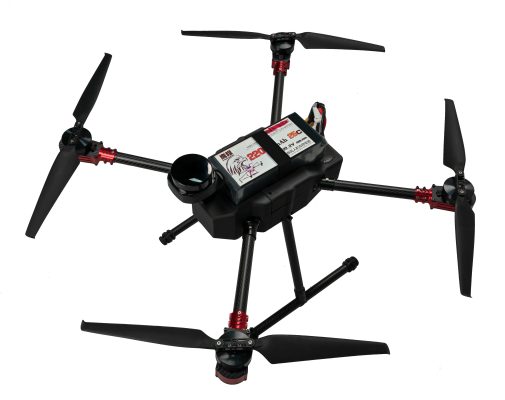
An FPV simulator is a computer or console-based program that replicates the experience of flying a drone in a virtual environment. It uses your real transmitter via USB, allowing you to train with the same setup you’ll use in the field.
Learn throttle and stick coordination
Practice flips, rolls, and dives without risk
Improve muscle memory for real-world flying
Train indoors during bad weather
Explore different flying styles: racing, freestyle, cinematic
Liftoff – Great graphics and realistic physics. Good for freestyle and racing.
Velocidrone – Precise controls, excellent for racing practice.
DRL Simulator – Fun and gamified, backed by Drone Racing League.
FPV.Skydive – Free and beginner-friendly with basic features.
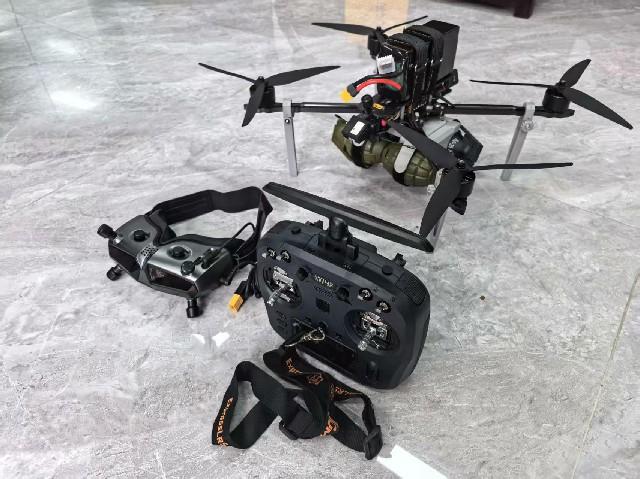
USB-compatible transmitter (e.g. Radiomaster Boxer, Taranis)
Gaming PC or laptop with a decent GPU
Optional: FPV goggles with HDMI or screen mirroring for realism
Focus on hover control and smooth turns first
Set daily practice goals (e.g., hold altitude for 30 seconds)
Try a new environment each session
Rewatch your flight recordings and correct mistakes
FPV simulators are the safest and fastest way to learn. Practice consistently, and you’ll build the confidence needed to transition to real drones without fear of crashes or expensive repairs.


 Tel: +86-13959965075
 Email: info@fpvdroneskit.com
 MP/WhatsApp: +86-13959965075
 Manufacturer Address:Quanzhou Valley Nanan Science and Technology Innovation Center, No. 89 Shijing Avenue, Shijing Town, Nanan City, Fujian Province