

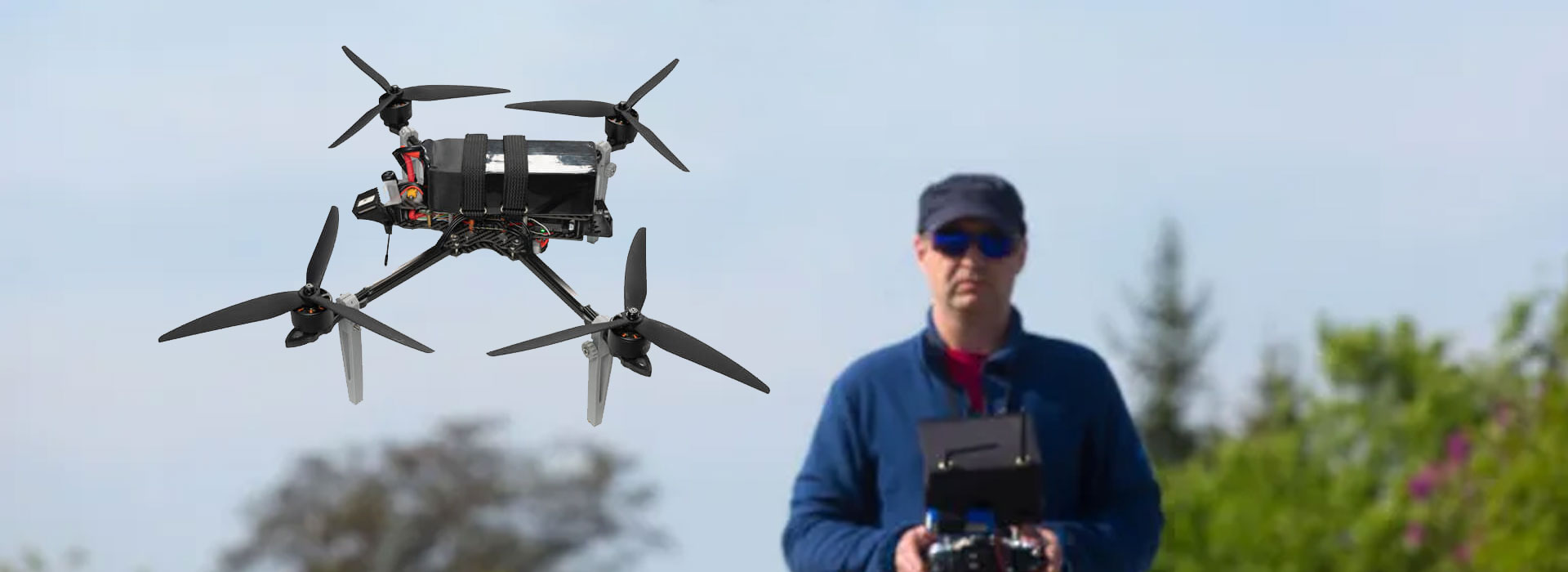
A software handover survives an update when the team can identify the accepted RA10 configuration, explain what changed and restore a documented working state through an authorized process. Keep the terminal image, application, connected modules and project data as separate records. Then repeat the checks affected by an update before approving the revised combination. The RA10 Handheld Ground Control Station brochure lists operating-system alternatives, but it does not supply proof of a recovery image or application maintenance service. Ask the responsible suppliers to define those deliverables, and leave unsupported recovery claims out of the acceptance record.
Freeze a recognizable accepted state
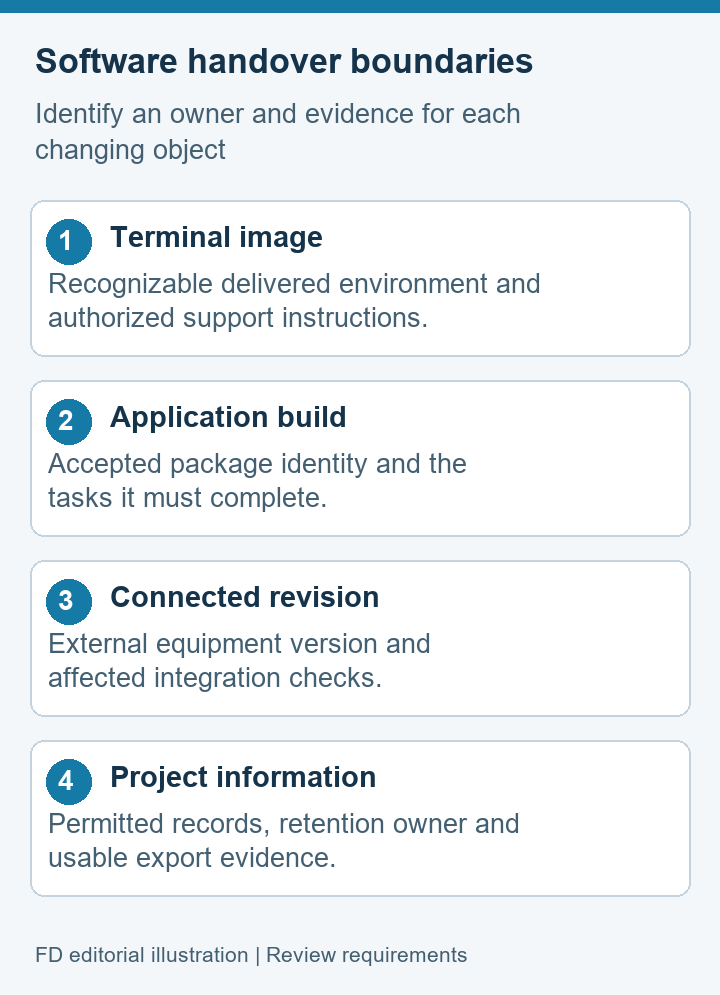
The first handover record should describe the configuration that was actually accepted, not the supplier's general product family. Identify the RA10 sample, the delivered system image, the installed application and the connected equipment used in the demonstration. Where a version screen or package identifier is available, retain it with a date. Record unavailable identifiers as open questions rather than guessing them from a brochure.
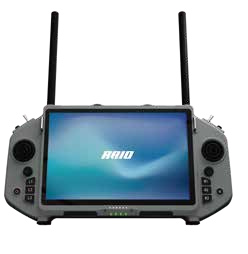
RA10's product reference lists Android 15 or Ubuntu 20.04 as system options. This article does not choose between them. Whichever configuration is supplied, the team needs a clear baseline for maintenance. Two terminals bearing the same model name can require different acceptance evidence if their software, peripherals or delivered image differ. A photograph of the casing is useful for identity, but it cannot substitute for the software record.
A baseline also needs a small list of accepted tasks. For example, a civil research team may require opening approved project data, displaying the intended video source and exporting a permitted record. Mark which tasks were witnessed and which remain untested. This provides a meaningful comparison after a change; “the application still launches” is too narrow when the required work includes connected devices or data handling.
Separate the things that can change
- Terminal environment: the system image, device access and other supplied platform components.
- Application: the installed ground-station package, its build and project-specific extensions.
- Connected equipment: external video or data modules and the documented revisions in use.
- Project information: authorized configuration, working files and records that the team must retain.
These groups can have different owners and different change intervals. A terminal supplier may maintain the image while a software developer maintains the viewing application. Another integrator may support an external module. Put a named organization or project role beside each group. Avoid listing a single helpdesk as responsible for equipment it did not supply or software it does not maintain.
QGroundControl documentation separates video settings from vehicle communication settings. That is a useful general example of why one successful screen does not prove every application function. It does not demonstrate QGroundControl compatibility on RA10. Your maintenance record must use the actual agreed application and identify which settings, drivers or connected paths belong to its delivered arrangement.
Build a handover evidence matrix
A maintenance handover should answer three questions: what do we have, who supports it, and what record lets another person verify it? The table below is an example format, not a list of RA10 services already included in an order. Ask each owner to complete its rows before treating the pack as ready for internal support.
| Record | Evidence or deliverable | Question for its owner |
|---|---|---|
| Accepted image | Identifier and authorized support instructions | How can the delivered environment be recognized? |
| Application build | Version, approved package origin and installation scope | Which build was used during acceptance? |
| Connected revision | Module identity and relevant configuration reference | What must be rechecked when this item changes? |
| Project data | Permitted export locations and retention owner | What information needs protection before maintenance? |
| Recovery support | Written availability, conditions and responsible contact | What remedy is actually offered if a change fails? |
A link to an unknown download or an installer copied from another controller is not a satisfactory recovery deliverable. Ask for an authorized source appropriate to the delivered configuration. If restoration requires returning the unit to the supplier, state that plainly. The handover is still useful when a capability is unavailable, provided the limitation and support route are clear.
Choose checks by the affected function
Before an update, describe its expected effect in ordinary language. Does it change the application, the image, a connected module or only project information? The answer determines which observations deserve comparison. Updating a viewing application calls for attention to the intended video and data workflow. Replacing a peripheral may require checking recognition after startup. A changed system image can affect more than an application version label.
Agree on a short repeatable bench demonstration with the integration owner. Use safe, stationary equipment and the same permitted source where possible. Retain both the original and revised observations. Record what was different in the conditions; a result from a new camera or a different network should not be presented as a direct software comparison without that qualification.
When a check fails, report the observed behavior and identify the changed component. Do not immediately conclude that the latest package is defective or that the terminal cannot support the task. The evidence may show a dependency mismatch, a missing setting or an unresolved device-access requirement. Let the responsible owner explain the correction, and record whether the revised combination requires a fresh acceptance decision.
Keep project data outside the reset question
“Can we reset it?” and “Can we retain the information we need?” are different questions. A reset or image replacement may change application settings or remove local files. The effect on RA10 must come from its delivered support instructions; this article cannot infer it from Android or Ubuntu. Identify valuable project records before any maintenance, and ask the owner to describe the permitted backup and restoration process.
Make the data list specific: approved project files, configuration records, support logs and authorized recordings may have different locations and retention rules. List only the objects your actual application creates.
Protect account details and personal information separately from a general handover document. The maintenance pack should explain where authorized credentials are managed, without including passwords or reusable access tokens. A sample screenshot can expose a private address or user name, so review evidence before sharing it outside the project.
Also specify who confirms that restored information is usable. The presence of a copied file is not proof that the new application can open it. Ask the application owner to demonstrate the agreed import or reading task where that is part of acceptance. Do not describe a backup as complete until the project's required information and its usable format have been checked.
Give changes and recovery different approvals
A proposed update should have an owner, an identified target configuration and a reason. Recovery should have a separately documented authorized route. The ability to request supplier support does not mean that every team member should alter a system image. Use the organization's normal change authority and the supplier's instructions, especially where a project has already accepted a specific configuration.
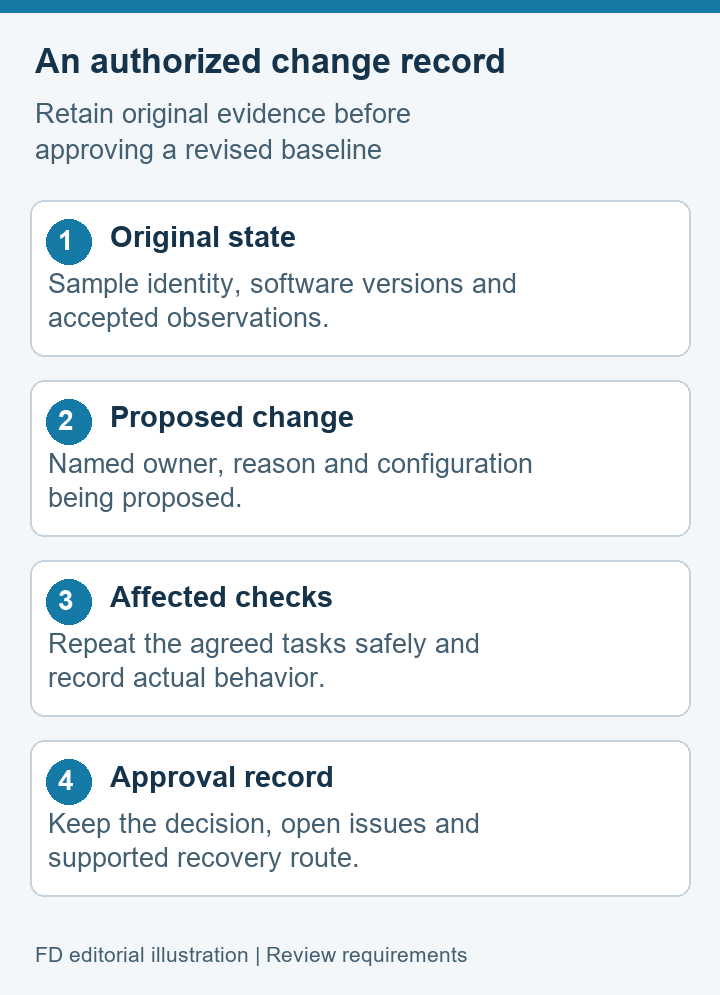
A concise change record contains the original identity, the proposed identity, affected tasks, observed recheck results and the approving role. It should also show unresolved issues. A temporary working arrangement can be recorded as temporary rather than quietly becoming the repeat-order standard. This matters when procurement later asks for “the same RA10” but only has the model name.
If the supplier cannot provide a supported recovery route, evaluate that as a maintenance limitation before approving an update. Do not invent an unofficial restoration recipe. A project may decide to postpone the change, arrange supplier service or accept a revised support plan. The correct decision depends on its requirements and authority, not on an assumption that every handheld terminal can be restored the same way.
Software-handover questions
Is an OS version enough to identify the accepted configuration?
No. Record the system image where identifiable, application build and connected revisions used for acceptance. An OS family or release alone leaves important parts of the working arrangement unspecified.
Does RA10 come with a recovery image?
The available product reference does not establish that deliverable. Ask the supplier what recovery support is included, how it applies to the delivered unit and whether service must be performed by an authorized party.
Should every update trigger the same long test?
Choose checks around the affected tasks and agreed acceptance requirements. Keep broader checks where a system change can affect several functions. The responsible engineer should decide the scope and retain the results.
Can we keep passwords in the handover pack?
Use an approved credential-management process instead. A handover can name the access owner and request route without exposing passwords, tokens or private service accounts in a document shared with multiple parties.
What if recovery is only available through the supplier?
Record the service route, any prerequisites and the project's resulting maintenance limitation. That is clearer than implying local restoration is available. Confirm the support terms before relying on them in a delivery plan.
Hand over a record another person can use
Take the RA10 Handheld Ground Control Station hardware reference and attach the accepted software identities, named support roles and a concise change history. Give the next maintainer enough information to recognize the unit and request the right help without repeating the original integration discussion.
The practical test of a handover is whether another authorized person can tell what was accepted, what changed and what must be checked next. Where recovery, data export or application support remains unconfirmed, state the gap and its owner. A precise limitation is more valuable than a reassuring sentence that no one can turn into a supported maintenance action.

 Tel: +86-13959965075
 Email: info@fpvdroneskit.com
 MP/WhatsApp: +86-13959965075
 Manufacturer Address:Quanzhou Valley Nanan Science and Technology Innovation Center, No. 89 Shijing Avenue, Shijing Town, Nanan City, Fujian Province


