

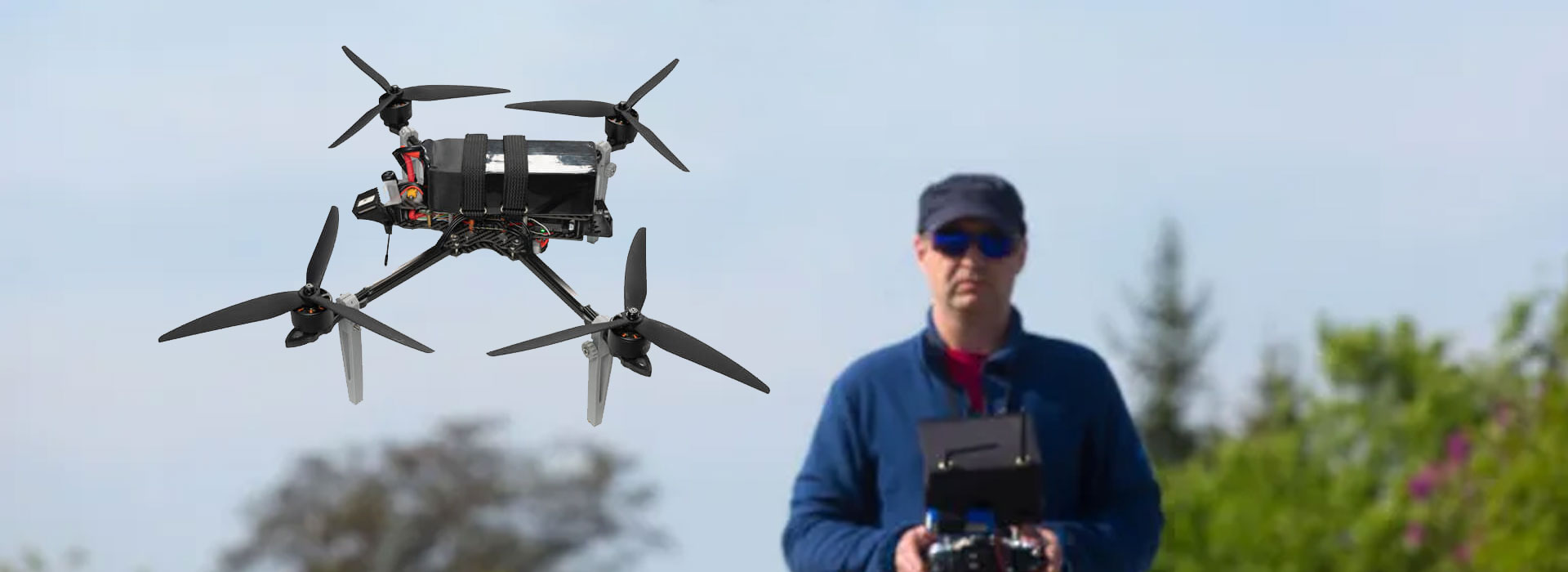
Put wireless or fiber into a DF-T836 delivery scope by naming the selected arrangement, both supplied endpoints, the camera and viewing connections, and the accessories needed for that arrangement. The DF-T836 UAV Video Transmission Module source lists wireless and optical-fiber options; it does not establish that one order includes both, automatic switching or a complete working system. Ask for a configuration-specific offer and leave unsupported electrical and performance figures out. A clear scope separates the module from other equipment and lets the receiving team check the delivered items against the accepted description instead of interpreting a broad brochure phrase.
Turn an option into an identifiable order
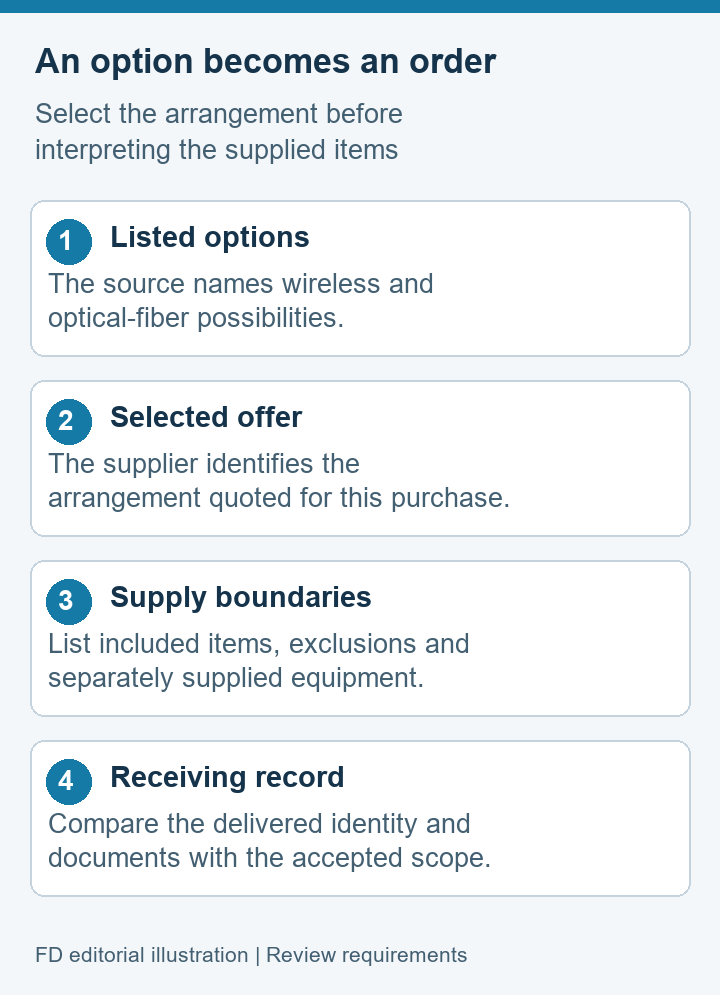
An option name describes a possibility in a product family. An order needs to identify what will arrive. Ask the supplier to state the selected DF-T836 arrangement, its hardware revision where available and the items included in the offer. If a choice remains open, show it as an unresolved decision rather than leaving “wireless/fiber” in a field that looks final.
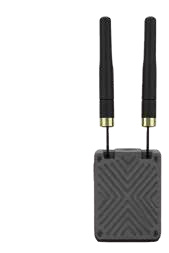
The current product reference confirms a UAV video-transmission module and those two listed options. It does not establish range, bandwidth, electrical ratings, operating conditions or supported camera formats for a delivered configuration. Do not import such figures from a neighboring product or a generic description of the medium. Obtain exact-model documentation if those limits affect the purchase.
For a civil research or inspection project, the first useful output is a short selected-configuration statement. It should answer whether the offer concerns one arrangement or several separately identified items. This reduces uncertainty before technical integration begins, without pretending the source material already establishes every component of a complete camera link.
Separate the module from the selected medium
The quoted hardware, revision and supplier documentation define the module being purchased. A product name alone does not show the supplied connections or project-specific implementation.
The selected wireless or optical-fiber arrangement may require separately identified accessories or endpoint equipment. Ask what is supplied; do not treat possible items as included ones.
This separation avoids a common receiving problem: the buyer reads a brochure option as a complete kit, while the supplier quotes a module. List accessories explicitly, including items supplied by the customer or another integrator. Use the supplier's confirmed terminology, and record quantities only when the offer establishes them.
Also distinguish an option from a changeover function. Having two possible media in a description does not prove that a delivered unit supports both at once or changes automatically between them. If the project requires such behavior, submit it as a separate requirement and request evidence. Do not make it an implied benefit of the slash between two brochure terms.
Make the scope table answer receiving questions
A scope table works best when a receiving person can compare each row with an offer, label or authorized document. The example below is a question framework. It does not establish particular DF-T836 accessories, connectors or included endpoint models.
| Scope row | Supplier statement needed | Receiving question |
|---|---|---|
| Selected arrangement | Named wireless or optical-fiber configuration | Does the delivery match the accepted choice? |
| Module identity | Exact supplied hardware and relevant revision | Can the received item be traced to its document? |
| Corresponding endpoint | Included or separately provided equipment and owner | Who supplies each required system boundary? |
| Accessories | Confirmed item list, quantity and exclusion list | Which required items are still the customer's responsibility? |
| Technical records | Configuration-specific connection and rating documents | Are installation decisions supported by the delivered records? |
Put “not included” beside an excluded item rather than omitting its row. An omission is difficult to distinguish from a forgotten detail. Where an endpoint belongs to an existing project system, name the responsible integrator and the reference used to confirm the boundary. Receiving a complete packing list is different from demonstrating a complete working system.
The accepted scope should stay attached to the offer revision. If the supplier later clarifies a previously unknown item, update the record visibly. A verbal answer that never reaches the scope sheet can disappear before the next person orders the same arrangement.
Consider an illustrative project in which the customer already owns a camera and a viewing computer. Those items can appear in the system-boundary record with “customer supplied” beside them, while the DF-T836 offer identifies only the module arrangement and confirmed accessories. This does not establish compatibility. It tells each party which items require a separate integration decision and prevents a packing-list check from becoming a claim that the complete customer system has passed.
For every accessory row, distinguish the item description from its purpose. The supplier's list identifies what is offered; the integration record explains why that item is needed in the selected arrangement. If an accessory is proposed but not yet confirmed, leave both status and owner visible. This small distinction helps purchasing request a complete offer and helps receiving avoid rejecting an intentionally excluded item. It also prevents a broad phrase such as “all necessary cables” from replacing a checkable description of the actual supplied scope.
Keep camera and viewing requirements independent
A transmission medium does not tell the viewer which video format it will receive. Keep the camera source, any stream-producing equipment and the viewing application as separate entries. Ask the integration owner to describe the expected signal at each relevant boundary. Avoid calling the whole arrangement compatible simply because two items have similarly named connectors.
General video architectures documented by PX4 distinguish camera equipment, stream-producing software and a ground-station viewer. That is a useful way to frame questions, but it does not prove DF-T836 implements the documented example. The exact supplied video arrangement must come from the responsible product and integration sources.
For the purchase specification, state the project requirement without converting it into an unsupported product claim. “The integrator must demonstrate the agreed camera source in the accepted viewer” is a requirement. “DF-T836 supports this application” is a factual assertion needing its own evidence. Keeping the two sentence types separate makes the scope easier to review and prevents marketing wording from silently becoming a technical guarantee.
Ask for medium-specific documentation
Request the documents appropriate to the selected arrangement. For a wireless offer, ask for the hardware and accessory identity, declared ratings and applicable compliance documentation. Do not infer permission to operate from a product name. The project must assess lawful use in its location through its normal responsible process.
For an optical-fiber offer, ask the supplier to identify the supplied optical and endpoint arrangement, connector documentation and handling instructions. Treat any installation, handling or inspection limits as version-specific requirements. This article supplies no optical-power values, connector-cleaning procedure, routing recipe or deployment instructions.
Proposed scope wording: “Supply the identified DF-T836 arrangement with the confirmed item list and configuration-specific connection documents. Any alternative arrangement or excluded system component must be stated separately for review.” This is editorial wording, not an already accepted supplier commitment.
If the supplier cannot yet identify a required document, assign an owner and a condition for closing the gap. A photograph can help the team recognize equipment, but cannot replace an electrical rating or a connection drawing. Avoid filling missing information with another model's table, even if the housings appear similar.
Handle a proposed substitution visibly
A substitution can change more than the module label. The proposed item may need a different accessory list, connection document or receiving demonstration. Ask the supplier to state which accepted requirements are affected. Do not treat a different arrangement as equivalent solely because both descriptions include “video transmission.”
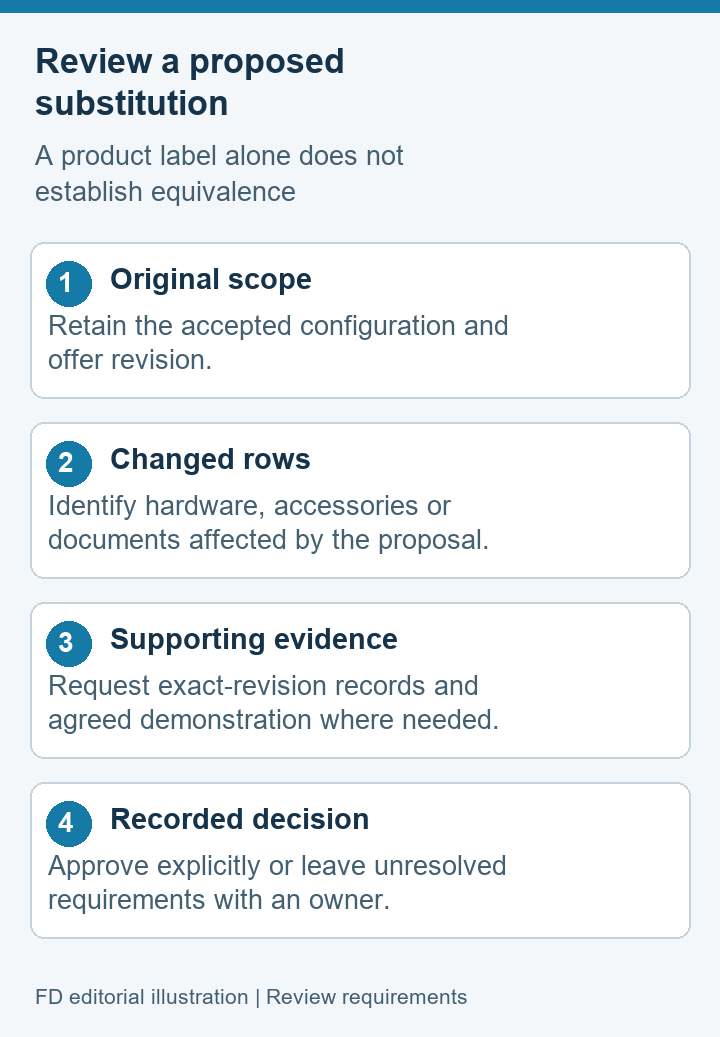
Keep the original scope and the proposed change in the same review record. List the affected rows, the reason for the change and the evidence offered for acceptance. If an arrangement remains unverified, mark it as such. The project can then decide whether to accept, request a sample demonstration or retain the original choice.
For repeat purchases, use the accepted scope revision as the reference. This gives procurement a concrete request and receiving a concrete comparison. It also protects the supplier from having to interpret informal statements about “the fiber version we used before.” A documented arrangement is easier to maintain than a remembered product-family option.
Wireless and fiber scope questions
Does the brochure mean both arrangements are included?
No. It lists options but does not establish the contents of a particular order. Request the selected arrangement and itemized supply scope, with any separate offer identified clearly.
Can we assume automatic switching between media?
The available source does not prove that function. Treat it as a distinct requirement if needed and ask the supplier for configuration-specific evidence. Do not infer it from option wording.
Does the medium establish the camera format?
No. The camera output, stream-producing equipment and viewer need separate documentation. Ask the integration owner to confirm the intended format and demonstrate the agreed combination.
Should excluded accessories appear in the scope?
Yes, when they are relevant to the system boundary. A clear exclusion and named supply owner help receiving and integration teams distinguish missing items from items intentionally sourced elsewhere.
Can another product's specifications fill an empty DF-T836 table?
No. Use exact-model and delivered-revision evidence. If ratings or performance remain unconfirmed, identify the gap and request the correct documents before making them acceptance conditions.
Approve a delivery description that can be checked
Begin with the DF-T836 UAV Video Transmission Module identity, then request an offer that selects the arrangement and identifies its actual supply boundaries. Keep camera and viewing requirements separate from unsupported module attributes.
A complete scope tells the receiving team what should arrive, what document applies and who owns anything outside the delivery. Where a requirement is unresolved, retain it openly with a responsible person. That is a useful purchase result without inventing performance values or treating a brochure option as a finished integrated system.

 Tel: +86-13959965075
 Email: info@fpvdroneskit.com
 MP/WhatsApp: +86-13959965075
 Manufacturer Address:Quanzhou Valley Nanan Science and Technology Innovation Center, No. 89 Shijing Avenue, Shijing Town, Nanan City, Fujian Province


