Author:Military Drone Manufacturer TIME:2026-10-28
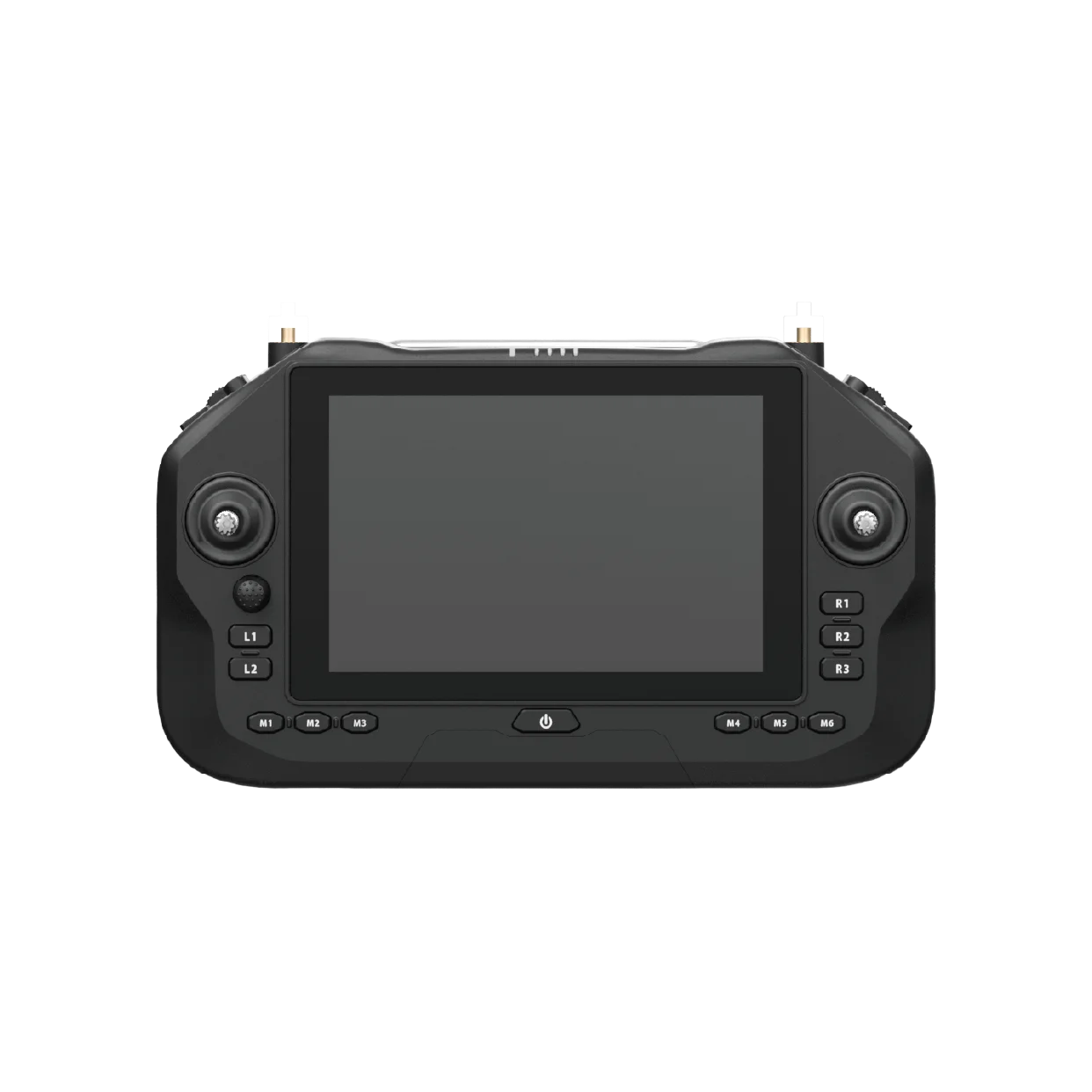
A second screen is useful when another person needs to inspect the UAV picture without crowding the pilot. The SIYI UniRC 7 Pro has a ground-side HDMI connection, a 7-inch 1920 × 1200 display and Android 13. Start by choosing what the second viewer must see: the camera image, the application interface or both. Then evaluate the actual HDMI output, display input and on-screen text together. A larger monitor can improve shared viewing, but it does not create a second controller, improve the airborne camera or establish a guaranteed delay. This guide helps you specify a practical viewing position before buying accessories.
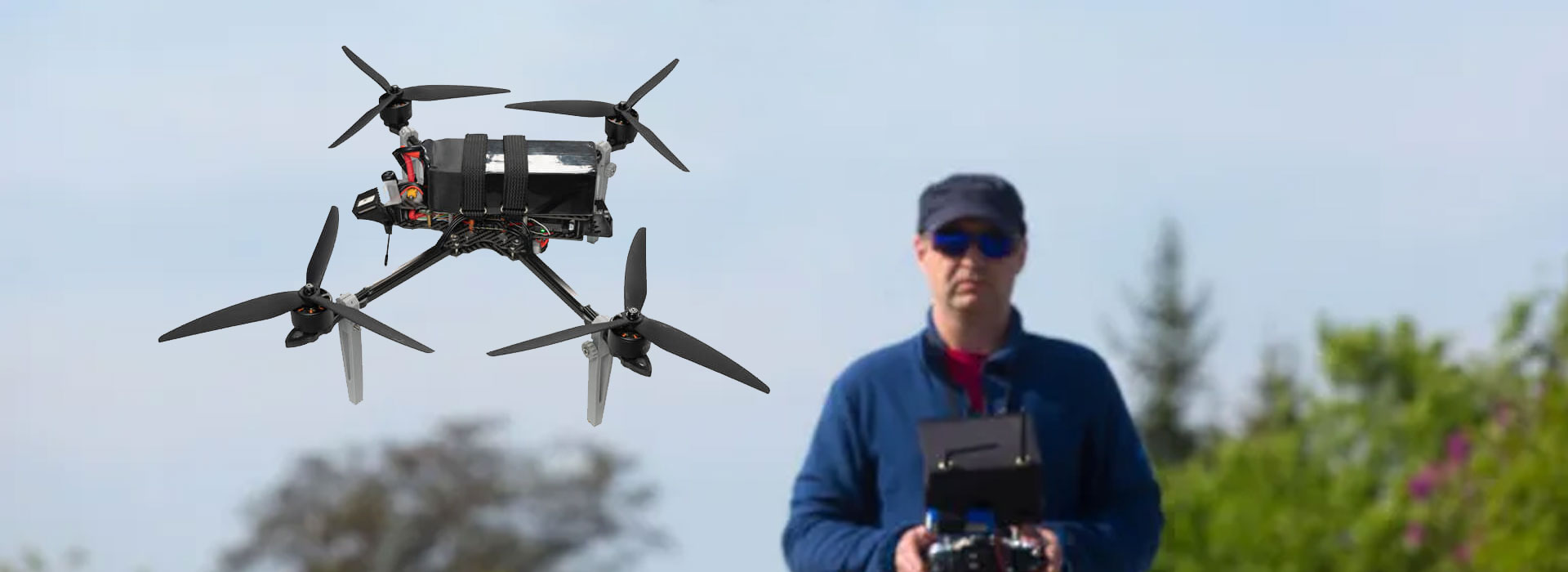
A civil inspection team may have a pilot watching aircraft status and an inspector examining roof details. Those are different reading tasks. The pilot may need a map, battery information and clear warnings; the inspector may need more space for the camera picture. Before choosing a screen, describe each person's task in one sentence. This prevents a purchase based only on diagonal size.
An HDMI viewing position is a display arrangement. It should not be mistaken for a second ground station with its own sticks, permissions and control authority. If a project needs a separate payload operator, specify that requirement independently. A monitor connected to the handheld station does not, by itself, provide independent gimbal commands or a second radio link.
Also separate a live observer from a client reviewing images afterwards. A client who only needs selected photographs may be better served by an organised post-flight review than by another screen beside the operator. The choice depends on when their decision is needed. Adding a live display is worthwhile when it helps a real-time inspection decision without distracting the person responsible for the aircraft.
The official UniRC 7 series specification lists a 7-inch 1920 × 1200 touchscreen for the Pro, together with Android 13 and 4 GB RAM plus 64 GB storage. The ordinary UniRC 7 has a different display specification. The series manual also identifies HDMI and ground Ethernet as Pro features, so an accessory discussion should begin with the complete model name.
The built-in screen, physical controls and installed application form the pilot's immediate workspace. Its arrangement depends on the application and selected equipment.
A compatible monitor receives the ground-side output. Which picture, interface elements and status information appear must be evaluated on the actual system.
The built-in panel's 1920 × 1200 specification does not establish the timing or resolution sent through HDMI. Nor does the presence of Ethernet mean any network camera can be added to the ground unit and used automatically. Those are separate functions. For this buying decision, the relevant evidence is a working sample of the intended HDMI path, including the application that will be used.
The Pro also has a specified 13400 mAh handheld battery and PD 30W charging. Those values describe the controller, not the electrical needs of an external monitor. Plan the second display's own power supply instead of assuming the handheld connector can power it.
The following worksheet is an editorial selection tool, not a list of monitors tested by FD. Fill the middle column before asking for a display recommendation. It turns a vague request for a bigger screen into a useful comparison of two or three candidates.
| Buying question | Your requirement | What to compare on a sample |
|---|---|---|
| What must be visible? | Live camera image, app interface, warning text or a defined combination | Whether the required items appear on the connected screen, including menus when needed |
| How far away will it be read? | Seated review or standing observer position | Small text and the same inspection detail at the intended distance |
| Where will it operate? | Shaded table, vehicle interior or outdoor work area | Reflections, brightness adjustment and viewing angle in that location |
| What signal can it accept? | The actual output mode of the supplied controller/application combination | Stable image, correct proportions and no clipped edges |
| How will it be supported? | Independent stand and an unobstructed cable route | Connector access, cable strain and space for the operator's hands |
| How will it be powered? | Named monitor supply or battery arrangement | Required connectors and useful operation under the chosen settings |
Resolution is useful only when the information is actually present in the incoming picture. A high-resolution display cannot restore detail discarded earlier in the camera or video path. For a roof survey, compare a repeatable detail, such as lettering on a safe test object, rather than judging a bright promotional scene. Keep the camera framing and source unchanged when comparing monitors.
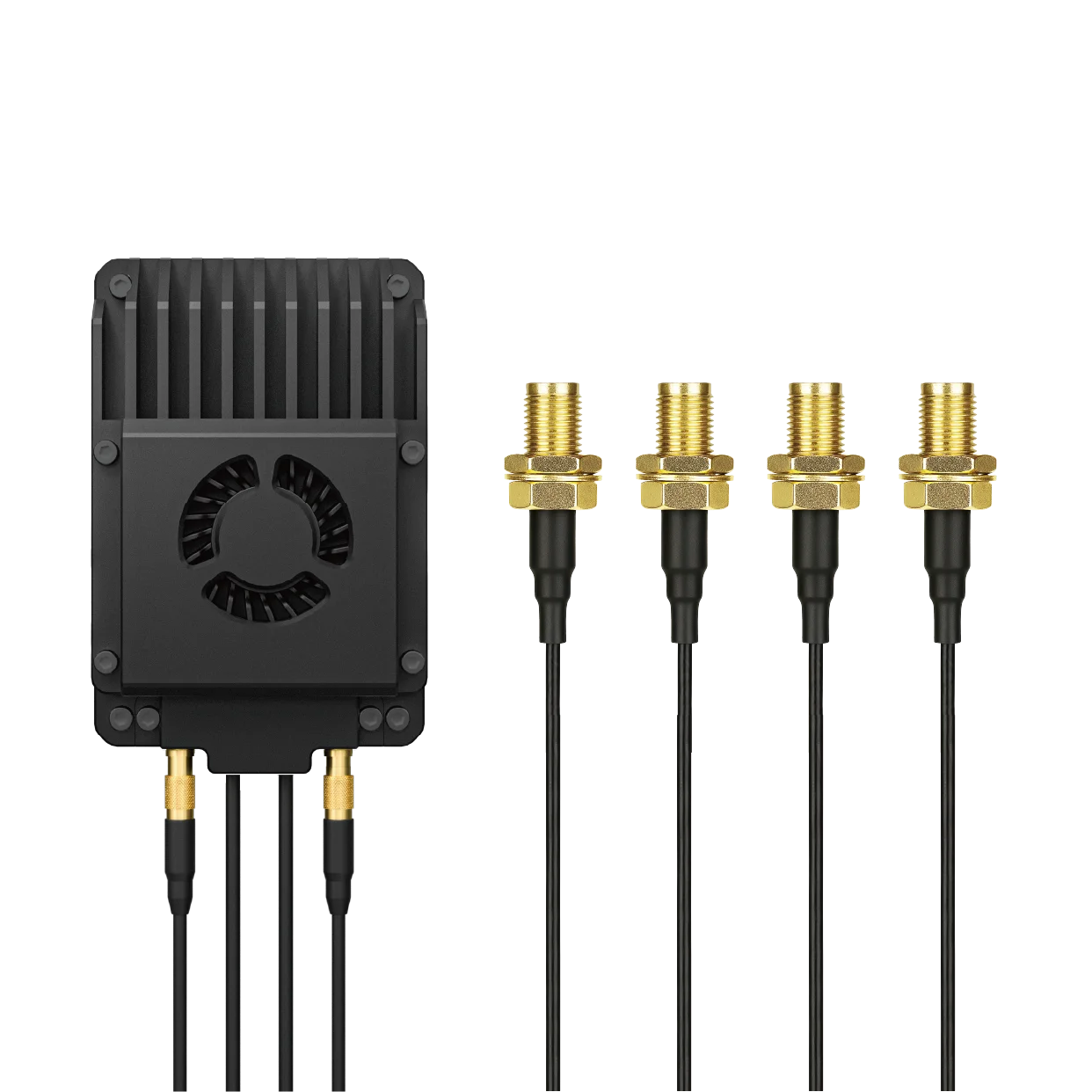
Place the observer where they can read the image without leaning over the sticks or blocking the pilot's view. A freestanding monitor is often easier to position than a large accessory fixed to the handheld unit. This is a workspace suggestion, not a manufacturer-approved mounting instruction. Use the supplied mounting information and avoid loading a connector with the weight of a cable or adapter.
Decide who may touch the second screen. A monitor with buttons is still not a second aircraft-control station, but unexpected input changes can hide the picture or open its own menu. In a shared work area, a simple agreed viewing setup is more useful than a long list of unused display features. Keep the pilot's controls reachable and the cable clear of the handgrips.
Run a short supervised check at the planned working location. Look for reflections and posture problems as well as image quality. A screen that looks excellent on a desk may be difficult to read at a shallow angle from a standing position. If the viewer must keep moving to find a readable angle, improve its placement before replacing the entire controller.
Consider a hypothetical civil roof inspection where the inspector wants to identify which panels need closer photographs. The pilot uses the handheld station; the inspector watches a separate monitor at a nearby table. The decision is about shared viewing, not about handing over aircraft control. No claim is made that this exact arrangement has been tested on a customer installation.
Start with the decision. The inspector needs to ask for a closer look at a visible roof feature. Their screen therefore needs a readable live picture and a simple way to communicate with the pilot.
Choose the displayed information. Check whether the intended app provides the required camera view through HDMI. If the inspector also needs an overlay, look for it on the actual output instead of assuming the handheld and external views are identical.
Compare one detail. Use the same camera scene and app settings with each candidate monitor. Judge shape, cropping and readable detail at the planned viewing distance.
Complete the accessories. Include the correct cable, a stable support and the monitor's supply. A controller quotation alone does not describe this complete viewing position.
This example deliberately avoids choosing the camera, radio range or flight route. Those choices belong to the wider UAV system. It is enough here to establish whether the external viewer can see what they need while the pilot retains a clear, manageable workspace.
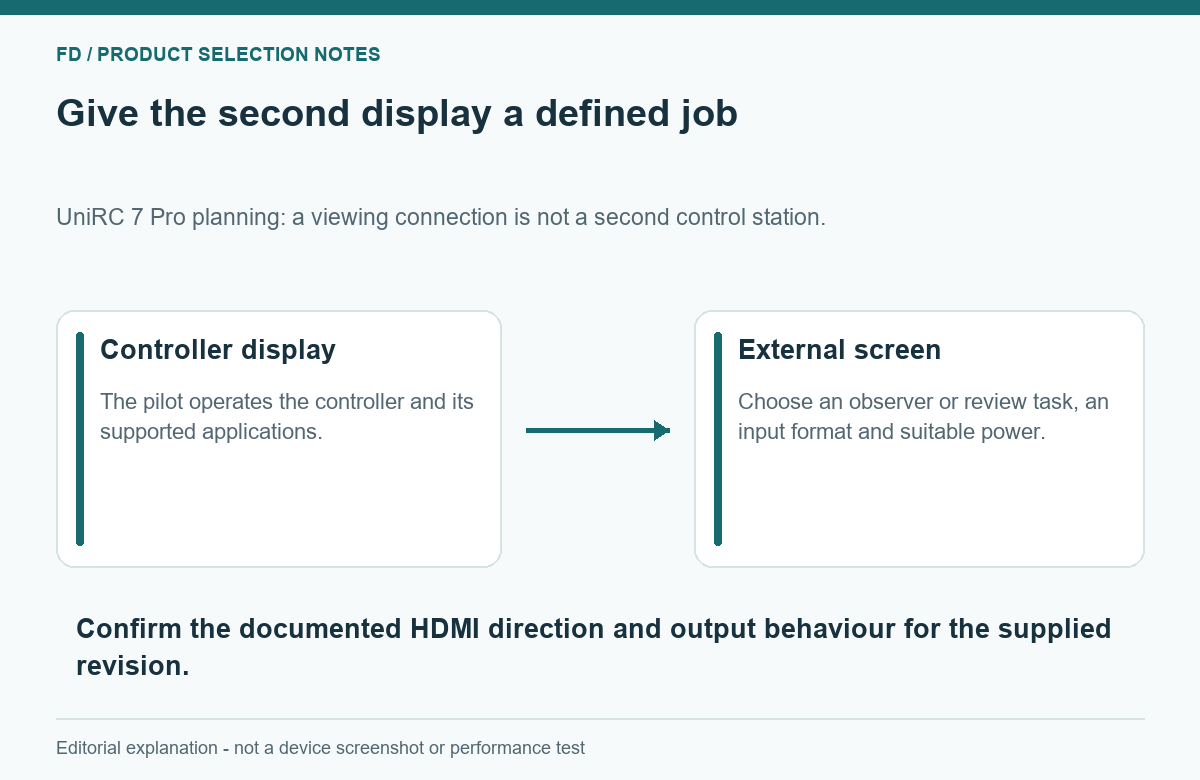
Evaluate one complete combination before ordering several displays. Start with the intended controller and application, connect the selected monitor and use the supplier's supported output settings. Check the full picture rather than only the centre. Image edges, small labels and an open menu may expose a scaling problem that an attractive camera scene hides.
Next, exercise the normal viewing workflow: open the required page, switch to the planned camera view and return to the normal operating screen. Observe whether the external image remains useful throughout. This is a usability check, not a measurement of end-to-end video latency. If delay is commercially important, define a separate repeatable test with an agreed method and complete equipment chain.
Finally, check the complete physical arrangement after the monitor has been positioned. A successful HDMI picture does not answer whether the cable is secure, the power cable reaches or both people can work comfortably. Keep the approved accessory list specific enough that another kit can be assembled the same way.
No independent control follows from a viewing connection alone. A second operator needs an explicitly supported control arrangement, not merely an additional display.
Do not assume that. The application and output mode determine what is shown. Check the required camera view, menus and overlays on the supplied combination.
The official series documents distinguish ordinary and Pro hardware. HDMI and ground Ethernet are listed for Pro, so retain Pro in the equipment request.
Choose around viewing distance, readable detail, placement and power. A larger panel can be less convenient if it creates glare, obstructs access or needs impractical support.
It can display available information more clearly, but it does not add camera detail or establish a higher-quality airborne stream. Compare the complete picture path.
For a practical quotation, describe who will watch the second screen, what they need to see and where the equipment will be placed. Then compare the SIYI UniRC 7 Pro Drone Controller and its ground-side connections with the proposed monitor, cable and power arrangement. The useful result is a complete viewing position, rather than a screen chosen in isolation.

 Tel: +86-13959965075
 Email: info@fpvdroneskit.com
 MP/WhatsApp: +86-13959965075
 Manufacturer Address:Quanzhou Valley Nanan Science and Technology Innovation Center, No. 89 Shijing Avenue, Shijing Town, Nanan City, Fujian Province