Author:Military Drone Manufacturer TIME:2026-11-03
Plan storage around the files your team must keep and export, not around the RA10's 64 GB label alone. The listed platform has 8 GB RAM, 64 GB UFS storage and an Android 15 or Ubuntu 20.04 configuration. RAM is not an archive, and installed software reduces the space available for project files. Nor does the hardware specification establish a built-in recording function for every camera stream. Identify the required files, estimate their size from real samples and test the export on the chosen application. This makes storage a practical purchasing question rather than a guessed number of recording hours.
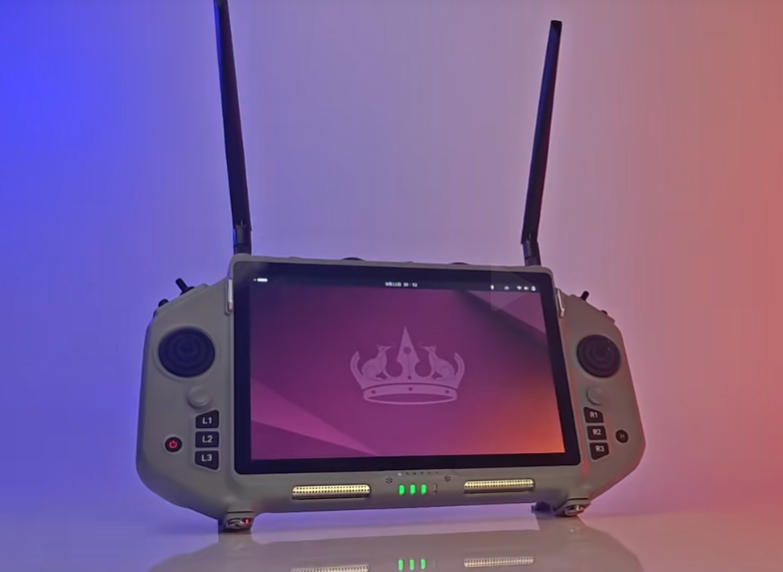
The RA10 brochure lists an Allwinner A733 processor alongside those memory and storage figures. For a buyer planning project files, the useful distinction is between temporary working resources and persistent storage. More RAM does not directly create more room for saved video. A terminal can have sufficient working memory for an application while still needing a careful plan for large project files.
The 64 GB figure also does not describe an empty user partition. System files, installed applications and existing content occupy space. Ask to see available space on the delivered image with the intended app set installed. That view is more useful than subtracting an assumed operating-system size from a brochure number.
Android 15 and Ubuntu 20.04 are listed alternatives; the brochure does not establish dual boot on one supplied unit. Choose the operating environment before defining the file workflow. An export action that is straightforward in one application should not be assumed to exist in a different build on the other system.
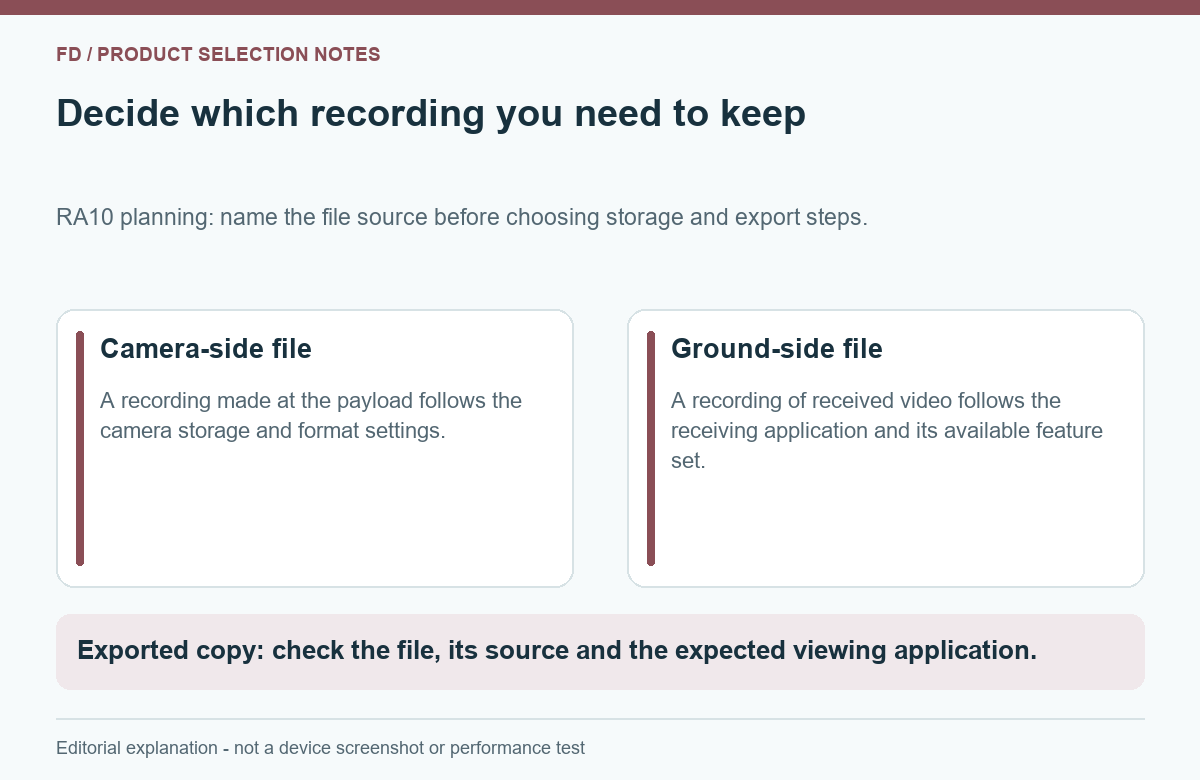
A civil inspection job may produce camera photographs, camera recordings, a saved ground-side view and project documents. Their storage locations and purposes can differ. This guide does not assume RA10 creates all those files. Begin with the files your chosen equipment and software actually produce, then decide which ones belong on the handheld.
| File you may need | Why a customer may request it | Storage decision |
|---|---|---|
| Original camera photographs | Review detail or include selected images in a report | Establish where the camera saves them and whether a supported transfer to the handheld is needed |
| Original camera video | Retain the camera's own recording for later review | Budget on the camera's actual files; do not assume a received ground view is identical |
| Ground-application recording, if supported | Review what was visible in the receiving application | Use the actual app's output size, location and export method |
| Project documents or annotations | Connect observations with the inspection task | Keep only the relevant working set on the terminal and define the destination after the job |
| Duplicated exports or preview copies | Share files with another team or make a report | Allow for temporary duplicate space instead of budgeting only for the original |
The first choice is therefore not a card capacity. It is the required deliverable. If the office needs camera originals, make their retrieval a supported part of the equipment workflow. If the handheld is only used for viewing and project notes, there may be no reason to store the entire camera archive on it. This can reduce both storage pressure and operator effort.
Keep image quality and capacity decisions separate. A file taking less space is not automatically a suitable substitute for an original. Conversely, keeping several large copies on the controller does not add information. Choose the required version deliberately, then budget for that version.
When the application can save the required content, create or obtain a representative sample using the intended settings. Use the saved file size and duration to estimate the working load. This avoids treating the camera's headline resolution as a fixed file-size promise.
Daily file space = sample size ÷ sample minutes × planned minutes
Suppose a supported application produces a 300 MB file during a 10-minute sample. At the same average file size per minute, 120 minutes would use about 3600 MB, or 3.6 decimal GB. Keeping an additional full copy on the same storage would bring those two sets to about 7.2 GB.
The example uses invented round numbers to explain the calculation. Actual results depend on the camera, stream, application and saved-file settings. It establishes no native RA10 recorder, recording rate or guaranteed duration.
Use more than one sample if the content changes substantially. A quiet scene and a busy scene may not create the same file sizes under every encoder arrangement. Still photographs should be estimated from an appropriate sample set rather than from video minutes. The arithmetic is simple; choosing a representative sample is the more important step.
Include photographs, documents and any temporary export copies in the total. Do not add a fixed reserve percentage and present it as a manufacturer rule. Instead, agree how much free space the intended application needs and how much practical headroom the team wants. The decision should reflect the real workload and an orderly export routine.
Start with available space on the supplied RA10, not the nominal 64 GB. Then list the project working set, expected new files and space needed during export. If an application makes a duplicate while exporting, that temporary copy matters even when the destination is external. Check the actual workflow rather than assuming a direct move.
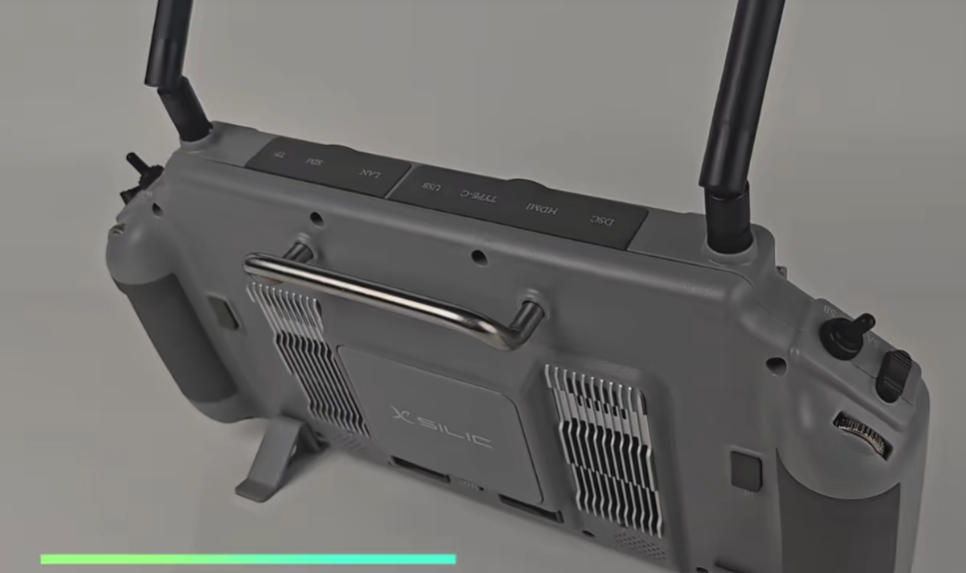
The brochure depicts an SD-card connection, but that does not establish a maximum supported card capacity, file system or app recording destination. It also contains conflicting USB speed statements for RA10. No transfer-rate or recording-hours promise should be built from those entries. Obtain the supported storage arrangement for the delivered system and application if expansion is required.
A useful comparison between proposals therefore asks three separate questions: how much user space is available initially, where the app saves its files, and how the team removes completed work safely. A high-capacity accessory only solves the problem if the software can use it in the required way.
One simple buying choice is to keep only the current job on the terminal and transfer completed work to the receiving computer. Another is to retain several jobs locally where the application supports that workflow. The second approach needs more space and clearer project separation. Neither is automatically better; choose according to when the files must be accessible.
An export is useful when the receiving team can open the required file, not merely when a progress bar reaches its end. Specify the destination environment and the software expected to read the file. A video that plays in the ground application may still need a supported export before another computer can use it.
For a practical sample, choose a short, non-sensitive project containing the file types the team expects. Use the proposed export arrangement, then open the files on the actual destination computer. Check basic usability: the intended content is present, the file is readable and any needed project context remains understandable. This is not a claim that every embedded metadata field will survive every conversion.
Follow the supplied software instructions when closing files, removing storage and shutting down. Avoid purchasing around an assumed hot-swap or simultaneous recording-and-copying capability. If that specific workflow is essential, put it in the supplier's sample task and have the supported behaviour stated before it becomes a routine field process.
Hypothetical choice: a team needs two days of project documents on the RA10, selected review images at the end of each day and the camera's original media at the office. It does not need every camera recording duplicated on the terminal. The appropriate storage plan can therefore differ from a project that requires a full local ground-side archive.
First establish how the actual camera supplies its originals. Next, check which selected files the ground application can receive or export and where it stores them. Use representative files to estimate the daily working set. The team can then decide whether the supplied user space is enough or whether a supported external arrangement is necessary.
At the end of the first day, export the completed project through the agreed method and open it at the destination. Retain what is needed for the second day's work. Do not remove the only readable copy simply because the handheld shows low free space. A basic copy check protects the project while keeping the device's role manageable.
This example is about the RA10's storage budget and user workflow. It does not assign a recorder function to an unspecified video receiver, promise simultaneous recording paths or compare reception quality. The useful buying result is a known amount of working space and a demonstrated route to the files the customer needs.
No such available-space figure is established. It is the listed storage capacity; the delivered system, applications and existing files occupy part of it. Check the actual free space.
No. RAM is working memory, while UFS is persistent storage. They serve different purposes and should not be added as an archive total.
The cited hardware specification does not establish that. Recording depends on a supported application and source path. Evaluate the saved-file function you actually require.
No. Obtain the supported card, file-system and application arrangement for the delivered image. A connector or slot alone does not define the complete workflow.
Set the intended application environment first. The two listed system options can have different software and file workflows; dual boot is not established by the brochure.
For the RA10 Handheld Ground Control Station platform, describe the application, file types, approximate daily workload and destination computer. Ask for available space on the supplied image and a sample export of the required files. That gives a supplier a useful storage requirement without turning a nominal capacity into an unsupported recording promise.

 Tel: +86-13959965075
 Email: info@fpvdroneskit.com
 MP/WhatsApp: +86-13959965075
 Manufacturer Address:Quanzhou Valley Nanan Science and Technology Innovation Center, No. 89 Shijing Avenue, Shijing Town, Nanan City, Fujian Province