Author:Military Drone Manufacturer TIME:2026-11-18
Representative footage is the starting point for judging electronic image stabilization on the TOPOTEK DIY10S62-E, once a 10x optical visible camera fits the inspection task. The useful question is whether structural edges remain readable while the view stays steady at the framing you need. A smooth wide shot alone cannot answer that question. This model combines a three-axis mechanical gimbal with EIS and a listed 1080p30 RTSP output. Ask for the received picture and the local file as separate samples, with the zoom position and stabilization settings identified. The method below makes those samples useful for a buying decision.
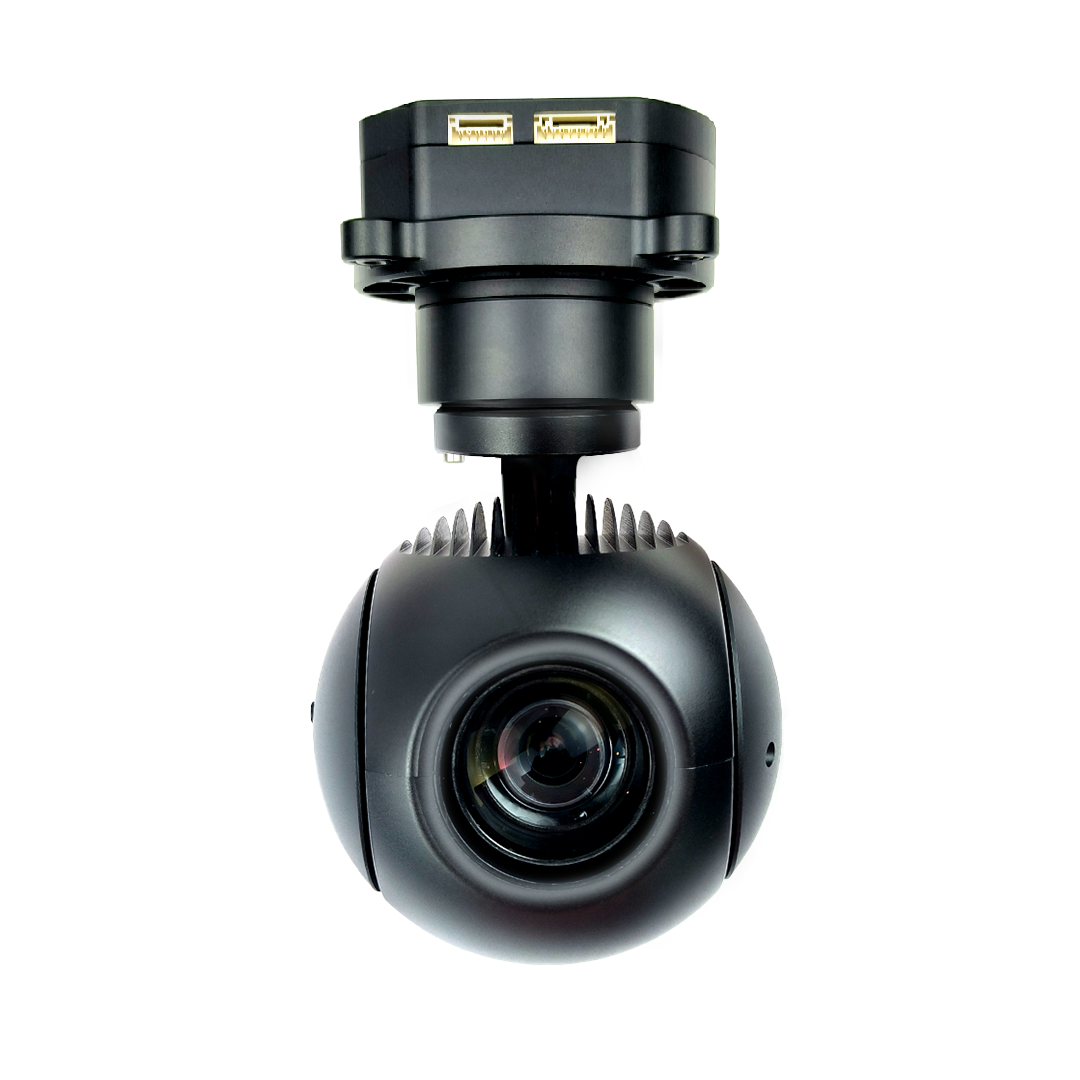
A useful demonstration begins with something the customer actually needs to inspect: a roof joint, the edge of a sign, a bolt pattern on an accessible structure, or a small area of surface damage. Name that feature and include enough surrounding structure to locate it. A scene containing only trees or distant landscape may look attractive while offering little evidence about the required detail.
Request a short clip that includes a settled view and an ordinary framing change. Identify the approximate lighting, selected optical position, output mode and whether EIS is enabled. These details help explain the result without demanding an artificial laboratory exercise. Use an authorized, safely accessible scene; the purpose is to assess the delivered image, not to demonstrate difficult flying.
Decide beforehand what would count as useful: an edge that remains separable, a feature that stays inside the picture, or enough stable context to compare two observations. Avoid a criterion such as “perfectly stable,” which has no agreed visual meaning. The camera may give a comfortable viewing experience without resolving the particular feature your report requires.
Mechanical stabilization changes the camera’s pointing through the gimbal. Electronic stabilization acts on the image presented by the camera. The manufacturer lists both for DIY10S62-E, but that combination does not tell a buyer how much correction is applied in a specific mode or what the final picture looks like on an installed UAV.
Evaluate pointing and picture quality separately. First ask whether the intended area remains in view. Then look for any visible change in picture boundaries, apparent enlargement, fine texture or edge consistency. Those observations describe the sample; they do not establish the internal correction algorithm or prove that an effect has a single cause.
An EIS-on and EIS-off comparison can be informative when both modes are available in the supplied revision. Keep the scene, optical framing, recording mode and viewing scale comparable. If those conditions differ, treat the clips as demonstrations rather than a controlled comparison. Do not assume a switch or mode exists solely because the product page mentions EIS. Ask the supplier to identify how the delivered software exposes the function.
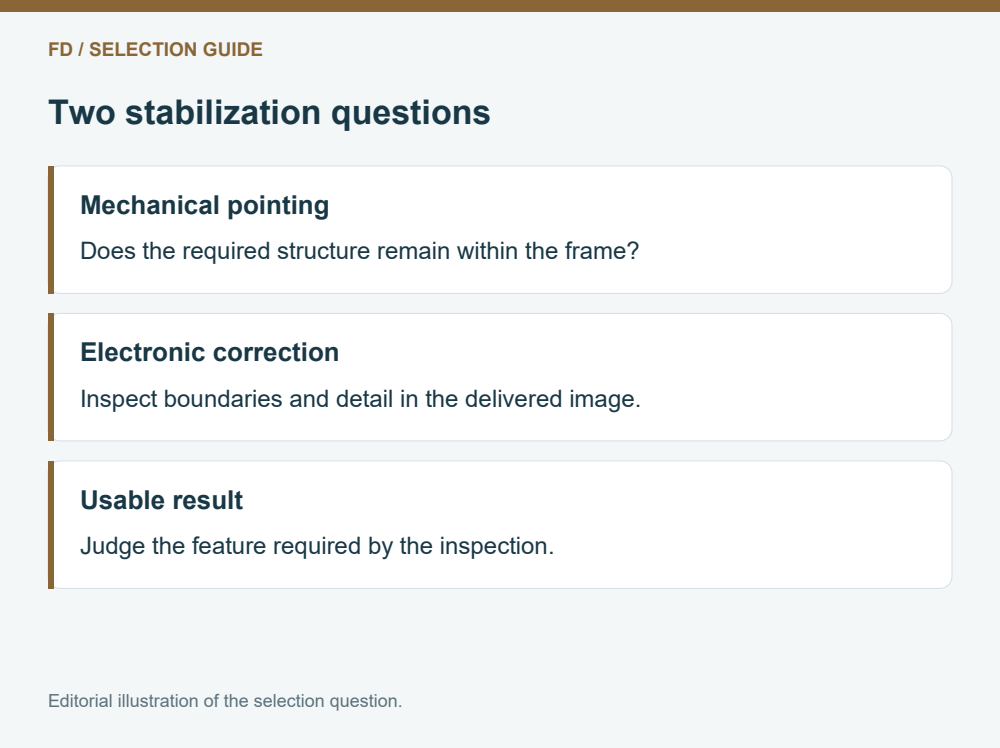
The selection table separates four observations that can otherwise get blended into a general impression of smooth video. Each can matter differently. A person guiding a visual inspection may value a calm viewing experience, while someone preparing a close-up report may care more about clear edges in selected frames.
Review each observation at the intended optical position. The manufacturer’s 10x optical designation describes a lens capability, not a promise that every maximum-zoom frame will be suitable for every inspection. A broad scene and a narrow detail view should both be represented if the job uses both.
Write a plain conclusion for every row: adequate, unclear, or needs another sample. “Unclear” is useful when the clip has been recompressed, the output setting is missing or the scene lacks a suitable feature. It prevents an uncertain demonstration from turning into an unsupported rejection or an unsupported endorsement. Weight the rows according to the actual deliverable instead of averaging them into a made-up performance number.
| Observe | Useful sample evidence | Buyer decision |
|---|---|---|
| Pointing | The required area stays within the view | Can the observer follow the inspection? |
| Feature detail | Edges remain distinguishable at normal review size | Can the report show the required condition? |
| Picture boundaries | Any visible boundary or scale changes are understood | Is the remaining context sufficient? |
| Received picture | The proposed app and video path show a usable image | Does the operator get the same useful information? |
Pause a representative original frame and inspect the feature at its normal display size. Then inspect a relevant crop without treating enlargement as new captured detail. Look at straight boundaries, adjacent materials and fine repeated patterns. A crisp building outline can coexist with a patch of detail that is too soft for the intended report.
Watch the clip again to see whether those features remain consistent over time. Apparent shimmer, brief softness or changing boundaries deserve a question, but they do not by themselves diagnose EIS. Focus behavior, exposure, scene motion, compression and the receiving application can also influence the picture.
Ask for a second sample that isolates the unresolved question. If the issue is a fine joint disappearing, choose a scene with a comparable joint and the same useful optical framing. Asking for another general promotional video is less likely to help. Preserve the distinction between an observed sample limitation and a camera-wide conclusion: neither a good frame nor a poor frame represents every operating condition.
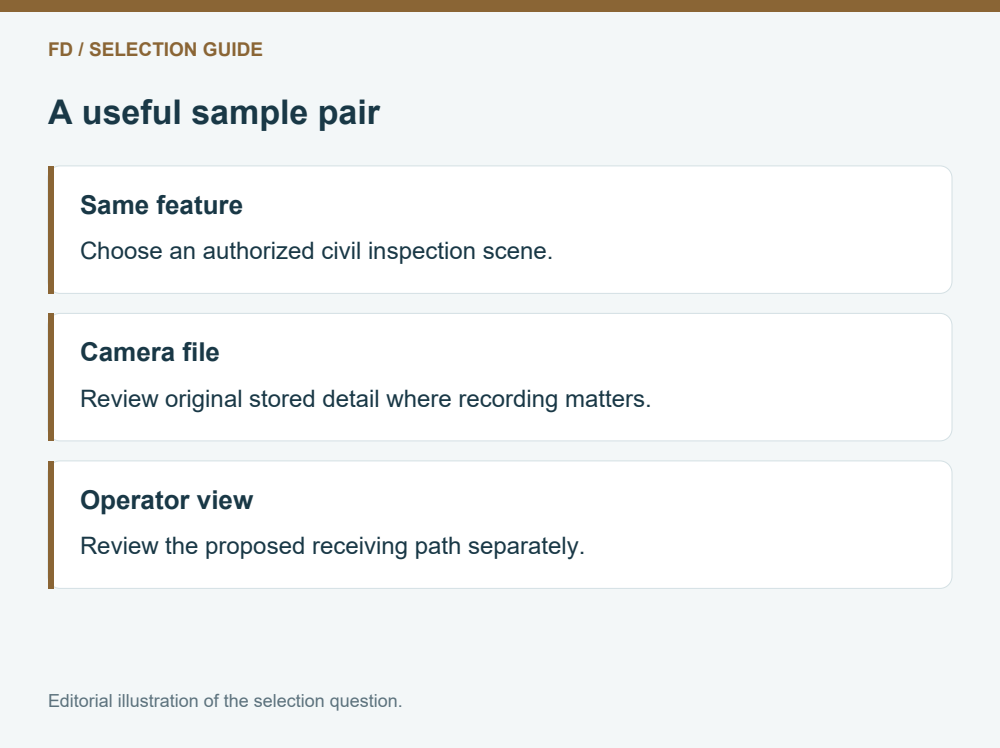
DIY10S62-E lists 1080p network RTSP video and local TF storage for photos and video. These are separate places where the buyer may encounter an image. The ground application can add scaling, overlays or its own capture process, while the saved camera file may follow another path.
If the operator picture is the purchase priority, review the actual receiving arrangement proposed for the order. Include the named video link and application when asking for a live-view demonstration. A direct camera file can help assess captured detail but cannot establish what the operator receives through that arrangement.
If the report depends on camera recordings, request an original example file and open it in the intended review software. Inspect dimensions and useful detail without claiming that a file copied from a viewing screen is the camera original. A matched pair from the same scene is especially helpful: it can show whether a concern first appears in the camera record or somewhere in the viewing path. This is a comparison method, not a promised diagnostic result.
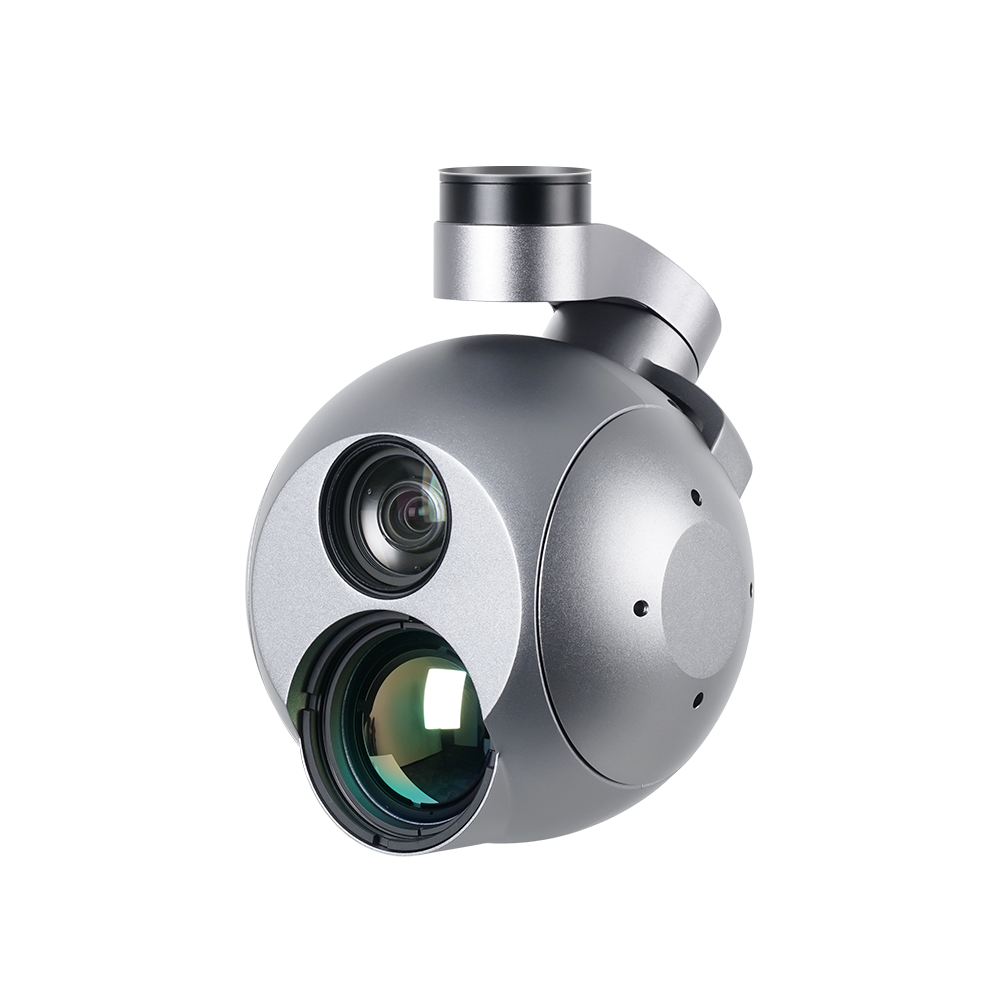
A camera body photograph does not show the complete installation. TOPOTEK lists 425 ±10g excluding dampers, dimensions of approximately Ø150 ×140mm, a DC12–26.2V input and dynamic power of 5W. These are useful starting values for a suitable aircraft and power design; the dynamic figure is not a complete peak-current specification.
Ask the integrator to include the actual damping, bracket, cables and any camera-side link hardware in the installation allowance. A sample from one mounting arrangement cannot prove that another arrangement will behave identically. The practical objective is to avoid buying from an appealing clip and then discovering that the proposed installation has a different camera setting or mechanical package.
Keep the sample request proportionate. The buyer needs a credible view of the intended feature, a defined output and a package that can be evaluated. There is no need to demand undocumented numerical stabilization accuracy or infer it from marketing language. Where a requirement is contractual, agree the actual visual acceptance scene with the supplier before ordering.
Consider two civil buyers. One needs to maintain a readable overview of a building exterior and occasionally inspect a joint more closely. The other needs a narrow, report-ready view of the same type of joint throughout a clip. Both may consider DIY10S62-E, yet the second buyer needs stronger evidence at the detail framing rather than a longer general demonstration.
Proceed when the actual sample answers the required visual task and the supplied video path and mounting allowance are understood. Request another sample when the feature is missing, the mode is unknown or only a screen recording is available. Consider another payload class when the job itself needs thermal information or a different optical capability; EIS cannot create a missing imaging channel.
The best final request is short and concrete: identify the inspection feature, useful optical framing, intended endpoint and required sample type. FD can use that information to discuss the offered configuration. Keep the decision focused on the picture you need to use rather than the largest combined zoom number in a description.
Does EIS make the gimbal unnecessary?
This model is specified with both. Their presence does not establish that either function can replace the other for your installation. Evaluate the combined delivered configuration and ask about any selectable EIS mode.
Can a still image prove video stability?
A still can show captured detail at one moment. It cannot show pointing consistency or changes over a clip. Request video when the buying question concerns the viewing experience over time.
Should every sample use maximum optical zoom?
Use the optical positions relevant to the task. Include a narrow view when close detail matters, but retain a wider view to judge context. Maximum magnification alone is not a complete sample plan.
Does a 1080p screen recording replace the original file?
No. The screen capture may include application scaling, overlays or extra compression. Use it to assess that screen experience and request a camera file separately if stored image detail matters.
Can the listed jitter figures predict readable inspection detail?
They do not describe every installed aircraft, light level, exposure or receiving path. A representative feature in a defined sample gives the buyer more direct evidence of the intended civil inspection result.
Review the DIY10S62-E product configuration and discuss an inspection sample

 Tel: +86-15059599996
 Email: info@fpvdroneskit.com
 MP/WhatsApp: +86-15059599996
 Manufacturer Address:Quanzhou Valley Nanan Science and Technology Innovation Center, No. 89 Shijing Avenue, Shijing Town, Nanan City, Fujian Province