

Civil application reference
Let the available pixels set the image space
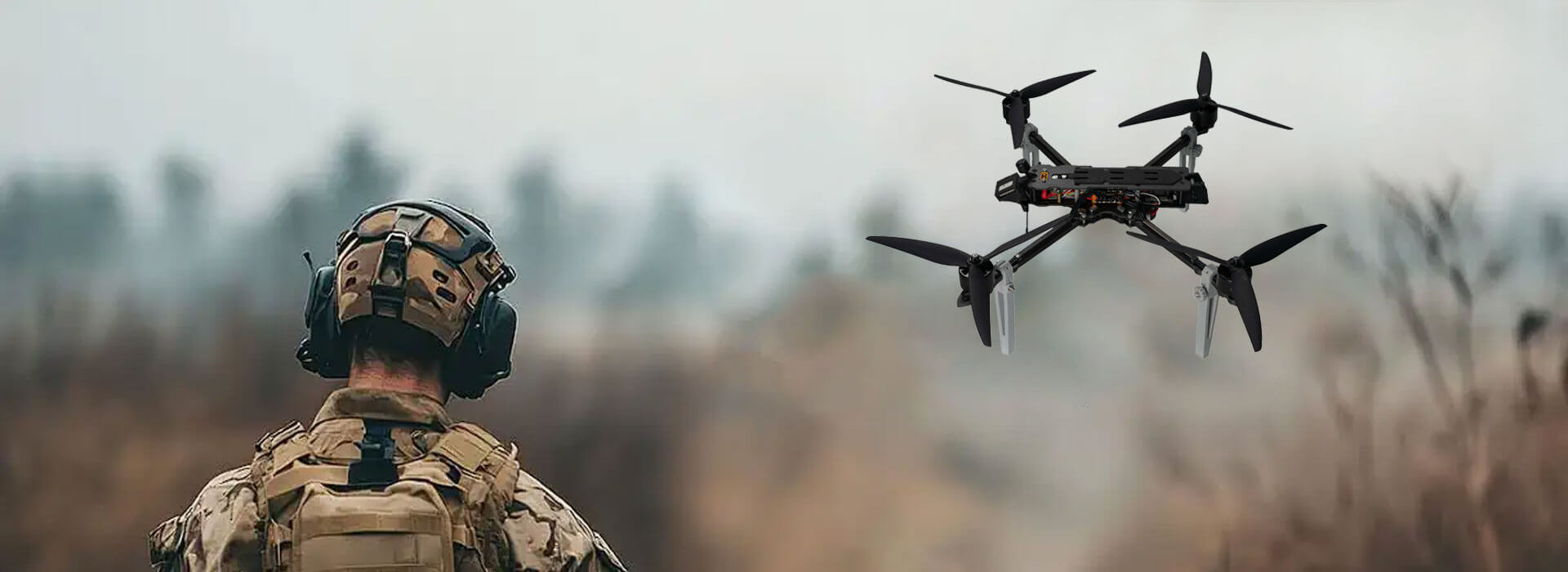
A designer preparing a printed report has already selected a still from a civilian FPV recording. The page offers an eight-inch-wide space; the supplied image contains 1920 × 1080 pixels. Should it fill that space, sit smaller, or accompany a detail inset?
The dimensions and page below form a worked example, not a camera specification or an actual print test. Start your own calculation with the exported file's pixel dimensions, not the playback window or the drone's advertised video label.
Printed width in inches = pixel width ÷ PPI.
PPI means pixels per inch. Use the same relationship for height and retain the image's proportions.
Give the complete frame a modest space
1920 ÷ 300 = 6.4 in1080 ÷ 300 = 3.6 in
At an assumed job target of 300 PPI, the complete frame occupies 6.4 × 3.6 inches without adding pixels. This is a placement calculation, not a promise that compressed lettering or a blurred edge will print clearly.
Adobe's print-dimensions instructions explain how turning off Resample preserves the pixel dimensions while changing print size or resolution. Confirm the printer's requirements; 300 is the example's working target, not a universal pass mark.
Price the wider placement in pixels
1920 ÷ 8 = 240 PPI1080 ÷ 4.5 = 240 PPI
Filling an 8 × 4.5 inch space spreads the same frame more thinly. If the job genuinely requires 300 PPI there, it needs 2400 × 1350 pixels. Merely changing the resolution tag to 300 cannot keep both that physical size and the original pixel count.
Upsampling would increase the file's pixel dimensions. Adobe's pixel-dimension guidance distinguishes this resampling operation from the size-only change. Added pixels are not newly captured evidence. For a report image, prefer a smaller placement or a suitable higher-resolution existing source when the wider version fails the required detail check.
Use a crop as an inset, not an unlimited enlargement
960 × 540 pixels → 3.2 × 1.8 in at 300 PPIA crop retaining half the original width and height contains only one quarter of its pixels. Stretching this crop to 6.4 × 3.6 inches gives 150 PPI, not 300. Cropping isolates the subject; it does not increase its recorded detail.
For the example report, try a four-inch-wide complete view beside a 3.2-inch-wide inset. The complete view then has 480 PPI; the inset has 300. The inset presents its selected feature 1.6 times larger on paper than it appears in the four-inch overview, while the overview preserves context.
One possible report image block
4 × 2.25 in · 480 PPI
3.2 × 1.8 in · 300 PPI
Proof the report page at its final size
Print a proof without an unintended fit-to-page reduction or enlargement. Check the feature the report discusses, not just whether the page looks attractive. Keep report captions as document text rather than baking tiny lettering into the frame.
If an essential mark is still unreadable, reduce the claim or replace the illustration with an adequate existing source. A larger number in an image dialog is not a substitute for information the recording never contained.


 Tel: +86-13959965075
 Email: info@fpvdroneskit.com
 MP/WhatsApp: +86-13959965075
 Manufacturer Address:Quanzhou Valley Nanan Science and Technology Innovation Center, No. 89 Shijing Avenue, Shijing Town, Nanan City, Fujian Province


