| Price | On request |
|---|---|
| Model | MK15 Enterprise |
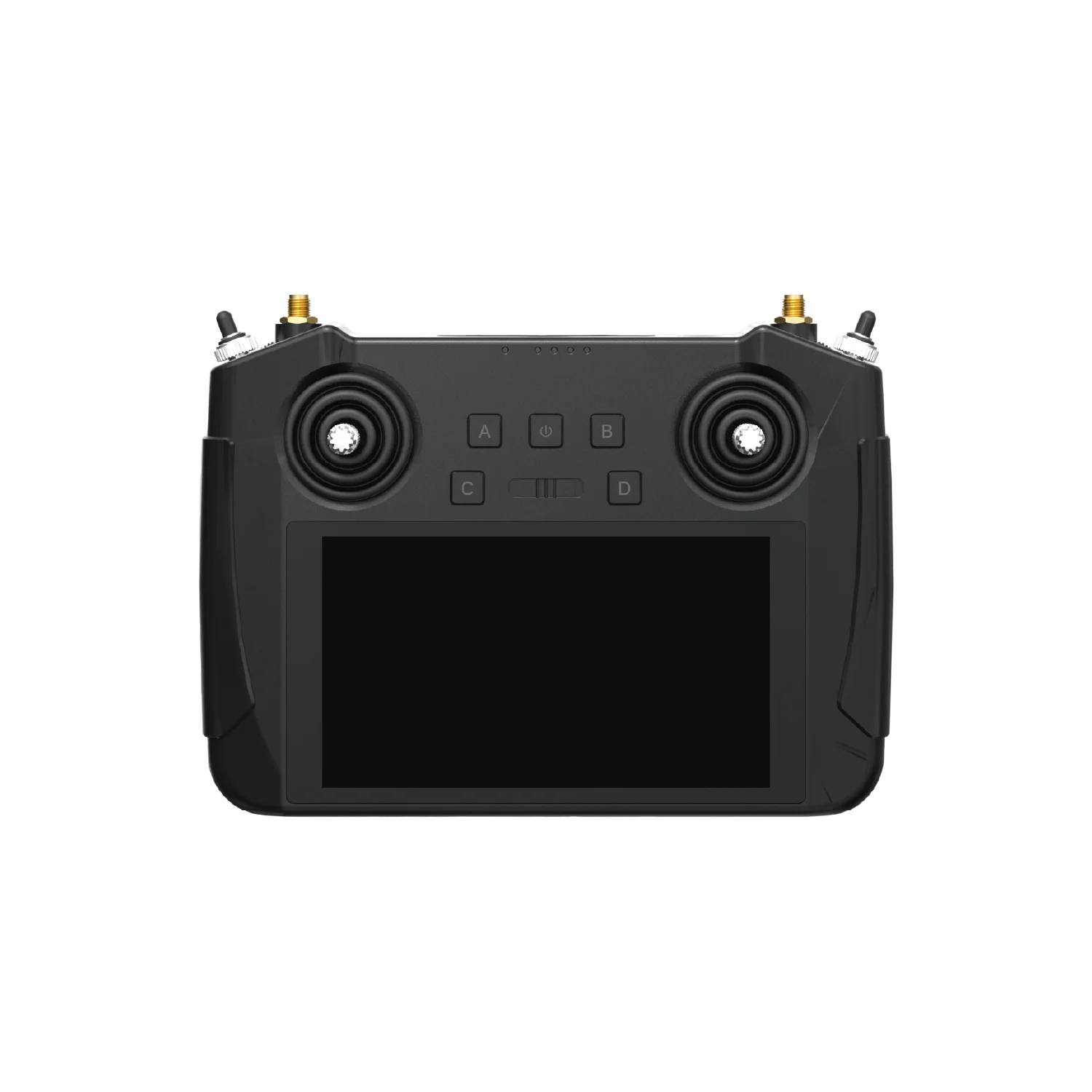
| Display | 5.5-inch, 1080p touchscreen |
| Operating system | Android 9 |
| Handheld battery | 10200 mAh, nominal7.4 V, 75.48 Wh; handheld |
| Memory | 2 GB RAM |
| Storage | 16 GB ROM |
| Charging | PD 20W |
| Control channels | 13 physical channels; 16 communication channels |
| Ground-unit weight | 850 g including battery and antennas |
| Ground interfaces | Standard HDMI output on Enterprise ground unit |
| Air-unit interfaces | UART telemetry / S.Bus / PWM / Ethernet video-data |
SIYI MK15 Enterprise · Compact ground control station
SIYI MK15 Enterprise combines a 5.5-inch touchscreen, physical operator controls and an Android platform with a remote-control, video and telemetry link. It suits a civil UAV project that wants a compact handheld station and a defined equipment package for its camera and flight controller.
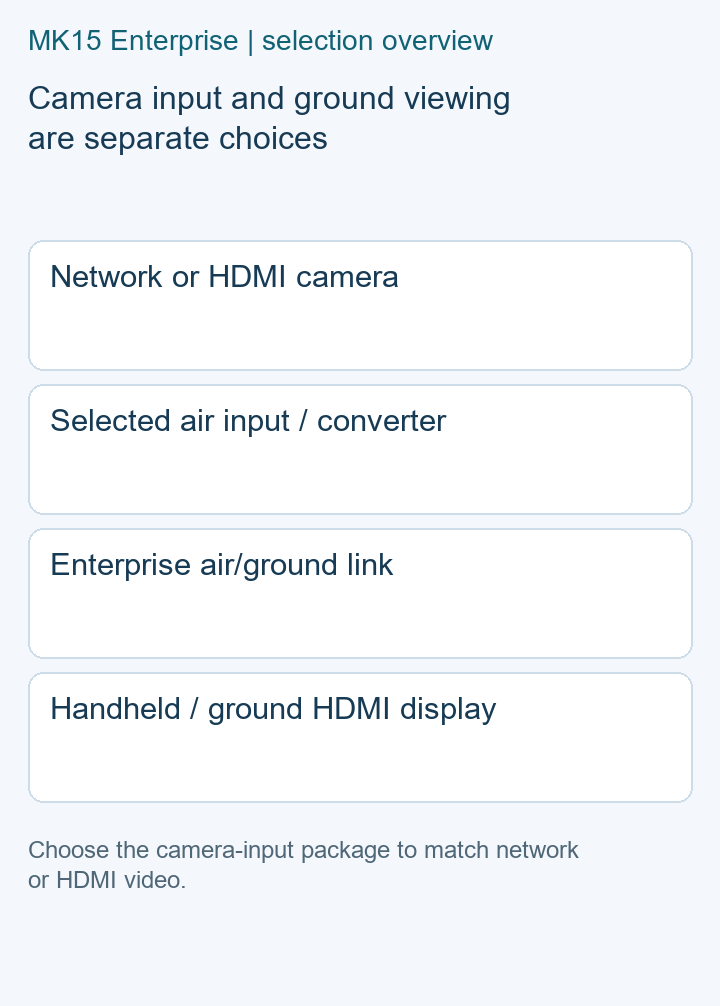
The Enterprise edition provides ground-side HDMI video output. The useful first choice is how the aircraft camera will enter the link: a network connection or an HDMI camera with the appropriate air-side input converter.
Start with the Enterprise handheld station, the selected air unit and the camera's network-video connection. Include the flight-controller telemetry cable, S.Bus/PWM requirements and the equipment that will receive the picture on the ground.
For an HDMI camera, request the Enterprise HDMI combo with its air-unit HDMI input converter. Name the camera and its output mode when asking for the package, along with the ground display or viewing application you plan to use.
The air unit carries the connections to the aircraft equipment: UART telemetry, S.Bus, PWM and Ethernet video/data. Keep its power input and any power module separate from the handheld battery specification. Include the selected air-unit version and power arrangement in the equipment list.
Describe the application and flight controller you use so the telemetry harness and software choice can be discussed together. Camera control, live viewing and aircraft control each need a clear place in that setup.
Send FD the camera model/output, flight controller, GCS application and intended working area. Request the Enterprise ground unit, paired air unit, antenna set, charger, power module and connection cables as an itemized package. Add the HDMI input converter where needed, plus quantity and delivery country.
Enterprise. It has ground-side HDMI output and is the edition to name when requesting a civil UAV control-and-video package.
They serve different ends of the system. The Enterprise HDMI combo adds an input converter at the air unit for the camera connection.
Use the selected air-unit and power-module specifications on the equipment list. The handheld's 7.4 V battery rating is a separate item.
Give the working area, viewing distance and likely obstructions. Antennas and operating conditions form part of selecting the link for that project.
Manufacturer references: SIYI Enterprise specifications and MK15 manual downloads.
| Display | 5.5-inch, 1080p touchscreen |
|---|---|
| Os | Android 9 |
| Memory | 2 GB RAM |
| Storage | 16 GB ROM |
| Battery | 10200 mAh, nominal7.4 V, 75.48 Wh; handheld |
| Charging | PD 20W |
| Video Output | Standard HDMI output on Enterprise ground unit |
| Control Channels | 13 physical channels; 16 communication channels |
| Air Interfaces | UART telemetry / S.Bus / PWM / Ethernet video-data |
| Ground Weight | 850 g including battery and antennas |
Specify the SIYI MK15 Enterprise station with a 5.5-inch screen and Android 9. Choose a network or HDMI camera package with the right air unit and cables....
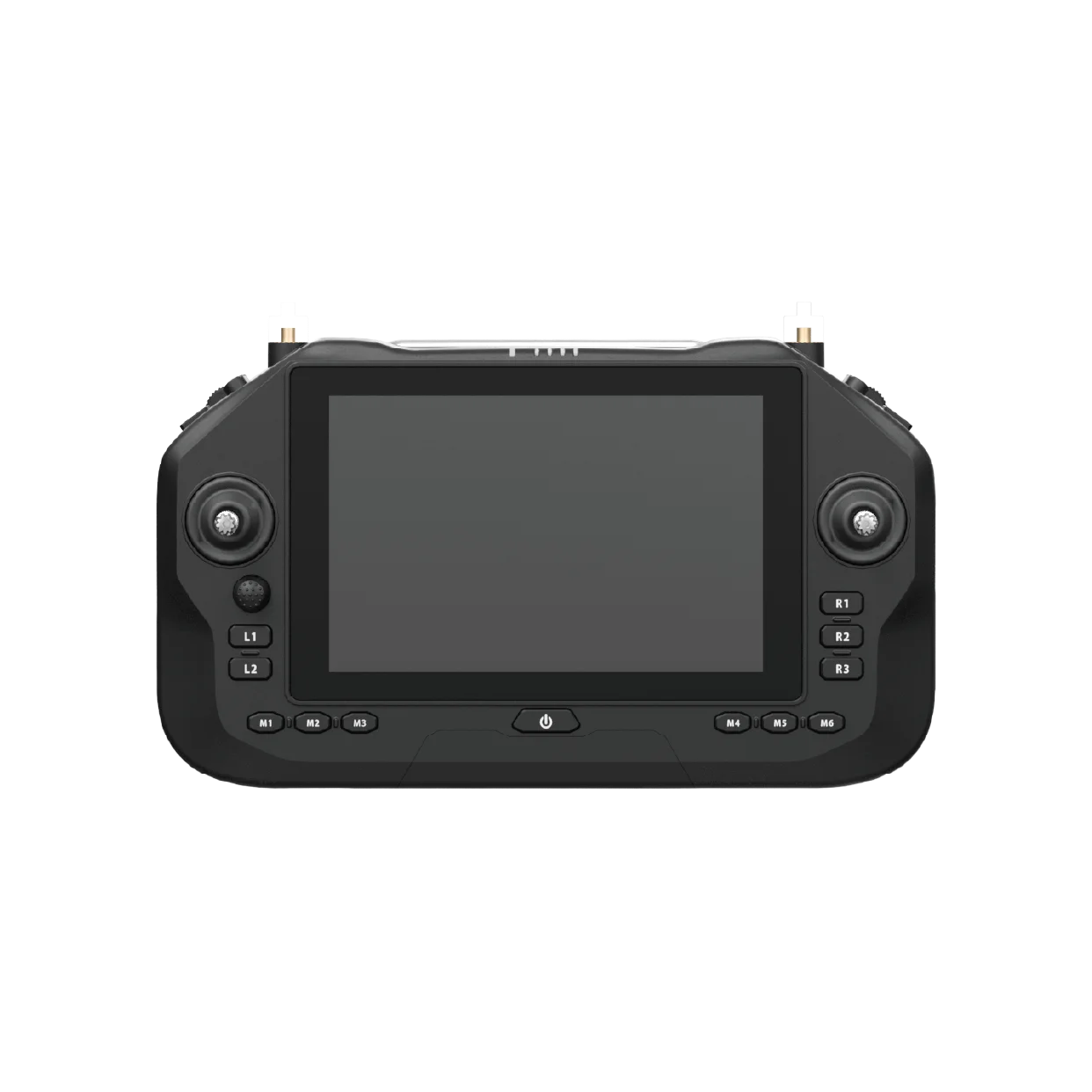
Choose the SIYI UniRC 7 Pro controller with a 7-inch display, Android 13, ground HDMI and paired air unit. Specify camera connections and the complete kit....

 Tel: +86-13959965075
 Email: info@fpvdroneskit.com
 MP/WhatsApp: +86-13959965075
 Manufacturer Address:Quanzhou Valley Nanan Science and Technology Innovation Center, No. 89 Shijing Avenue, Shijing Town, Nanan City, Fujian Province



