| Price | On request |
|---|---|
| Model | G20 |
| Display | 7-inch industrial touchscreen; 1920 × 1200 |
| Operating system | Android 13; Qualcomm 6 nm processor |
| Handheld battery | 20,000 mAh; manufacturer-listed 6–8 hours |
| Memory | 4 GB |
| Storage | 64 GB |
| Charging | Type-C |
| Control channels | 16 |
| Ground-unit weight | 1.2 kg |
| Ground interfaces | USB, SIM slot and Type-C |
| Air-unit interfaces | GR01: network, data/serial, SBUS and 3 PWM; G12 RX: network, data/serial, SBUS and 2 PWM |
Android 13 drone controller
The Skydroid G20 combines a built-in 7-inch touchscreen with physical flight controls and an Android 13 platform. Consider it for civil drone survey, mapping and inspection projects that need an integrated field interface. The important choice is how your application, flight controller and camera connect through the selected airborne receiver, rather than whether a controller simply has a screen.
| Your priority | G20 feature to consider | Selection question |
|---|---|---|
| View a map and inspect telemetry | 7-inch, 1920 × 1200 touch display | Are critical labels readable in your chosen app layout? |
| Use a current Android workflow | Android 13 with a Qualcomm 6 nm processor | Does your app support the supplied firmware and required services? |
| Handle camera and aircraft functions | 16 control channels plus programmable controls | Which functions need physical buttons rather than touch controls? |
| Stay at the worksite between flights | 20,000 mAh battery; listed 6–8 hours | How much continuous screen and video use will the shift involve? |
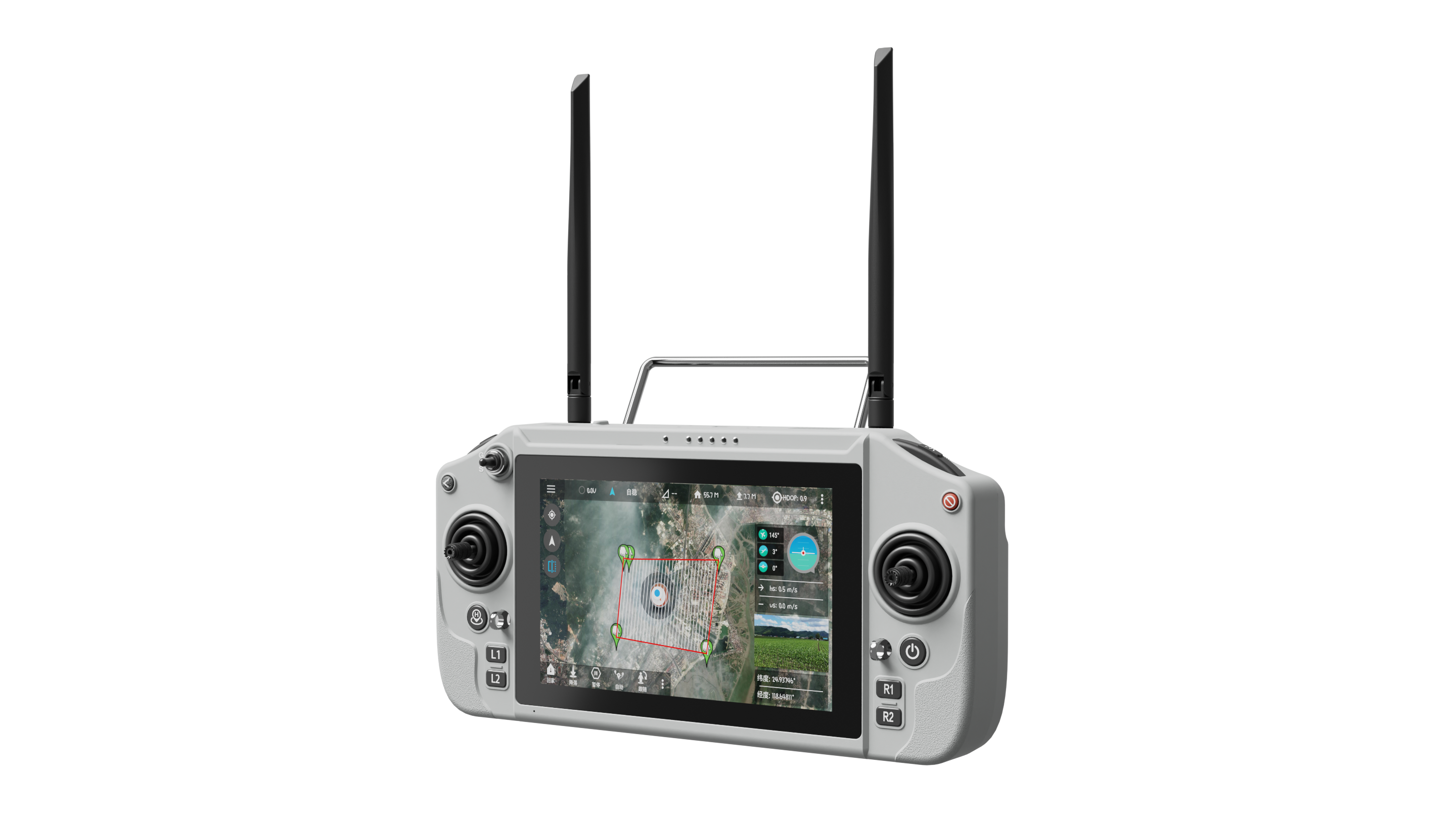
The G20 provides 4 GB RAM and 64 GB internal storage. Android applications can use that platform, but an operating-system number alone does not establish support for a particular mapping workflow. Supply the app name and version, the telemetry connection it expects and any external account or service requirements. That makes an app check more useful than a broad claim that all drone software will run.
The official manual describes GR01 and G12 RX receiver options. Their power connections and physical forms differ, so they should be selected as named parts. A cable or supply arrangement intended for one receiver must not be assumed to fit the other. Ask for the receiver identity, revision and harness before finalising the aircraft installation.
This separation is helpful when replacing an older tablet-and-radio arrangement. List the functions that currently work, then check their equivalents on the G20. It prevents a quotation from covering the handheld unit while leaving an essential telemetry cable or camera interface unresolved.
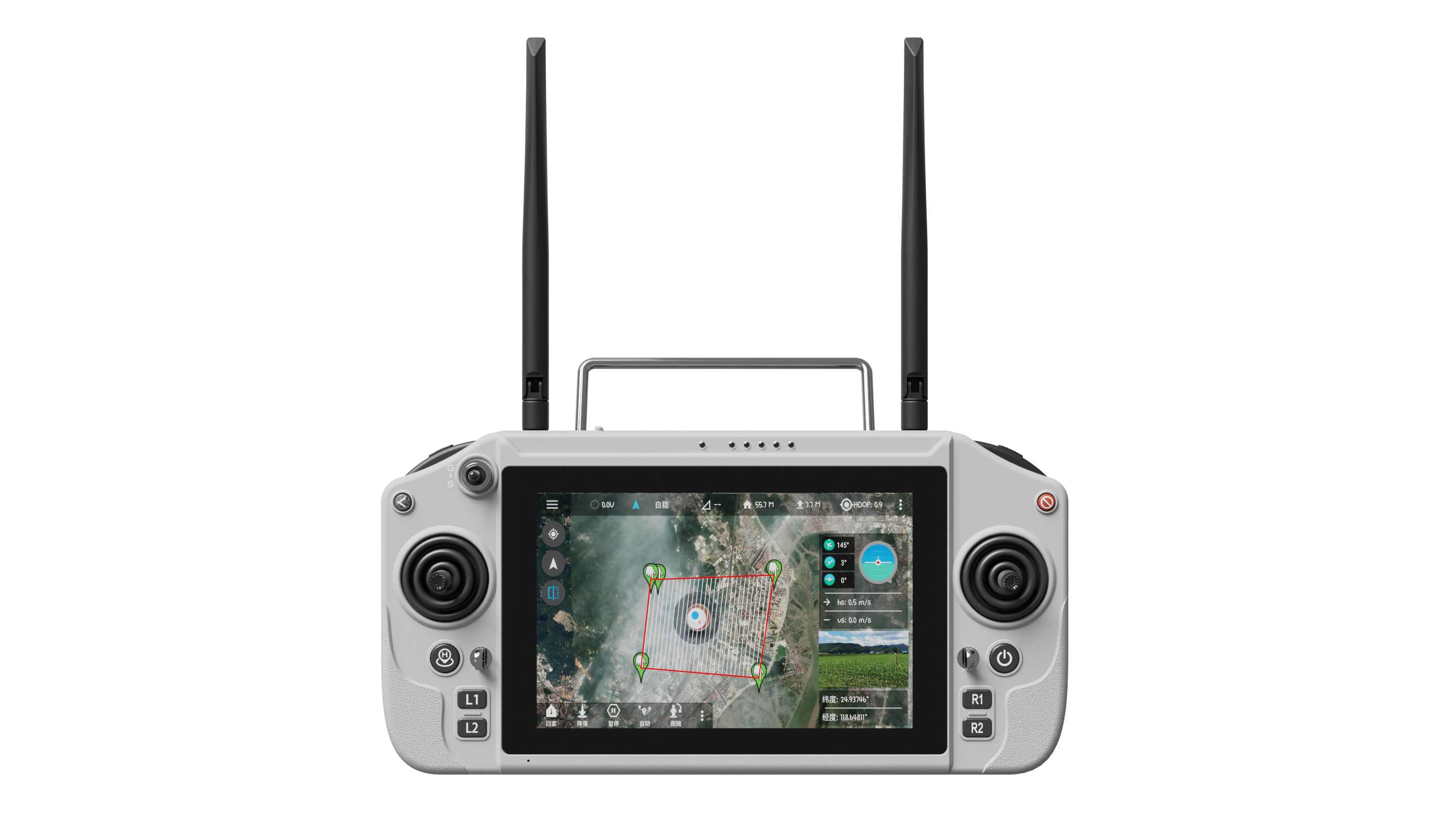
The G20 ground unit is listed at 1.2 kg with a 277 × 138 × 96 mm body. Dual fans are part of its cooling design, and Type-C is the charging interface. Allow for comfortable holding, unobstructed ventilation and charging time between shifts. Manufacturer endurance figures are comparison references, not measured results for your particular screen brightness and video load.
No camera is implied by the controller name. Ask for an itemised package showing the ground unit, chosen receiver, antennas, charger and any separately selected camera.
The SIM interface supports the controller's network functions. It should not be confused with the dedicated air-to-ground link, which depends on the receiver and supported wireless configuration.
Provide its exact model, firmware and communication interfaces. The manufacturer documents ground-station workflows, but the required protocol and cable must be matched to the aircraft.
Send the UAV type, flight controller, camera interface and intended software. Add the physical controls you need during an inspection, and FD can specify the relevant receiver and connection accessories alongside the controller.
| Display | 7-inch industrial touchscreen; 1920 × 1200 |
|---|---|
| Operating system | Android 13; Qualcomm 6 nm processor |
| Ground battery | 20,000 mAh; manufacturer-listed 6–8 hours |
| RAM | 4 GB |
| Storage | 64 GB |
| Charging | Type-C |
| Control channels | 16 |
| Ground unit weight | 1.2 kg |
| Ground interfaces | USB, SIM slot and Type-C |
| Receiver interfaces | GR01: network, data/serial, SBUS and 3 PWM; G12 RX: network, data/serial, SBUS and 2 PWM |
Review the Skydroid G16 UAV ground controller: 7-inch Android 13 display, 16 channels and listed 9–10-hour battery operation, with receiver choices....
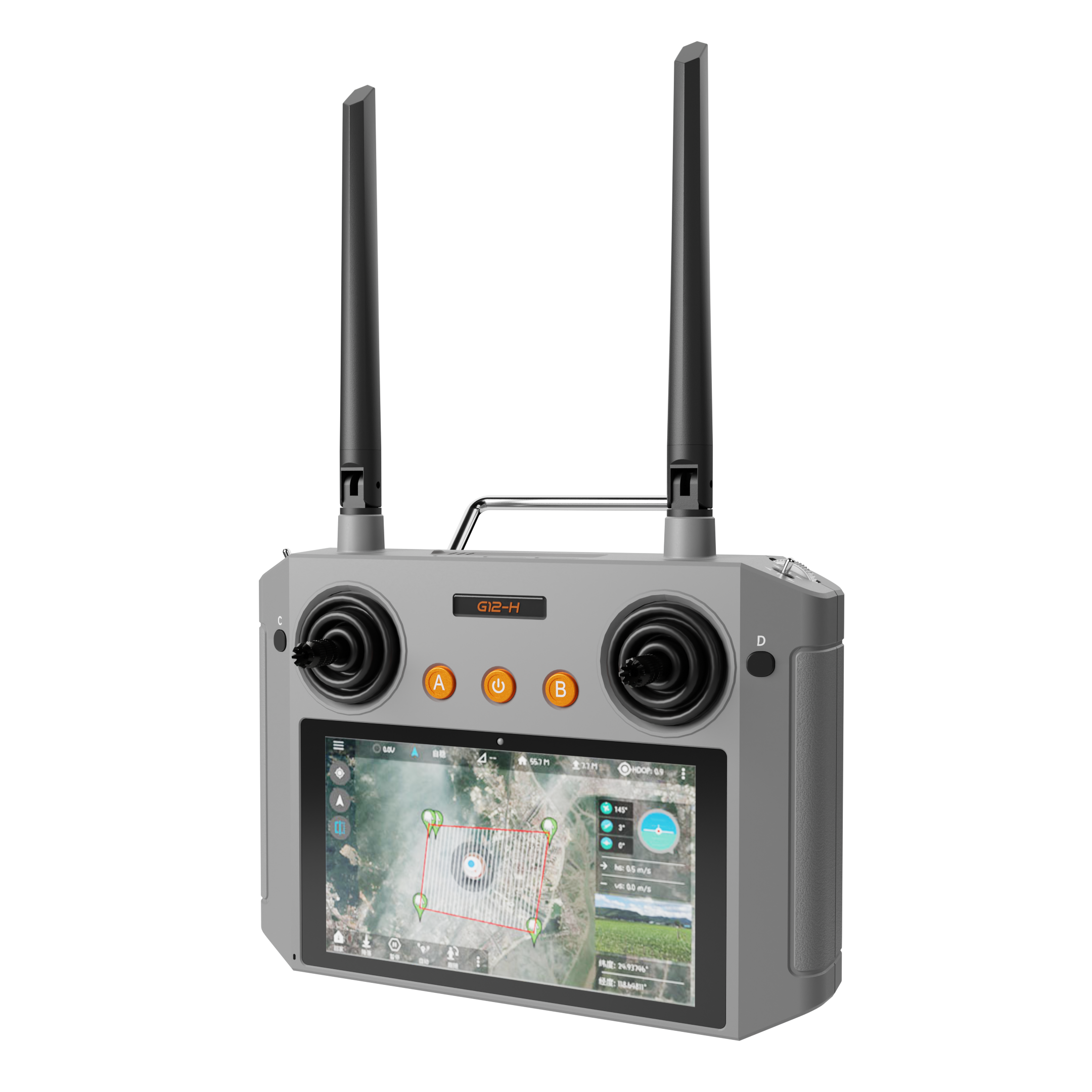
Explore the Skydroid G12-H compact drone controller with a 5.5-inch Android 13 screen, 12 channels and receiver options for a focused UAV workflow....
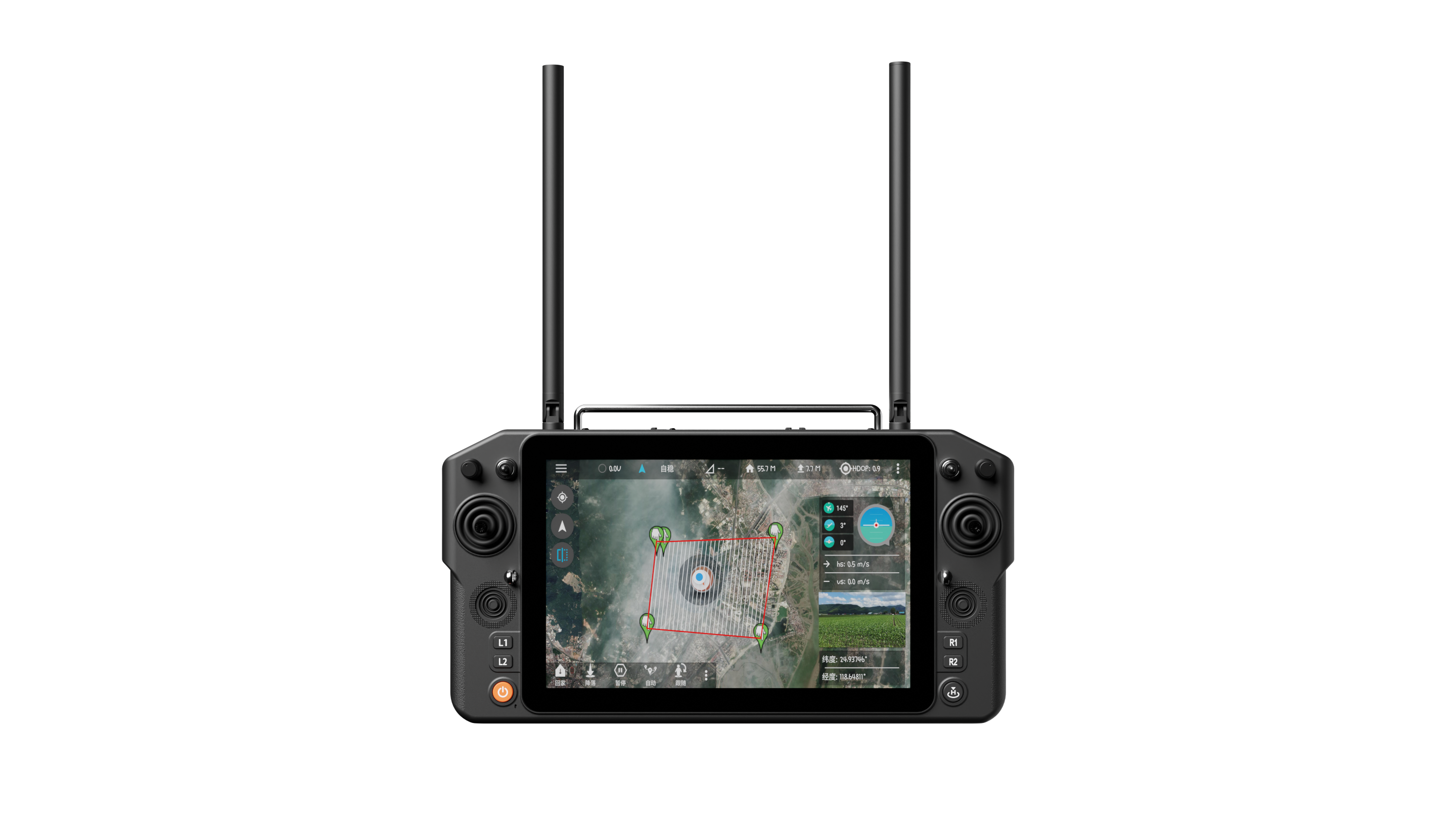
Explore the Skydroid H30 UAV ground station with a 10.1-inch screen, Android 9 and separate gimbal controls. Specify the receiver and camera connections....
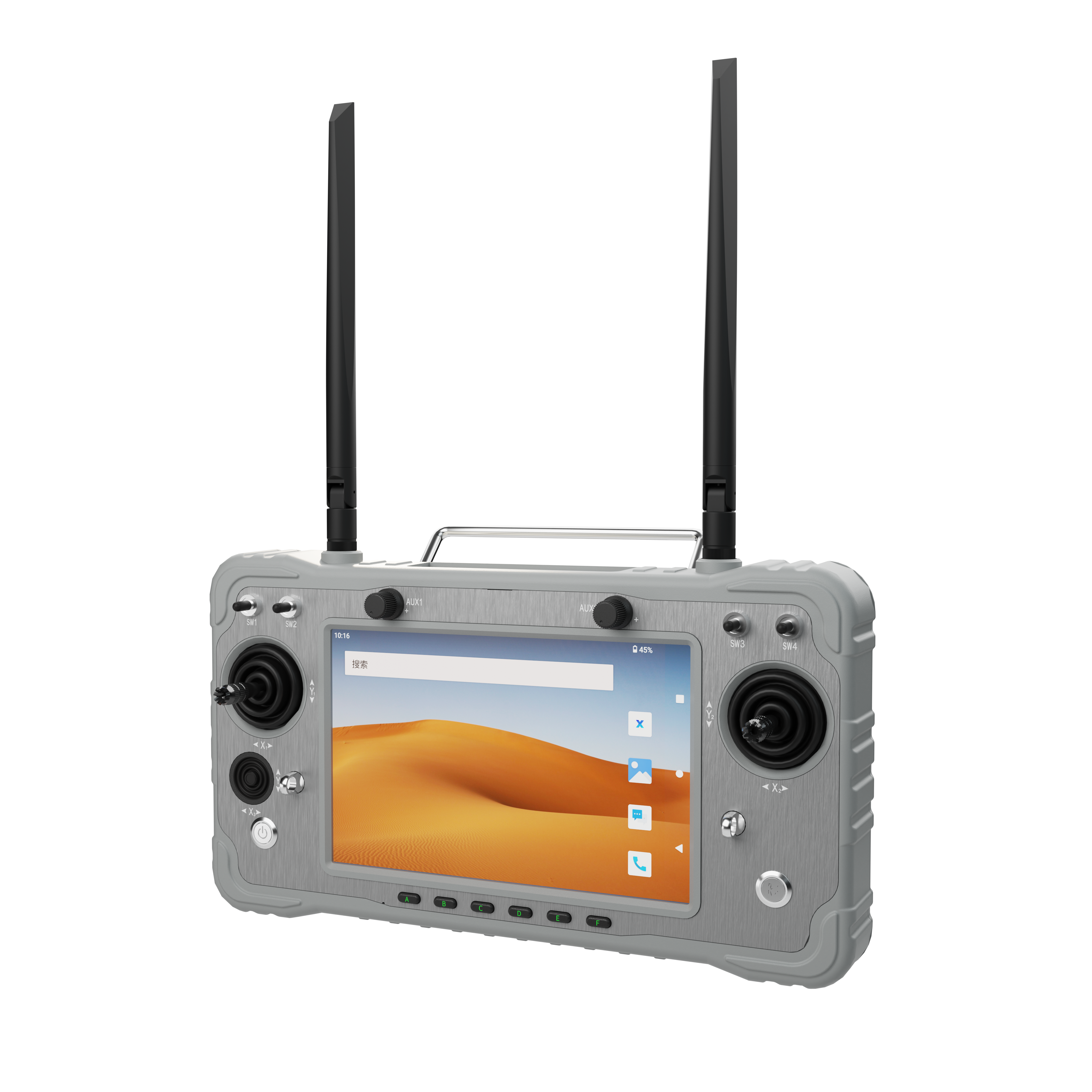
Choose a Skydroid G20 drone controller for a 7-inch Android 13 workflow. Compare controls, receiver choices and camera connections for UAV projects....

 Tel: +86-13959965075
 Email: info@fpvdroneskit.com
 MP/WhatsApp: +86-13959965075
 Manufacturer Address:Quanzhou Valley Nanan Science and Technology Innovation Center, No. 89 Shijing Avenue, Shijing Town, Nanan City, Fujian Province



