Author:Military Drone Manufacturer TIME:2026-11-02
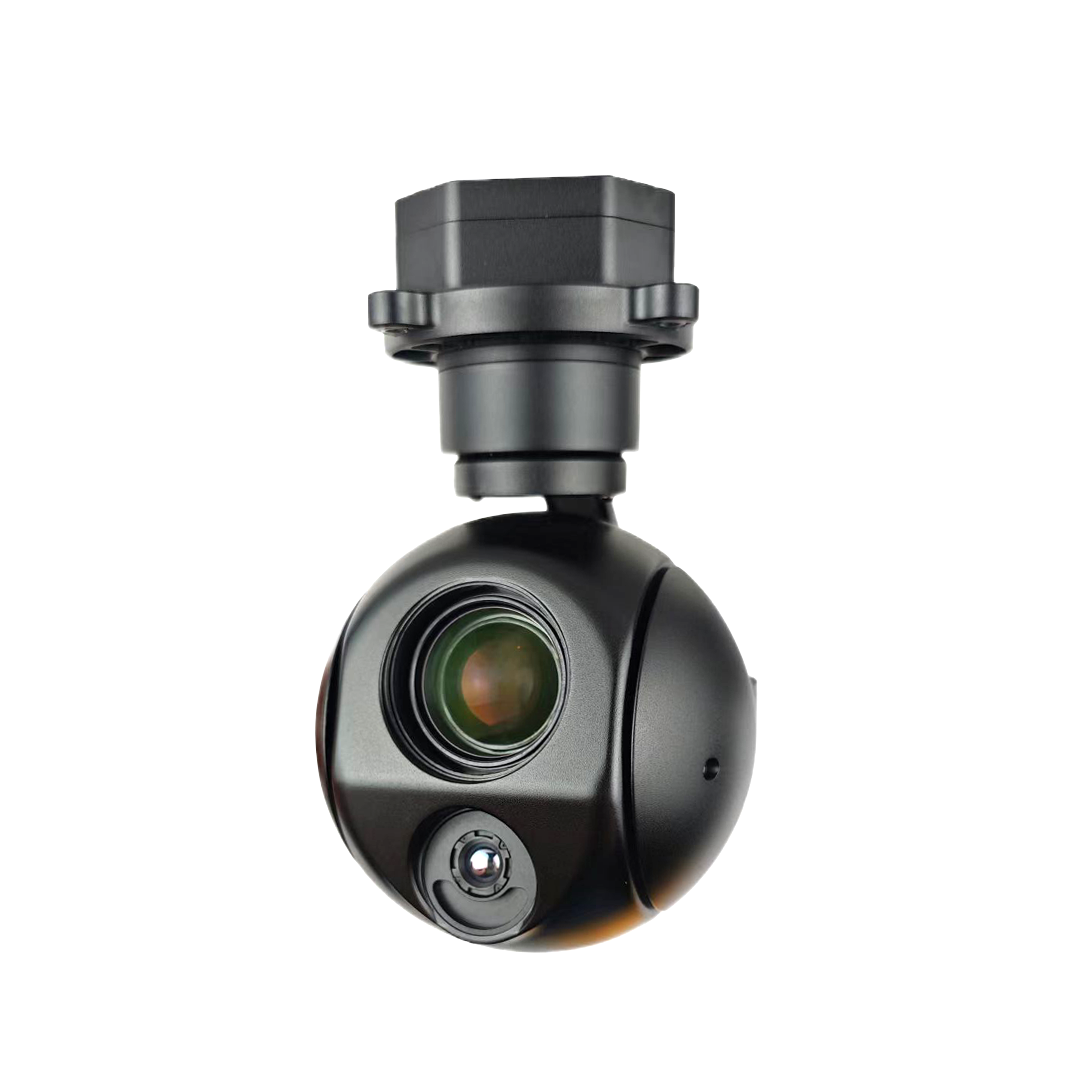
Gremsy ZIO can save a 4K video file without sending a 4K picture through its live outputs. Its official documentation lists local video at 3840 × 2160 and 30 fps. The current product page specifies HDMI at 1920 × 1080 and 60 fps, and Ethernet RTSP at 1280 × 720 and 30 fps. Choose the path according to where the image must be useful: in the saved inspection file, on a directly connected display, or in a network viewing application. A quotation that says only “4K drone camera” leaves that buying decision unresolved. Request a sample from the endpoint you actually intend to use.
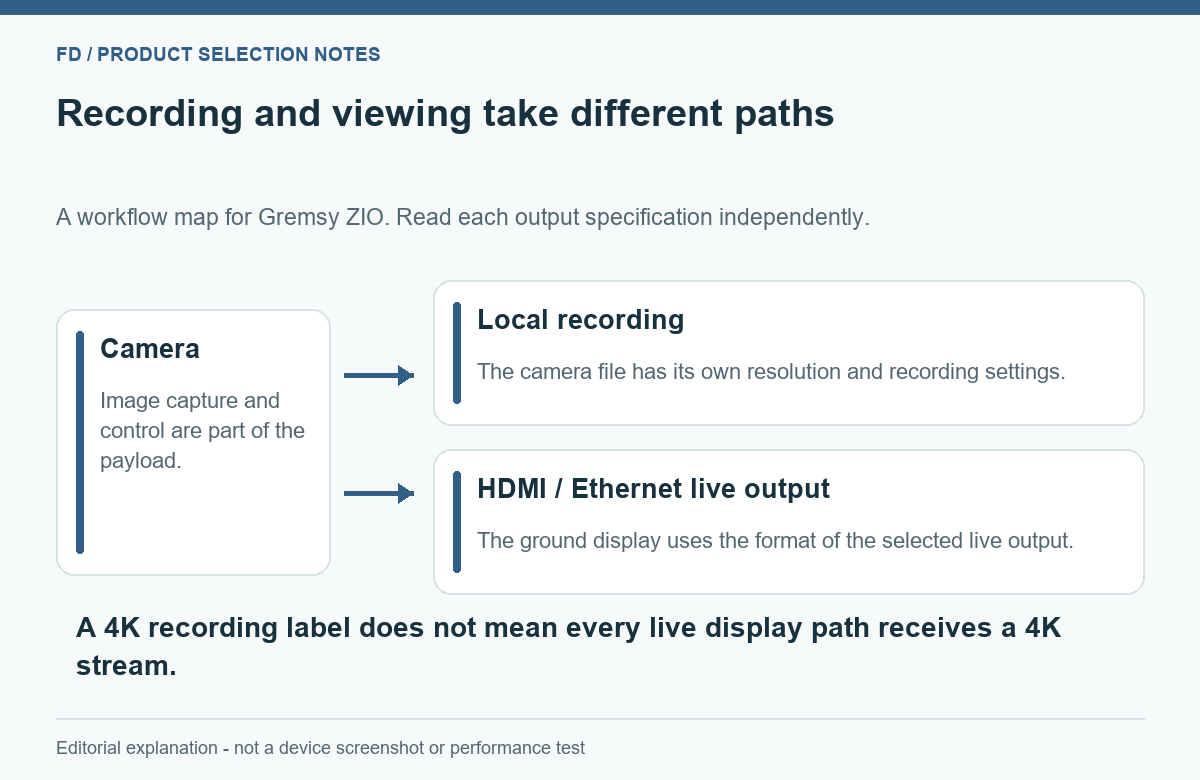
Three people can request a “high-resolution UAV camera” and mean three different things. One wants a detailed saved file for an office reviewer. Another needs a clear live picture on a monitor. A third must bring network video into an existing application. ZIO's published paths offer different formats for those tasks, so it is worth deciding which result will determine acceptance.
| Image destination | Published ZIO format | Best question before purchase |
|---|---|---|
| Onboard saved video | 3840 × 2160 at 30 fps; MP4 | Does the original saved clip contain the detail the reviewer needs? |
| HDMI output | 1920 × 1080 at 60 fps | Can the intended receiving device accept and display this input? |
| Ethernet network view | RTSP 1280 × 720 at 30 fps | Does the actual receiving application show the needed detail reliably? |
The table is a selection aid, not a guarantee that three paths have identical crops, overlays or simultaneous behavior in every delivered firmware version. If simultaneous recording and viewing are required, include that combination in the sample demonstration rather than assuming it from separate entries.
The onboard file can be the main inspection deliverable when detailed review happens after the flight. At 3840 × 2160, a frame contains 8,294,400 pixel positions. That is four times the count in a 1920 × 1080 frame, though it is not a claim of four times the usable detail. Lens focus, exposure, motion, encoding and the size of the feature in the scene still matter.
A practical request is a short original MP4 clip from the intended recording mode. Ask to see it without social-media recompression or a presentation slide around it. The reviewer should be able to inspect both the complete frame and the relevant feature at an appropriate display size. An attractive web preview cannot establish what is present in the original file.
Think about retrieval as part of the purchase. The camera documentation identifies microSD storage, but the delivered card, supported media requirements and chosen recording mode should match the actual package. Do not promise a particular recording duration without the applicable bitrate, card capacity and usable-space assumptions. A large-resolution setting is only valuable when the resulting file is accessible and useful to the customer's process.
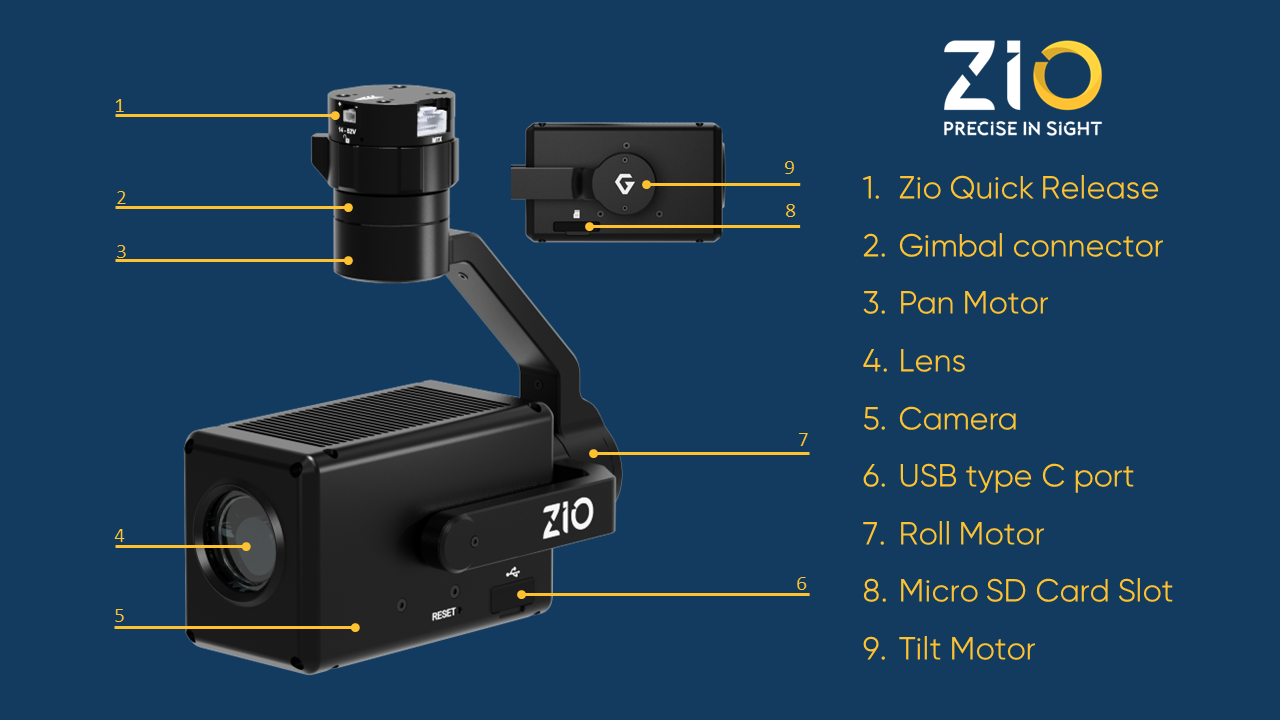
The HDMI entry describes a 1080p picture at 60 frames per second. That can be useful when the next device expects HDMI, but the connector is only the beginning of the path. The receiving device must accept the format, and any further encoder or transmitter has its own input and output behavior. A 4K-capable monitor does not make the source output 4K.
Frame rate also needs a careful reading. Sixty frames per second describes how many frames the source format carries each second. It does not establish the end-to-end delay between an event and the picture displayed to the operator. Devices can buffer, encode and decode video; a frame-rate specification by itself cannot prove low latency.
For a quotation, name the HDMI receiving device and the result expected on its screen or recording input. Ask for the actual connection to be demonstrated with the delivered configuration. If an adapter or additional video component is proposed, identify what it changes. Avoid assuming that two devices will work together merely because both product pages mention HDMI.
For Ethernet viewing, the current Gremsy product page explicitly lists an RTSP stream at 1280 × 720 and 30 fps. The general documentation contains a conflicting shorthand label, “720p60,” beside a numerical 30 fps entry. This article uses the current product page's explicit 30 fps value rather than combining the two into an invented capability.
A 720p stream can serve an operator preview while a higher-resolution file remains onboard. Whether it is adequate depends on the observation required on the live screen. A reviewer who only needs to recognize a building section has a different requirement from someone who must read a small marking immediately. If the live picture is the acceptance criterion, request that received picture as the sample.
Network video also needs the intended application and transport path. ZIO's documentation describes Ethernet streaming and control with suitable firmware, and its product page mentions QGroundControl. That is useful product information, but it does not certify every laptop, controller, network device or software build. Check the proposed combination without turning the article into an installation recipe or a promise of universal compatibility.
Build the comparison around the same scene, lens setting and observation. Use an original onboard clip for the recording requirement and an identified received sample for the live requirement. Keep the two files separate. A screen recording of a network player is evidence of what that player displayed, not a substitute for the camera's original saved clip.
Display size can otherwise hide the distinction. A 720p image enlarged to fill a 4K monitor is still derived from the received 720p picture. Conversely, a local 4K file shown in a small browser window may not reveal its additional information. Review the whole scene for context and the relevant region at a sensible scale, avoiding automatic assumptions based on how large a window appears.
Include a scene with the kind of surface the customer actually examines. Fine repetitive lines, moving foliage, reflective panels and low-contrast markings can stress a video path differently. Such a sample is more helpful than a generic scenic clip, but it should not be presented as a controlled test unless the conditions were actually controlled and documented.
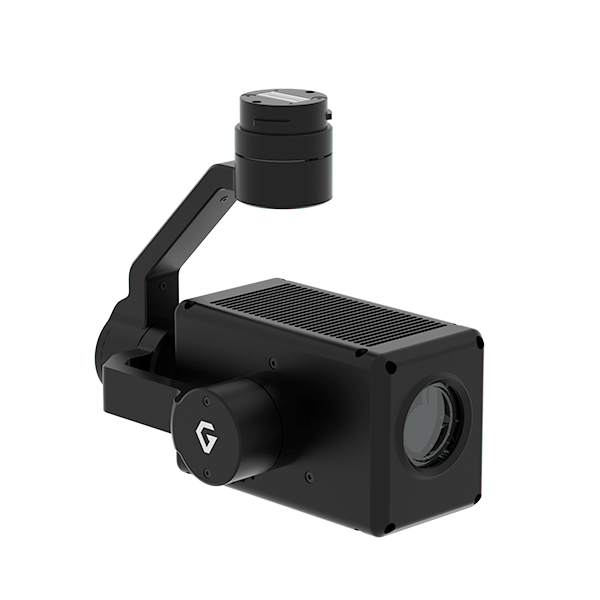
Make the original local recording the primary deliverable. Evaluate whether the required visible feature is clear in that file, then judge the live preview separately as an aid to observation. This avoids rejecting a useful archive because a preview was viewed at a different resolution.
Begin with acceptance of the documented 1080p60 input. Confirm the complete route to the intended screen. Do not buy on the assumption that the word 4K upgrades an established HDMI receiver or recorder.
For a network-based ground station, begin with the actual RTSP view in the receiving software. If a small feature must be read live, assess that feature in the received stream rather than relying on a sharper onboard clip. Where both immediate viewing and a detailed archive matter, state both requirements and ask for a demonstration of that combined use.
ZIO is a visible-light zoom payload, not a thermal imager. Its 20x optical zoom is separate from the manufacturer's 30x Super Resolution description. Neither a higher zoom setting nor a different stream path adds thermal sensing. A request for visible and thermal comparison needs a different product configuration.
A focused enquiry names the aircraft, the planned video destination and the file the customer must receive. Add the actual viewing or recording device when it already exists. Ask which connectors, cables and interface components are included, and which firmware combination is being offered. These questions help turn a camera-only price into a package that can be assessed.
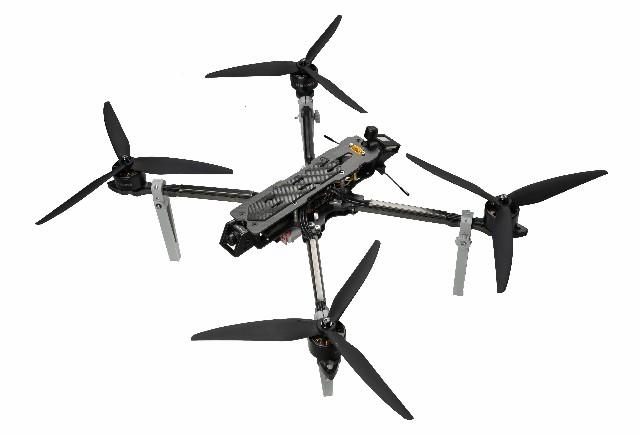
Gremsy lists MAVLink support and documented autopilot integration, but that does not establish automatic compatibility with every aircraft. Mechanical mounting, power and control need their own fit checks. To discuss the camera and its published image paths, see the Gremsy ZIO configuration available through FD and describe the endpoint that matters most.
The saved recording and the transmitted preview are different outputs. They can be designed around different resolution, frame-rate and data requirements. The camera's recording capability does not automatically describe every output path.
No. It introduces another component with its own supported formats and processing. Evaluate the complete proposed path. A converter name alone does not prove the resolution, delay or detail seen at the endpoint.
No. Frame spacing and overall system delay are different quantities. An end-to-end latency claim needs a measurement of the identified configuration, not a calculation based only on the source frame rate.
Not necessarily. Screenshots can include display scaling, overlays or a smaller player frame. Request the original recording when the purpose is to judge the saved image, and identify screenshots as display examples.
No. It interprets published manufacturer formats to help specify a purchase. No flight, receiver compatibility, frame-delay or stabilization test has been performed for this article.
Source basis: Gremsy ZIO current product page and official general documentation, plus the FD model listing, checked 20 October 2026. The current product page's explicit RTSP 720p30 entry is used where the general-documentation shorthand conflicts.

 Tel: +86-13959965075
 Email: info@fpvdroneskit.com
 MP/WhatsApp: +86-13959965075
 Manufacturer Address:Quanzhou Valley Nanan Science and Technology Innovation Center, No. 89 Shijing Avenue, Shijing Town, Nanan City, Fujian Province